


Dedicated Media Keys for Streamers: Improve Workflow Fast
Dedicated media keys give streamers one-touch control to mute, switch scenes, clip highlights, and adjust audio — cutting task time and boosting consistency 🎛️⚡
Read moreFinding the best mini pc for office work can be tough. 🤔 Skip the endless research! This quick quiz analyzes your needs for power, ports, and budget to reveal the perfect compact PC for your workspace. Answer a few questions and get your personalized recommendation now! 🚀
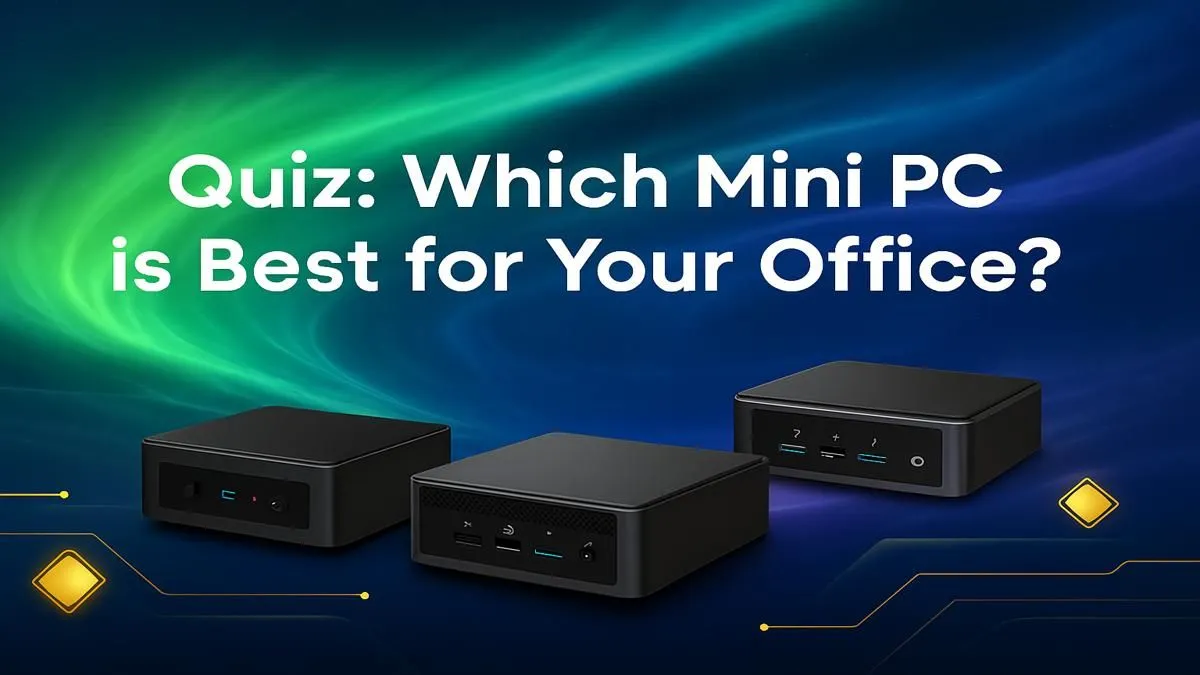
Tired of that bulky, noisy tower hogging all your desk space? We get it. In the modern South African office—whether at home or in Sandton—clutter kills productivity. But what if you could get all the power you need in a box smaller than your lunch container? ✨ Enter the Mini PC. These compact powerhouses are revolutionising workspaces, but finding the best mini PC for office use can be tricky.
Let’s skip the guesswork. Take our quick quiz to find your perfect match.
The heart of any PC is its processor, and the best mini PC for your office depends entirely on your workload. Are you crunching numbers, designing graphics, or just smashing through emails?
All Mini PCs are small, but they aren't all the same size. Your choice here is a balance between a minimalist setup and the number of devices you need to plug in.
Think about your peripherals. How many monitors do you use? Do you need multiple USB ports for a keyboard, mouse, webcam, and external drives?
Most ultra-compact models, like the popular Intel NUC style, offer a great mix of HDMI, DisplayPort, and USB-C/Thunderbolt ports. This allows for slick dual-monitor setups. If you need even more connectivity, slightly larger models offer more ports without creating a massive footprint.
Many Mini PCs are VESA compatible. This means you can mount the entire computer directly to the back of your monitor! It's the ultimate space-saving hack for a clean, cable-free desk. Just check for VESA support in the product specs before you buy.
Let's talk Randelas. A great office Mini PC doesn't have to cost a fortune. By matching the hardware to your actual needs, you get the best value for your money.
For a general idea, most professionals find their perfect fit in the mid-range. These machines offer incredible performance that will last for years. For example, you can find incredibly powerful options under R22,000 that can handle almost any business task you throw at them. If your needs are simpler, efficient models are available for much less, while creative powerhouses command a premium.
So, what's the verdict? By answering those three questions, you've built a profile for your ideal machine.
The "best" office Mini PC is the one that fits your workflow, space, and budget. It’s about getting the right tool for the job. Now that you know what to look for, you're ready to browse our curated selection of Mini PCs and find the one that ticks all your boxes. 🚀
Ready to Find Your Perfect Match? A Mini PC delivers incredible power, choice, and value in a tiny package. It's the smart choice for any modern South African workspace. Explore our incredible range of Mini PCs and find the perfect machine to conquer your workday.
Absolutely. Mini PCs are excellent for office work, offering powerful performance in a compact, energy-efficient package ideal for web browsing, documents, and spreadsheets.
For a mini PC for business use, prioritize at least 8GB RAM, a modern processor (Intel Core i5 or AMD Ryzen 5), sufficient ports, and optional VESA mount support.
For most office tasks, a modern mini PC can easily replace a traditional desktop. It saves significant space and energy without sacrificing necessary productivity performance.
8GB of RAM is a solid starting point for general office multitasking. If you use many apps simultaneously or large spreadsheets, consider 16GB for a smoother experience.
Yes, Intel NUCs (Next Unit of Computing) are a popular and reliable choice for offices. They are known for strong performance, a very compact design, and excellent connectivity.
The primary advantage is space efficiency. A small form factor pc for productivity frees up valuable desk real estate and consumes less power than a traditional desktop tower.
Dedicated media keys give streamers one-touch control to mute, switch scenes, clip highlights, and adjust audio — cutting task time and boosting consistency 🎛️⚡
Read more
PBT vs ABS keycaps: Clear, local guide for South African gamers—compare feel, sound, durability and where to buy. Find the best material for your budget and playstyle 🎮🇿🇦
Read more
- Multi-Function Digital Dial: define benefits - Show gamer setups and macros - Offer buying and setup tips Multi-Function Digital Dial puts programmable control at your fingertips for faster actions and smoother streaming. 🎮⚙️
Read more
- Explain benefits; - Show the science; - Compare options; - Recommend picks. Magnetic wrist rest for gaming cuts wrist strain and boosts comfort during long sessions 🕹️✨
Read more
best gaming keyboard South Africa: Learn how to pick a low-latency mechanical keyboard, choose switches, layout and budget for competitive play 🎮⚡
Read more
Best wireless keyboard and mouse combo for small desks — curated, space-saving picks that boost comfort and productivity in tight setups. Find low-profile layouts, compact mice, and reliable range to fit your compact workstation. 🖱️⌨️
Read more
Discover webcams that automatically adjust light and color for crystal-clear video calls 🎥✨. Boost your streaming quality today!
Read more
Discover webcams that blend into your workflow 🎯 Capture moments while you work, stream, or create. Upgrade your setup with smart, multitasking tech!
Read more Dedicated media keys give streamers one-touch control to mute, switch scenes, clip highlights, and adjust audio — cutting task time and boosting consistency 🎛️⚡
Read more PBT vs ABS keycaps: Clear, local guide for South African gamers—compare feel, sound, durability and where to buy. Find the best material for your budget and playstyle 🎮🇿🇦
Read more - Multi-Function Digital Dial: define benefits - Show gamer setups and macros - Offer buying and setup tips Multi-Function Digital Dial puts programmable control at your fingertips for faster actions and smoother streaming. 🎮⚙️
Read more - Explain benefits; - Show the science; - Compare options; - Recommend picks. Magnetic wrist rest for gaming cuts wrist strain and boosts comfort during long sessions 🕹️✨
Read more