

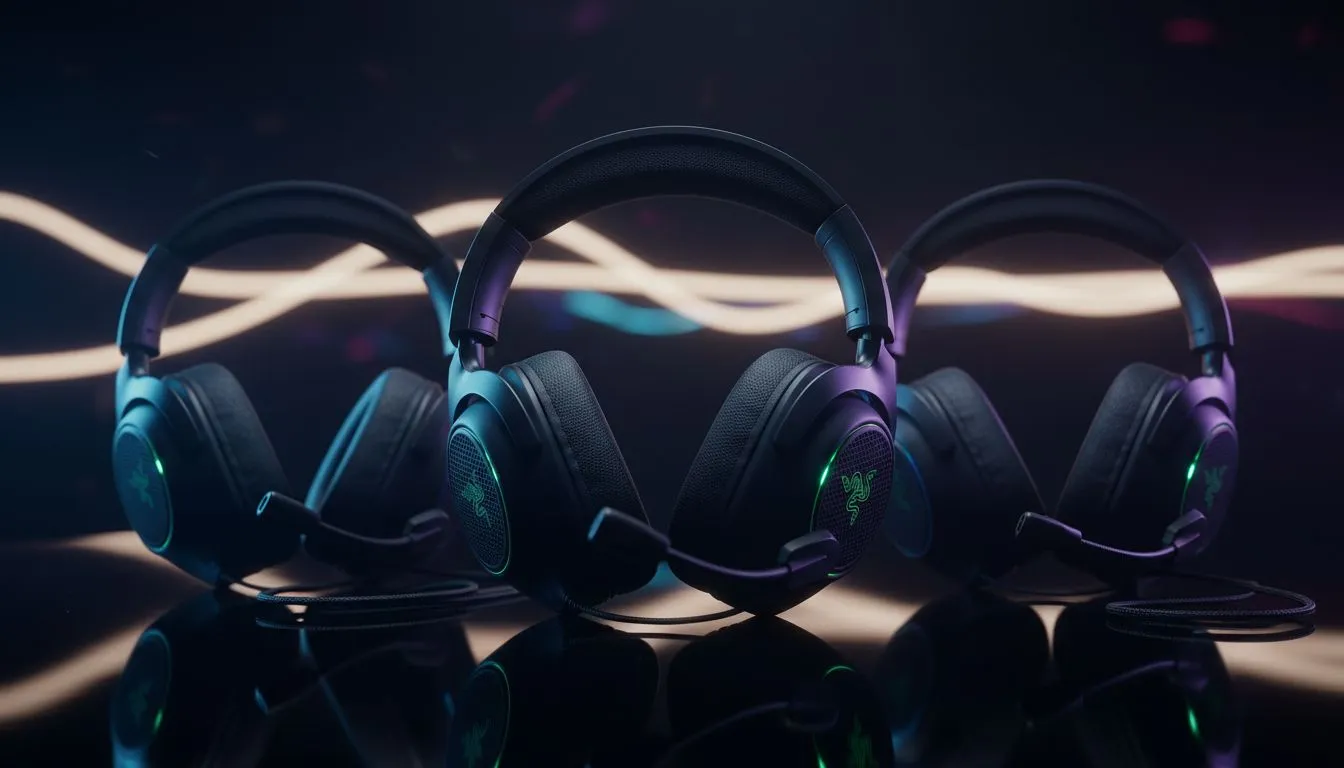
South African gamers know the struggle of balancing performance with a budget that makes sense in ZAR. Choosing between the Razer BlackShark V3 X HyperSpeed vs V2 HyperSpeed is a classic dilemma. Both offer wireless freedom... but they cater to different needs. Whether you are clutching a 1v4 in Valorant or exploring the Lands Between, the right headset defines your immersion and your competitive edge.
Comparing the Razer BlackShark V3 X HyperSpeed vs V2 HyperSpeed
The V2 HyperSpeed has long been a favourite for those who want pro-tier features without the massive price tag. It features the acclaimed TriForce Titanium 50mm drivers... these provide a richer audio profile than standard drivers. If you are looking to optimise your setup, browsing the latest Razer headphones and headsets will show you just how competitive this space has become.
The newer V3 X HyperSpeed enters the fray as a more streamlined option. It focuses on the essentials of wireless gaming. You get the ultra-low latency HyperSpeed technology... but it swaps the titanium-coated drivers for the standard TriForce 50mm versions. For most gamers, the difference in audio crispness is subtle... but for those with keen ears, the V2 still holds a slight advantage in the high-end frequencies. 🔧
Audio Clarity and Microphone Performance
Communication is everything in team-based shooters. The V2 HyperSpeed boasts the HyperClear Super Wideband Mic. This captures a wider range of frequencies... making your voice sound more natural to your teammates. The V3 X HyperSpeed uses the standard HyperClear Cardioid Mic. It is still excellent for Discord calls... but it lacks that broadcast-quality depth found in its older sibling. ⚡
If you find yourself needing a headset that works as well on the street as it does at your desk, you might also consider the Razer Barracuda X Chroma. It offers a different aesthetic and versatility that some South African gamers prefer for mobile gaming on the go.
Audio Pro Tip ⚡
Always ensure your Razer Synapse software is updated to the latest version. You can create specific EQ profiles for different games. For example, boost the mid-high frequencies in tactical shooters to hear footsteps more clearly, then swap to a bass-heavy profile for cinematic RPGs to feel the weight of every explosion.
Comfort and Long-Term Value in South Africa
Weight plays a massive role during those late-night sessions in the middle of a heatwave. The V2 HyperSpeed is incredibly light at roughly 280g. The V3 X HyperSpeed is also designed for comfort... featuring breathable fabric ear cushions that prevent heat build-up. When looking through the wider range of headphone and headsets available, comfort should always be your secondary priority after sound quality. 🚀
The V3 X HyperSpeed often comes in at a slightly lower price point. This makes it a fantastic entry point for those moving away from wired headsets for the first time. However, if the V2 is on special... the extra mic quality and driver materials often justify the small price jump. ✨
Ready to Find Your Perfect Match? Choosing between the Razer BlackShark V3 X HyperSpeed vs V2 HyperSpeed comes down to your budget and your need for mic clarity. For the best deals and expert advice in South Africa, we have you covered. Explore our massive range of Razer headsets and find the perfect gear to conquer your next session.











