

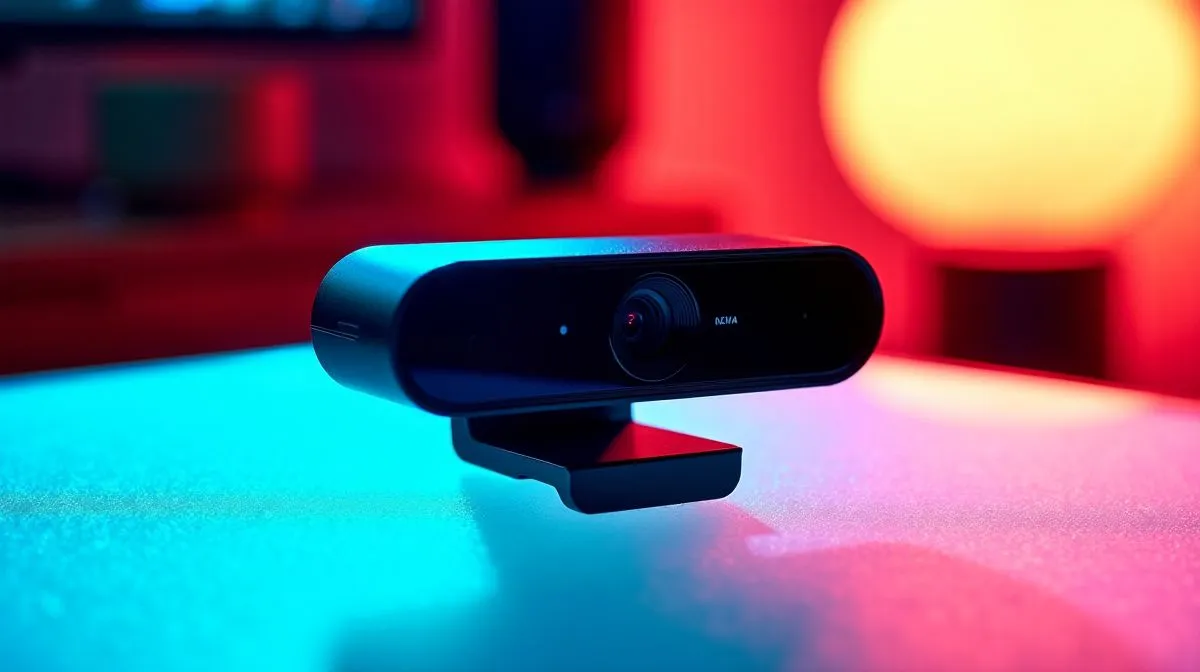
Razer Kiyo X Quartz Webcam Review for 1080p 60FPS
If your stream still looks muddy on a good fibre line, the webcam is probably the weak link. South African gamers know the pain... crisp gameplay on screen, but grainy video on cam. The Razer Kiyo X Quartz steps in as a neat fix for creators who want sharper 1080p footage, a clean desk aesthetic, and less fuss before going live. 🔧
Razer Kiyo X Quartz Webcam Review for 1080p 60FPS: first impressions
The Kiyo X Quartz keeps things simple. It is built for plug-and-play use, which suits streamers, remote workers, and students who do not want a long setup process. Razer positions the Kiyo X as a Full HD webcam with auto-focus, auto light balance, and a flexible mounting design on its official product page... useful features when you move between daylight, ring light, and evening sessions.
For a quick reality check, that matters in Mzansi. Many homes deal with changing light across the day, and a webcam that can adapt helps keep your face readable during calls and streams. If you are upgrading from an old 720p model, the difference is usually obvious.
Razer Kiyo X Quartz Webcam Review for 1080p 60FPS: who it suits
This webcam makes the most sense for casual streamers, Discord regulars, and office users who want a prettier on-camera presence without overspending. It is also a good fit if you like the Quartz finish. Some setups just look better with softer colour accents ✨
If you are comparing options, it helps to start with your budget. You can browse the full selection of webcams at Evetech first, then narrow things down by price. For tighter budgets, webcams under R1,000 are worth a look. If you want a little more breathing room, check webcams under R2,000. And for higher-end picks, webcams under R3,000 can help you compare the next tier up.
Razer Kiyo X Quartz Webcam Review for 1080p 60FPS: performance notes
Razer lists the Kiyo X as capable of Full HD capture, which is enough for most live streams and video calls. In practice, 1080p gives you a noticeably cleaner image than older HD webcams, especially when paired with decent front lighting. You do not need a studio. You do need to avoid harsh backlight and sit close enough for the camera to focus properly.
Streaming Setup Tip ⚡
If you want the clearest webcam image, place a soft light slightly above eye level and face it at an angle. It reduces shadows and keeps skin tones looking more natural on camera.
The Kiyo X also benefits from a tidy setup. A stable mount, a quiet room, and a neutral background do more for your stream than most people expect. That is the part many buyers overlook. The camera helps, but the whole frame matters.
Razer Kiyo X Quartz Webcam Review for 1080p 60FPS: buying advice
If you are building a creator desk from scratch, think in layers. Start with your display, then audio, then video. A webcam should not eat the entire budget if your mic is poor or your lighting is weak. The smarter move is balance. That keeps your calls looking and sounding professional without wasting rand.
For South African buyers, value matters. A webcam should earn its place by improving image quality, fitting the desk, and lasting through daily use. The Kiyo X Quartz ticks those boxes for people who want dependable 1080p performance in a stylish package.
Razer Kiyo X Quartz Webcam Review for 1080p 60FPS: final verdict
The Razer Kiyo X Quartz is best viewed as a practical upgrade, not a flashy one. It does the important things well... sharp enough video, easy setup, and a colourway that stands out. If you have been living with a blurry cam for too long, this is a sensible step up for streaming, meetings, and everyday use.
Ready to Find Your Perfect Match? The Mac vs Windows debate is complex, but for maximum power, choice, and value in South Africa, Windows is hard to beat. Explore our massive range of laptop specials and find the perfect machine to conquer your world.











