


Dedicated Media Keys for Streamers: Improve Workflow Fast
Dedicated media keys give streamers one-touch control to mute, switch scenes, clip highlights, and adjust audio — cutting task time and boosting consistency 🎛️⚡
Read moreLooking for the best RGB gaming keyboard South Africa has to offer? Our guide dives into lighting performance, comparing per-key vs. zoned lighting, software control, and the top models available locally. Elevate your setup and light up your gameplay! ⌨️✨
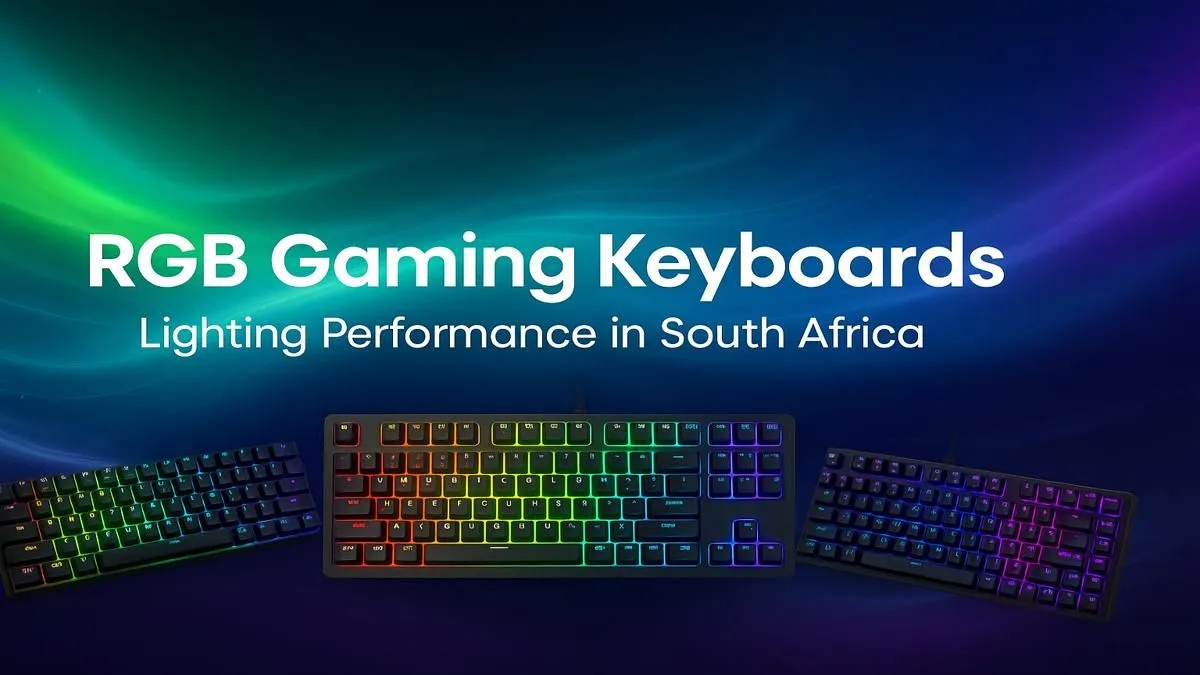
Your PC is a beast, your monitor is crisp, but is your desk... dull? In the world of PC gaming, your setup's vibe is half the battle. An RGB gaming keyboard in South Africa isn't just about flashy lights; it's the glowing heart of your command centre. It’s about crafting an experience that’s uniquely yours, from the first click to the final victory screen. Let's dive into how you can illuminate your gameplay.
Let's be honest, aesthetics matter. A keyboard with customisable RGB lighting is the centrepiece that ties your entire gaming rig together. It's about creating a mood, whether that's a calming blue for late-night strategy sessions or a pulsing red for intense FPS action.
But it's not just about looking cool. Functional lighting is a massive advantage. Imagine your keyboard automatically highlighting your most-used abilities in Apex Legends or flashing red when you take damage in Warzone. This is the power of a modern RGB keyboard—it enhances immersion and can even give you a competitive edge. It's a core part of the best gaming keyboard deals available today.
When shopping for an RGB gaming keyboard in South Africa, you'll see two main types of lighting: Zonal and Per-Key. Understanding the difference is key to finding your perfect match.
Think of this as lighting in groups. The keyboard is divided into several "zones" (usually 3 to 5), and you can set a different colour for each zone. It’s a great entry point into the world of RGB, offering a splash of colour and customisation without a hefty price tag. You get a vibrant look that's easy to manage.
This is the holy grail of RGB customisation. Each individual key has its own dedicated LED, allowing for limitless colour combinations and spectacular animated effects like ripples, waves, and reactive typing. You can create incredibly detailed layouts, isolate your WASD keys, or sync intricate patterns across your entire desk. Most premium models in our wide variety of keyboards feature per-key lighting.
A great RGB keyboard is powered by equally great software. Brands like Corsair (iCUE), Razer (Chroma), and SteelSeries (Engine) have powerful apps that act as the command centre for all your lighting.
This is where the magic happens. You can sync lighting effects across all your compatible gear, creating a unified and immersive experience. With a few clicks, your keyboard, mouse, headset, and even your PC case fans can pulse with the same colour scheme. For a truly seamless setup, it's worth investing in perfectly synced keyboard and mouse combos from the same ecosystem.
Use your keyboard's software to create profiles for different games. For a MOBA like Dota 2, set your QWER keys to one colour and your item keys to another. For a creative app like Photoshop, you can colour-code your shortcut keys. The software will automatically switch profiles when you launch the game or application!
While the RGB is the main attraction, the underlying hardware is what determines your day-to-day experience. Don't overlook these crucial components.
The feel of your keyboard comes down to the switches under each key. Do you prefer a loud, satisfying "click," a quiet but noticeable bump, or a smooth, linear press? Taking the time to understand and choosing the right keyboard switches is arguably the most important decision you'll make.
The keycaps are what you touch, and they have a big impact on how the RGB light shines through. Most keyboards use ABS plastic, which is fine, but upgrading to durable PBT custom keycaps can prevent that shiny, worn-out look over time and often provide a sharper font for the light to pass through.
Long gaming sessions can be tough on your wrists. A keyboard with an adjustable angle and a detachable palm rest can make a world of difference. For maximum comfort, pairing your new board with a comfortable wrist rest is a smart move that your future self will thank you for.
Ready to Light Up Your Setup? From subtle glows to full-blown light shows, the right keyboard transforms your desk into a true gaming battlestation. Explore our massive range of gaming keyboards and find the perfect model to match your style and conquer your game.
The 'best' depends on your needs. Brands like Razer, Corsair, and SteelSeries are popular in SA for their vibrant, customizable lighting and reliable performance.
Yes, per-key RGB allows for ultimate customization and in-game lighting integrations, offering visual cues for abilities or health, which enhances immersion.
Software like Razer Chroma or Corsair iCUE lets you control lighting effects, sync colors across devices, and even link lighting to specific game events for a dynamic experience.
Absolutely. Many brands offer excellent budget RGB gaming keyboard deals with features like zoned lighting and pre-set effects, providing great value without the premium price.
RGB keyboards allow you to customize the color of each key or zone. Rainbow keyboards have static, multi-colored backlighting that cannot be changed.
Modern wireless RGB gaming keyboards have improved battery life, often lasting days. However, keeping the brightness at maximum will drain the battery much faster.
Switches with clear or transparent housings, like Cherry MX RGB or Gateron SMD, are designed to let the most light through, resulting in brighter and more vivid colors.
Use unifying software suites like Corsair iCUE, Razer Chroma, or ASUS Aura Sync. These platforms detect compatible components and sync lighting effects across them all.
Dedicated media keys give streamers one-touch control to mute, switch scenes, clip highlights, and adjust audio — cutting task time and boosting consistency 🎛️⚡
Read more
PBT vs ABS keycaps: Clear, local guide for South African gamers—compare feel, sound, durability and where to buy. Find the best material for your budget and playstyle 🎮🇿🇦
Read more
- Multi-Function Digital Dial: define benefits - Show gamer setups and macros - Offer buying and setup tips Multi-Function Digital Dial puts programmable control at your fingertips for faster actions and smoother streaming. 🎮⚙️
Read more
- Explain benefits; - Show the science; - Compare options; - Recommend picks. Magnetic wrist rest for gaming cuts wrist strain and boosts comfort during long sessions 🕹️✨
Read more
best gaming keyboard South Africa: Learn how to pick a low-latency mechanical keyboard, choose switches, layout and budget for competitive play 🎮⚡
Read more
Best wireless keyboard and mouse combo for small desks — curated, space-saving picks that boost comfort and productivity in tight setups. Find low-profile layouts, compact mice, and reliable range to fit your compact workstation. 🖱️⌨️
Read more
Discover webcams that automatically adjust light and color for crystal-clear video calls 🎥✨. Boost your streaming quality today!

Discover webcams that blend into your workflow 🎯 Capture moments while you work, stream, or create. Upgrade your setup with smart, multitasking tech!
Dedicated media keys give streamers one-touch control to mute, switch scenes, clip highlights, and adjust audio — cutting task time and boosting consistency 🎛️⚡
PBT vs ABS keycaps: Clear, local guide for South African gamers—compare feel, sound, durability and where to buy. Find the best material for your budget and playstyle 🎮🇿🇦
- Multi-Function Digital Dial: define benefits - Show gamer setups and macros - Offer buying and setup tips Multi-Function Digital Dial puts programmable control at your fingertips for faster actions and smoother streaming. 🎮⚙️
- Explain benefits; - Show the science; - Compare options; - Recommend picks. Magnetic wrist rest for gaming cuts wrist strain and boosts comfort during long sessions 🕹️✨