

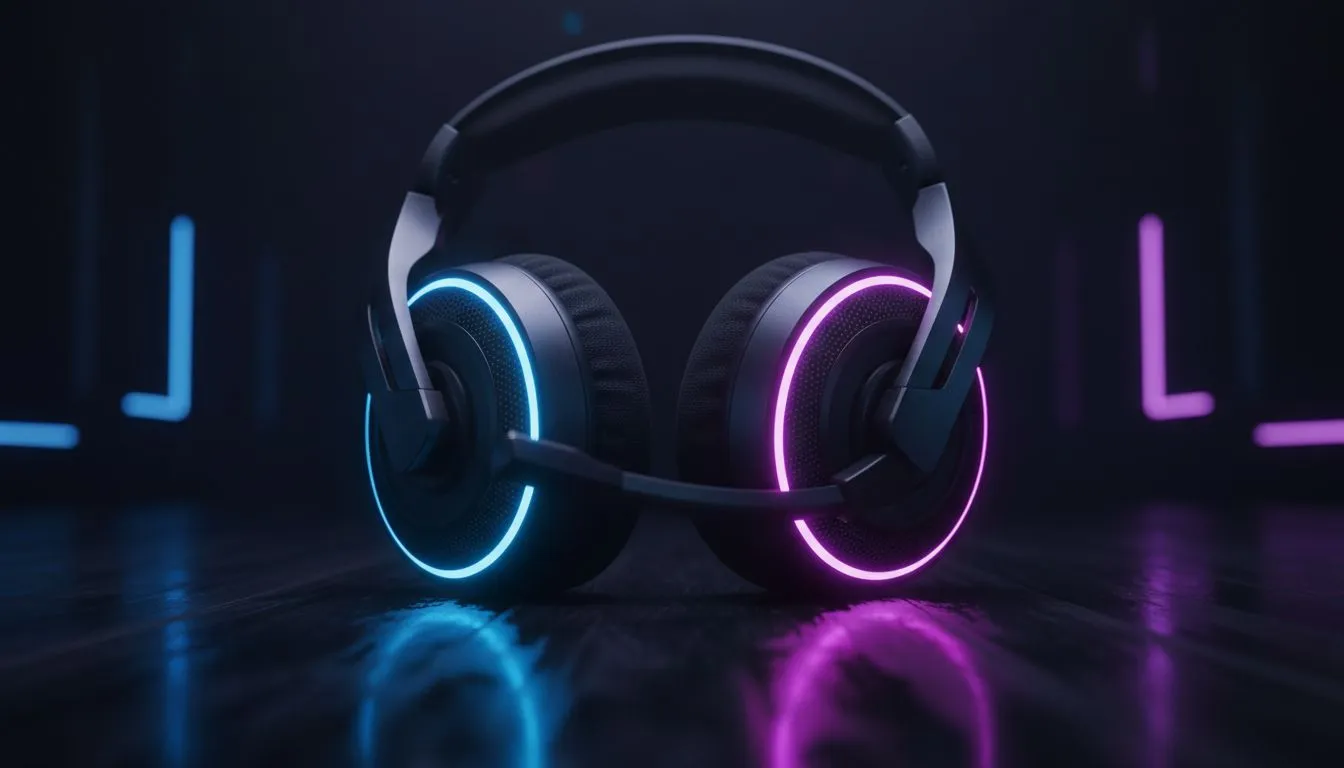
Finding the Perfect Balance Between Glow and Performance
Let’s be honest: a gaming setup without a bit of glow feels incomplete. Whether you are streaming to a local audience or just grinding ranked in your room, lighting matters. But picking the right gear is tricky. This RGB Headphones Buying Guide: Lighting, Distraction & Battery helps you balance that sweet aesthetic with the practical performance every South African gamer needs. 🔧
Choosing the Right Lighting for Your Setup
Lighting isn't just about looking cool... it's about immersion. Most modern headphone and headsets offer millions of colours. You can sync them with your keyboard or even your PC case. It makes your battlestation feel unified. Just remember that more zones usually mean a higher price tag in ZAR. Look for sets that offer "addressable" RGB. This allows for smoother transitions and more complex patterns.
Managing Distractions and Glare
One common worry is whether the glow will reflect off your monitor. High-end Razer headphones and headsets solve this with smart software. You can dim the brightness or turn it off entirely when you need to focus. Software like Razer Synapse lets you customise everything with a few clicks. If you play in a pitch-black room, subtle lighting is always better than a blinding neon strobe. ⚡
Battery Saving Pro Tip ⚡
If you are playing a long session and don't need the aesthetic, turn off the RGB via the headset's physical toggle or software. This can often double your battery life, ensuring your audio doesn't cut out during a crucial clutch moment.
The Impact on Battery Life
Wireless freedom is great, but RGB eats battery. If you want the glow, look for efficient models. The Razer Barracuda X Chroma Wireless Headset in Phantom White is a prime example. It balances stunning visuals with long-lasting playtime. Without the lights, you get even more hours... perfect for those long weekend sessions when the power grid is being unpredictable. 🚀
Is the RGB Upgrade Worth It?
Ultimately, RGB is a personal choice. It adds a layer of personality to your stream and makes your gear feel premium. When you buy from a reputable source, you ensure that the internal drivers are just as good as the external lights. Never sacrifice sound quality for a few LEDs. A great headset should sound amazing first and look pretty second. ✨
Ready to Light Up Your Game? Choosing the right audio gear is about more than just looks. For the best deals on high-performance peripherals in South Africa, we have you covered. Explore our massive range of headset specials and find the perfect match for your gaming rig today.











