

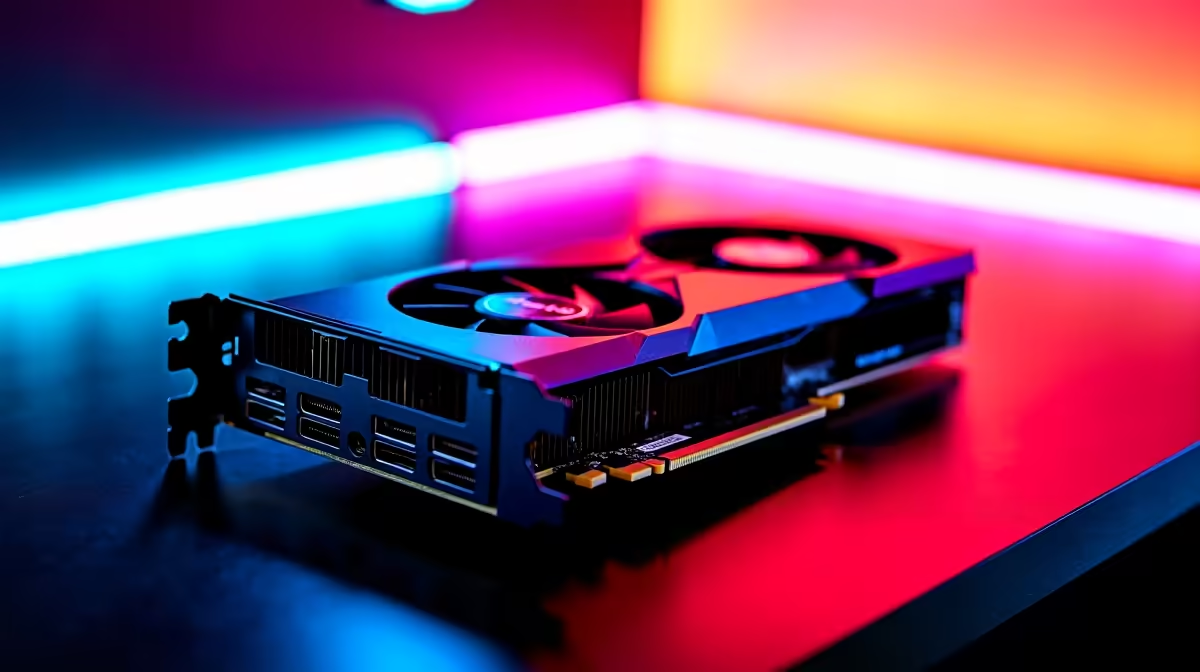
Let's talk about blocky brilliance. You just dropped your hard-earned ZAR on a shiny new rig. However, your frame rates are still stuttering in the Nether. If you want to push your RTX 4060 Minecraft optimised settings to the limit, you need the right tweaks. Let us show you how to balance jaw-dropping visuals with buttery-smooth performance. Get ready for the ultimate 2026 survival experience.
Why the RTX 4060 Dominates Blocky Worlds
Minecraft with full ray tracing enabled is an incredibly hungry beast. Thankfully, the RTX 4060 architecture is built for this exact scenario. With DLSS 3 frame generation and enhanced ray tracing cores, it punches way above its weight class. It handles complex lighting calculations without breaking a sweat.
If you want to upgrade your current setup, checking out the latest graphics cards is a smart move. You get desktop-tier performance without emptying your wallet.
Best Graphics for Max FPS 2026: The Core Settings
To achieve the best graphics for max FPS in 2026, you must tweak your video settings carefully. Forget the default presets... we need to optimise every single slider for peak efficiency.
Resolution and Render Distance
Keep your resolution at native 1080p or 1440p. Pushing 4K on this tier will tank your frames when massive creeper explosions happen. Set your render distance to exactly 16 chunks. This gives you a beautiful, expansive view of your world without choking your system memory. For those rocking portable setups, the exact same rules apply to modern gaming laptops.
Ray Tracing and DLSS Magic ✨
Flip that ray tracing switch to 'On'. This is where the visual magic truly happens. Water reflects light beautifully, and deep caves look terrifyingly realistic. However, you must enable DLSS immediately. Set your DLSS profile to 'Balanced' or 'Performance'. This incredible AI upscaling ensures you maintain high frame rates even across massive biomes.
Performance Pro Tip 🚀
If you experience micro-stutters, allocate more RAM to your Minecraft installation. Open your launcher settings and change the JVM arguments to allow at least 6GB of RAM. This stops those annoying lag spikes when loading new areas.
Building the Ultimate 2026 Setup
Tweaking your software settings only goes so far. Your CPU might be severely bottlenecking your GPU. Minecraft relies heavily on single-core processor speed to calculate world generation. Your current machine might struggle to keep up with your ambitions. Browsing through premium gaming PC deals can save you thousands of Rands. It also delivers massive performance gains.
Sometimes it is much easier to grab a system that is already perfectly balanced. Our expert technicians build rigs specifically tested for heavy gaming workloads. Explore our pre-built PC deals today. You will easily find a machine that guarantees maximum frames right out of the box.
Keeping Your System Cool and Fast 🔧
High frame rates usually mean high operating temperatures. Make sure your case airflow is properly sorted. Keep your drivers updated through the NVIDIA App to ensure you always have the latest optimisations.
You might be hunting for extra cooling gear or faster NVMe storage for massive world saves. Keeping an eye on our weekly specials is a brilliant way to stretch your budget.
Ready to Build Your Dream World? Don't let low frame rates ruin your next big build. Whether you are upgrading your GPU or buying a whole new rig, Evetech has the best hardware at the best prices in South Africa. Explore our massive range of gaming PC specials and find the perfect machine to conquer your world.











