

RTX 4090 Laptop GPU Baldurs Gate 3 Performance: Laptop FPS & Settings 2026
RTX 4090 Laptop GPU Baldurs Gate 3 Performance. Real-world benchmark data, FPS numbers & performance analysis. What SA gamers can actually expect.
Read moreRTX 4060 Ti CS2 Optimised Settings: Graphics for. Real-world benchmark data, FPS numbers & performance analysis. What SA gamers can actually expect.
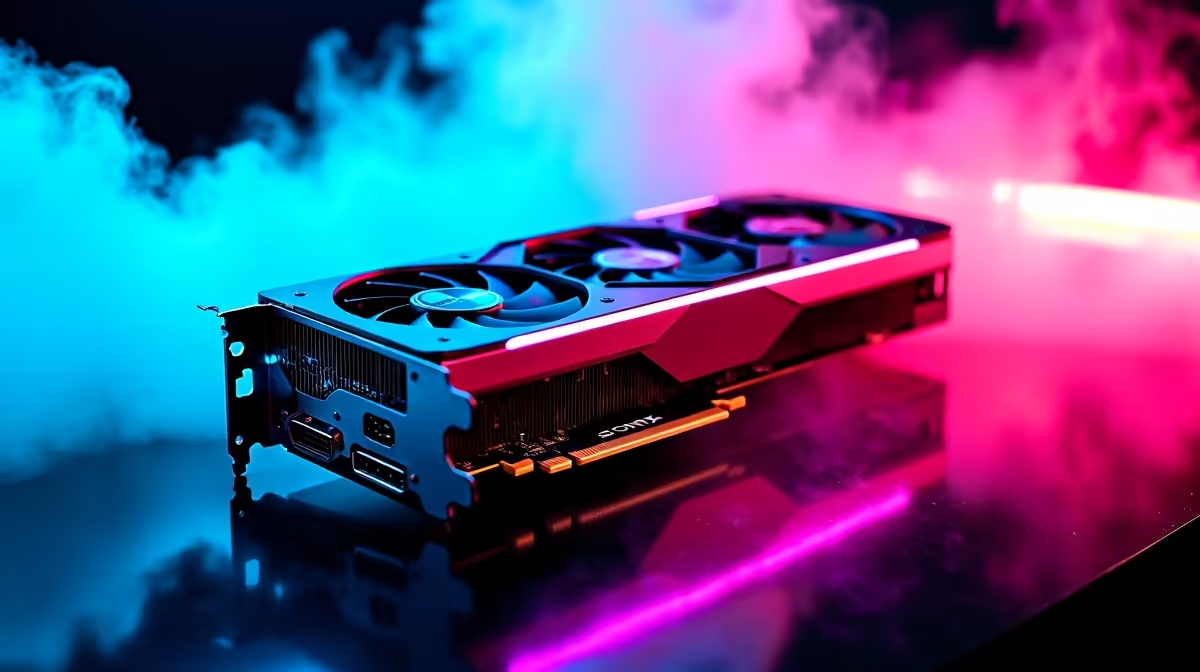
Dropping frames in Counter-Strike 2 when the flashbang pops is a uniquely frustrating experience. If you are clutching a 1v3 on Dust II with high ping from Johannesburg, you need absolute hardware reliability. The RTX 4060 Ti is a beast for competitive play... but only if you tweak it right. Let us dive into the ultimate RTX 4060 Ti CS2 optimised settings to guarantee maximum frames.
Valve's Source 2 engine looks gorgeous. It also demands significantly more graphical horsepower than its predecessor. Fortunately, Nvidia's mid-range champion handles these new lighting effects with ease. If you are currently shopping for the latest graphics cards, this GPU offers incredible value for South African rands.
To hit that buttery smooth 240Hz refresh rate, you cannot just crank everything to ultra. Competitive players need absolute clarity and speed. Whether you are building a rig or browsing custom gaming PCs, these settings provide a massive competitive edge.
Open your Nvidia Control Panel and set Power Management Mode to Prefer Maximum Performance. This stops your GPU from downclocking during quiet moments. It keeps your frame times incredibly consistent when the bullets start flying.
You might be tempted to put all settings on low. Do not do that. In CS2, player shadows give away enemy positions. Keep Global Shadow Quality on High or Very High. This ensures you spot the enemy before they peek. If you are running one of our premium pre-built desktop setups, your system has plenty of thermal headroom. You can handle these settings without dropping any frames.
Sometimes you need your setup to be entirely portable. Load-shedding schedules wait for no one. You might want desktop-level performance on the move. Modern high-performance gaming laptops deliver exactly that. You can easily push high FPS on battery backup power.
Always ensure your Nvidia drivers are up to date. Developers frequently release patches specifically targeting Source 2 performance. Upgrading your monitor to match your frame rate is vital. Keep an eye on our exclusive tech specials to grab a fast display without breaking your ZAR budget. 🚀
Ready to Dominate the Leaderboards? Having the right settings is only half the battle. For maximum power, choice, and value in South Africa, Evetech is hard to beat. Explore our massive range of gaming PC deals and find the perfect machine to conquer your next CS2 Premier match.
RTX 4060 Ti CS2 Optimised Settings: Best available at Evetech.co.za with local warranty and fast delivery.
RTX 4060 Ti CS2 Optimised Settings: Best - check Evetech for latest stock and SA pricing.
Depends on your use case. RTX 4060 Ti CS2 Optimised Sett offers good value at current Rand pricing.
RTX 4090 Laptop GPU Baldurs Gate 3 Performance. Real-world benchmark data, FPS numbers & performance analysis. What SA gamers can actually expect.
Read more
Intel Arc GPU Cyberpunk 2077 Performance: Laptop. Real-world benchmark data, FPS numbers & performance analysis. What SA gamers can actually expect.
Read more
RTX 4050 Laptop GPU GTA 6 Performance: Laptop FPS. Real-world benchmark data, FPS numbers & performance analysis. What SA gamers can actually expect.
Read more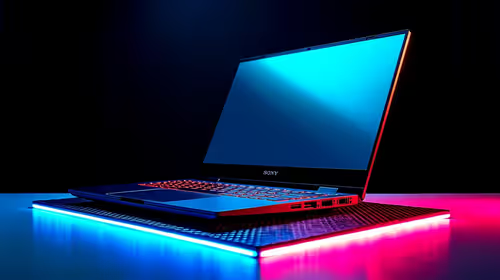
Top Laptop with Ryzen 9 + RTX 4090 Laptop: Picks picks evaluated on performance, value & SA availability with current Rand pricing from Evetech.
Read more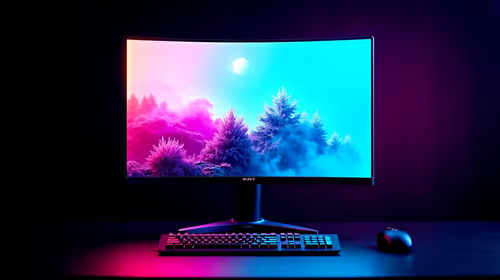
Top Monitor for RTX 4090: Resolution & Refresh Rate picks evaluated on performance, value & SA availability with current Rand pricing from Evetech.
Read more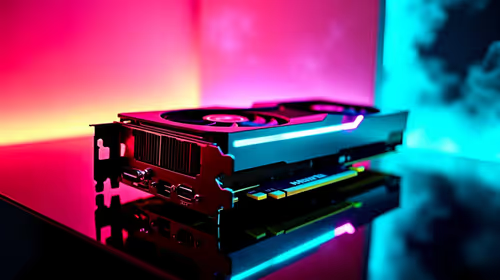
Fortnite Settings on RTX 4080 Super: Performance. Real-world benchmark data, FPS numbers & performance analysis. What SA gamers can actually expect.
Read more
Snapdragon X2 NPU Explained: How 80 TOPS Changes. Plain-English explanation of what it means, why it matters & how it affects your buying decisions in SA.

HBM? High Bandwidth Memory Used in GPUs and AI. Plain-English explanation of what it means, why it matters & how it affects your buying decisions in SA.

How much should you spend on sim racing accessories in South Africa for a realistic setup? We break down budgets by quality tiers, so you buy smart gear and avoid overspending 🎮💸

G-Sync and FreeSync? Variable Refresh Rate. Plain-English explanation of what it means, why it matters & how it affects your buying decisions in SA.

AMD Laptop: Value. SA-focused analysis with local pricing data, real-world insights & actionable buying advice.

How MacBook Neo Handles 30+ Chrome Tabs with Only. SA-focused analysis with local pricing data, real-world insights & actionable buying advice.

Why Apple Put 8GB RAM in MacBook Neo: The A18 Pro. SA-focused analysis with local pricing data, real-world insights & actionable buying advice.

Upgrade your work laptop with a New Motherboard. Step-by-step instructions with SA-specific tips, common pitfalls to avoid & expert recommendations.

Glorious Keyboard Switches Explained: Which. Plain-English explanation of what it means, why it matters & how it affects your buying decisions in SA.

Winter Keyboard Buying Guide. Everything you need to know with SA pricing, step-by-step instructions & expert recommendations.

Keyboard Buying Guide. Everything you need to know with SA pricing, step-by-step instructions & expert recommendations.

LGBTQ+ Gamers Keyboard Guide: January Edition. Everything you need to know with SA pricing, step-by-step instructions & expert recommendations.