

Quick Answer
The RTX 5060 runs efficiently under its stock cooler in most builds, but upgrading to an aftermarket GPU cooler or improving overall case airflow can reduce temperatures by 10–15°C, lower fan noise, and extend component longevity - all important considerations for South African gamers dealing with warm ambient temperatures.
The RTX 5060 is positioned as a mainstream gaming GPU, and NVIDIA''s efficiency improvements in the 50-series architecture mean it runs cooler than many of its predecessors at equivalent performance levels. That said, thermal management still matters enormously in South Africa, where ambient temperatures in summer can push well above 30°C in cities like Johannesburg, Durban, and Cape Town. Getting your RTX 5060''s thermals right is the difference between sustained boost clocks and throttled performance during long gaming sessions.
Stock Cooling Performance on the RTX 5060
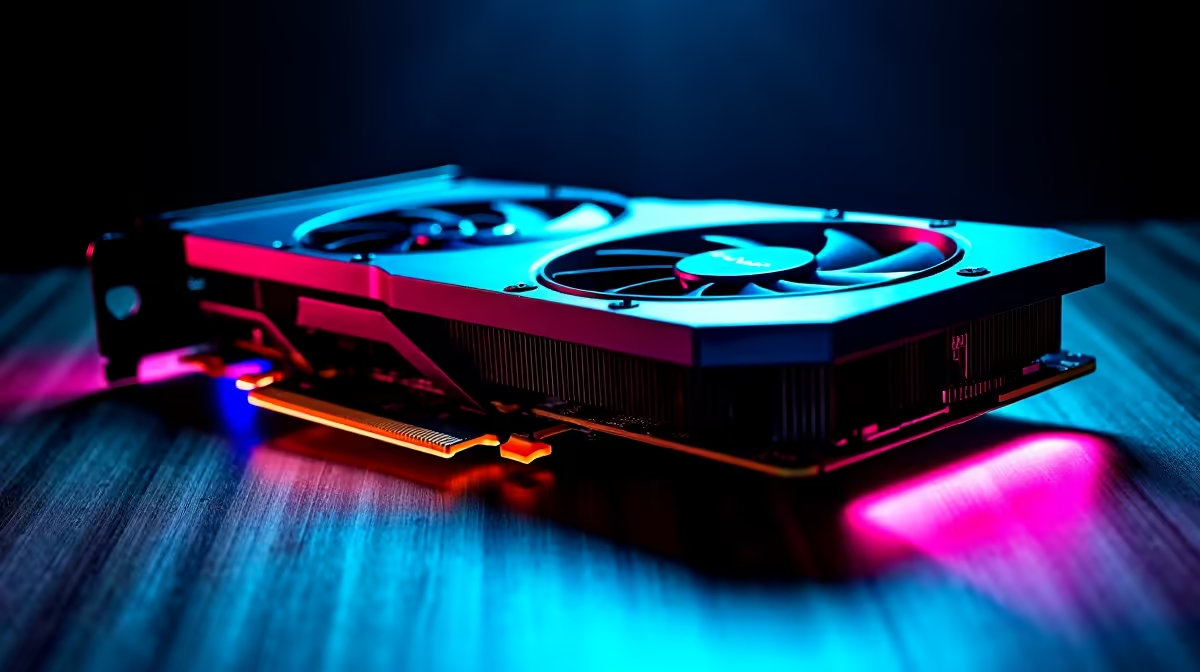
RTX 5060 AIB (Add-In Board) partner cards ship with a range of stock cooler designs - dual-fan, triple-fan, and compact single-fan options depending on the card''s form factor and target market. Triple-fan coolers on full-size cards keep the RTX 5060 comfortably cool under load, often peaking below 75°C in a well-ventilated case. Compact dual-fan designs, common in SFF (Small Form Factor) builds, tend to run warmer and louder. In South Africa''s warm months, even a good stock cooler on a compact card can push into the low 80s°C in a poorly ventilated case. This is where aftermarket cooling choices become relevant.
Case Airflow as Your First Upgrade
Before looking at aftermarket GPU coolers specifically, optimise your case airflow - this is the most cost-effective thermal upgrade available. A mid-tower case with two or three 120mm or 140mm intake fans at the front and a single exhaust fan at the rear creates strong positive pressure airflow that benefits every component, including your RTX 5060. For SA gamers in warmer regions, this single upgrade can drop GPU temperatures by 8–12°C compared to a poorly ventilated setup. If your current case has limited fan mounts or no mesh front panel, consider a case upgrade as part of your cooling strategy. The investment pays dividends across the entire build.
Aftermarket GPU Cooler Options
For those who want to push further - whether for near-silent operation or maximum thermal headroom for overclocking - aftermarket GPU cooler replacements are available for the RTX 5060. These replacement cooler solutions swap out the stock heatsink and fans for larger, higher-quality alternatives. Key considerations for SA buyers include: the cooler''s compatibility with your specific RTX 5060 PCB layout (check manufacturer compatibility lists), the size of the cooler relative to your case (some aftermarket GPU coolers are significantly larger than the stock design), and the noise profile of the fans included. High-static-pressure fans with good blade designs can dramatically reduce noise while maintaining or improving cooling performance.
Liquid Cooling the RTX 5060
Full-cover waterblocks for the RTX 5060 are available from custom loop cooling manufacturers, though this option is primarily for enthusiast builders comfortable with custom water loop assembly. An AIO (All-In-One) GPU liquid cooler is a middle-ground option that replaces the stock cooler with a radiator-mounted solution, offering excellent temperatures and near-silent operation at moderate load. For SA gamers in particularly hot environments or those running compact builds where hot air recirculation is a concern, GPU liquid cooling genuinely solves the thermal problem entirely. Cost is the primary barrier - full waterblock and custom loop components represent a meaningful additional spend on top of the GPU itself.
Frequently Asked Questions
Q: Does the RTX 5060 need aftermarket cooling? A: Not necessarily. A good AIB triple-fan card in a well-ventilated case will keep the RTX 5060 at acceptable temperatures. Aftermarket cooling is most valuable if you have a compact card, a warm room, a poorly ventilated case, or want near-silent operation.
Q: What temperature should my RTX 5060 run at under load? A: Under sustained gaming load, temperatures between 70°C and 80°C are normal and safe. Consistently above 85°C warrants improving case airflow or upgrading the cooler. Hitting thermal throttle points (typically 87–90°C) will reduce performance.
Q: Will better cooling improve my RTX 5060''s gaming performance? A: Yes, indirectly. GPUs maintain higher boost clocks when running cooler. A GPU throttling due to heat will perform below its potential, so better cooling directly translates to more consistent, maximum performance.
Q: Is a CPU cooler upgrade also important when adding an RTX 5060? A: Yes. A hot CPU can contribute to elevated case temperatures that affect your GPU. Pairing a quality CPU cooler with your RTX 5060 build is part of a holistic thermal strategy.
Ready to Find Your Perfect Match? Shop CPU and PC cooling solutions at Evetech.











