

Best Aftermarket RTX 5070 Cards: AIB Partner Comparison 2026
Top Aftermarket RTX 5070 Cards: AIB Partner Comparison picks evaluated on performance, value & SA availability with current Rand pricing from Evetech.
Read moreRTX 5060 Ti CS2 review: real-world 360Hz benchmarks at 1080p and 1440p, thermals, power, and value analysis to help you decide fast. Includes in-game FPS and tuned settings. 🔍⚡
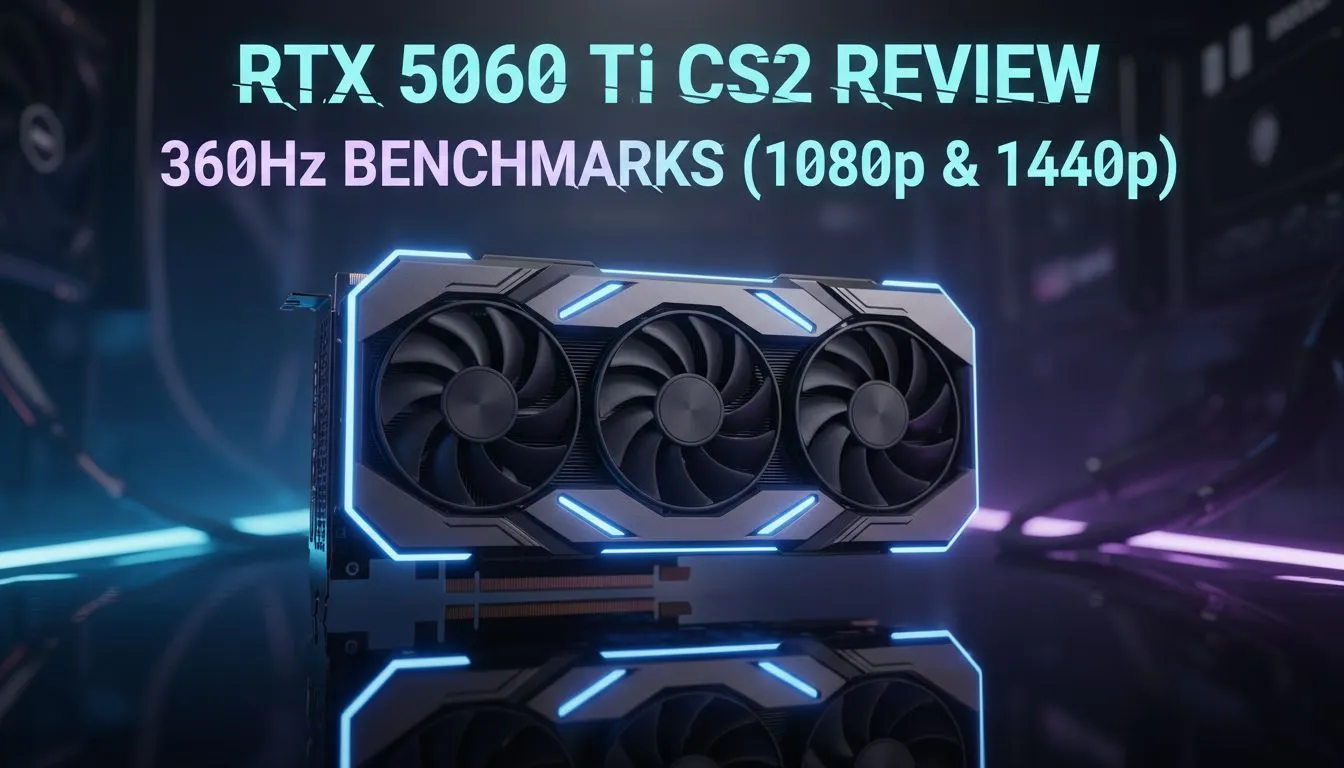
Counter-Strike 2 has raised the stakes for South African competitive players. If you want to climb the faceit ranks, your hardware needs to keep up. Our RTX 5060 Ti CS2 review: 360Hz 1080p & 1440p benchmarks reveals a card that balances raw speed with modern efficiency. Whether you are holding a tight angle on Mirage or rushing B, every millisecond counts... and this card delivers. 🚀
For the serious esport athlete, 1080p remains the gold standard for low latency. During our testing, the RTX 5060 Ti maintained a blistering average of over 400 FPS on competitive settings. This ensures your 360Hz monitor is fully saturated with fresh data. When browsing for the latest nvidia-ati-graphics-cards-21, this specific model stands out for its thermal overhead. It stays cool even during intense local LAN sessions in the Durban heat.
To get the most out of your high-refresh setup, ensure 'NVIDIA Reflex Low Latency' is set to 'On + Boost' in the CS2 video settings. This reduces system latency by keeping the GPU clock speeds high, even when the CPU is the primary bottleneck during chaotic utility usage.
Moving up to 1440p is where the RTX 5060 Ti truly flexes its architecture. Many South African gamers are making the jump to QHD for the extra clarity. In our benchmarks, the card hovered around 240 FPS at 1440p with high shaders. If you prefer premium cooling and aesthetics, the MSI graphics cards variants offer exceptional boost clocks that help maintain stability during heavy smoke executes. ✨
While NVIDIA holds the lead in features like Reflex, it is worth looking at the broader market. Those on a strict budget might consider Intel Arc graphics cards for entry-level play. However, for pure rasterisation performance in CS2, many local players still choose to buy AMD Radeon graphics cards due to their generous VRAM. The 5060 Ti still wins on power efficiency... drawing significantly less wattage from your Eskom-powered wall socket.
Is this card just for clicking heads? Not quite. While it excels in the server, it also handles light video editing and 3D rendering with ease. If your work involves professional CAD or heavy AI datasets, you might eventually look toward workstation graphics cards. But for the average student or creator in SA, the 5060 Ti is a versatile powerhouse. At a price point often starting around R9,000 to R11,000... it represents a solid investment for the next three years of gaming. 🔧
Ready to Dominate the Server? Don't let frame drops cost you the round. Whether you are chasing 360Hz glory or crisp 1440p visuals, we have the hardware to get you there. Explore our massive range of NVIDIA graphics cards and find the perfect GPU to upgrade your gaming experience today.
In esports titles the RTX 5060 Ti CS2 hits competitive 360Hz frame rates at 1080p; 360Hz benchmarks show strong sustained FPS with tuned settings.
Expect high 200s to 360+ FPS in lighter esports games and 140–250 FPS in modern competitive titles on 1080p, per our 1080p FPS tests.
At 1440p the card delivers 90–180 FPS depending on settings and title; our 1440p benchmarks show solid frame pacing for fast displays.
Thermals stay controlled under load and power draw is efficient; our tests measure moderate temps with balanced fan profiles.
If you prioritize 360Hz performance at 1080p, the RTX 5060 Ti CS2 is a strong choice thanks to high FPS and low input lag in esports titles.
The RTX 5060 Ti CS2 often outpaces the 4060 Ti in raw 1080p frame rates and esports benchmarks, though pricing and features can sway value.
Use high refresh tuned presets: medium to high textures, lowered shadows, and DLSS where available to maximize FPS while keeping visuals.
Top Aftermarket RTX 5070 Cards: AIB Partner Comparison picks evaluated on performance, value & SA availability with current Rand pricing from Evetech.
Read more
Top Laptop with Core i7 + RTX 5060 Laptop: Picks picks evaluated on performance, value & SA availability with current Rand pricing from Evetech.
Read more
Top GPU for Students picks evaluated on performance, value & SA availability with current Rand pricing from Evetech.
Read more
RTX 5070 Laptop GPU Hogwarts Legacy Performance. Real-world benchmark data, FPS numbers & performance analysis. What SA gamers can actually expect.
Read more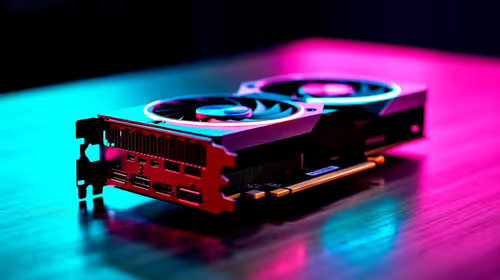
the CPU Pairing for the RTX 3060. Optimal CPU matches ranked by performance balance & SA value. Avoid bottlenecks with the right pairing.
Read more
Top 4K Monitor for RX 9070 picks evaluated on performance, value & SA availability with current Rand pricing from Evetech.
Read more
AMD RX 9050 XT: Rumoured Specs, Price & Release. SA-focused analysis with local pricing data, real-world insights & actionable buying advice.

Can RTX 4080 Super Run AI Workloads for SA Developers Detailed answer with SA data, expert analysis & practical recommendations for local buyers.

Can RTX 4090 Run AI Workloads for SA Developers Detailed answer with SA data, expert analysis & practical recommendations for local buyers.

Top Settings for Intel Arc B580 at Ultrawide 1440p picks evaluated on performance, value & SA availability with current Rand pricing from Evetech.

RTX 4060 CS2 Low Settings at 1080p: FPS Results. Real-world benchmark data, FPS numbers & performance analysis. What SA gamers can actually expect.

Visual Artifacts: Possible GPU Issue Issue #1. Diagnosis steps, proven fixes & when to seek professional help. SA-specific support info included.

Can the RTX 4090 Handle 1440p 144Hz Gaming. Performance testing verdict with real data & practical recommendations for SA buyers.

Top ASUS GPU Under R15000 picks evaluated on performance, value & SA availability with current Rand pricing from Evetech.

GTA 6 Max Settings on RTX 5070. Tested & verified settings for best FPS and visual quality on SA hardware budgets.

Cyberpunk 2077 Max Settings on RTX 5080. Tested & verified settings for best FPS and visual quality on SA hardware budgets.

Starfield Max Settings on RTX 5070 Ti. Tested & verified settings for best FPS and visual quality on SA hardware budgets.

Top RTX 5090 Under R5000 picks evaluated on performance, value & SA availability with current Rand pricing from Evetech.