

Best Aftermarket RTX 5070 Cards: AIB Partner Comparison 2026
Top Aftermarket RTX 5070 Cards: AIB Partner Comparison picks evaluated on performance, value & SA availability with current Rand pricing from Evetech.
Read moreRTX 5080 laptop — Checklist: 1) test CS2 FPS; 2) measure thermals & battery; 3) compare models & price; 4) recommend portable setup. Play CS2 at desktop-class speeds on the go ⚡🎒
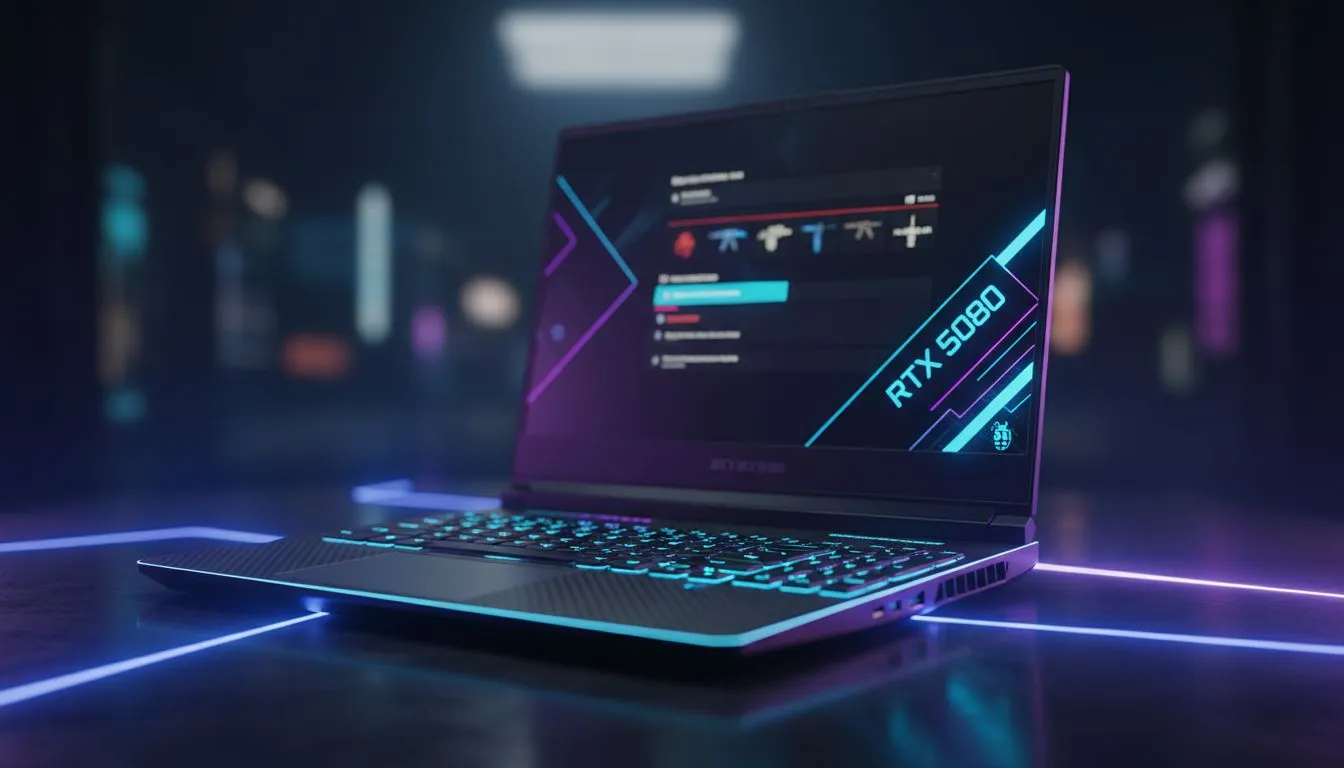
Counter-Strike 2 demands more than just skill; it demands frames. For South African gamers looking to dominate the local servers, the RTX 5080 laptop for CS2 represents the pinnacle of portable performance. Whether you are competing in a Cape Town tournament or grinding Premier from your desk, having a rig that maintains 500+ FPS is the only way to ensure your utility and aim stay pixel-perfect.
CS2 relies heavily on single-core clock speeds and GPU efficiency. Pair this new Blackwell architecture with the latest Intel laptops on special to see frame rates that saturate even 360Hz displays. High refresh rates are no longer a luxury... they are a requirement for competitive play in 2024. The 5080 series handles the sub-tick system of CS2 with ease, providing a level of responsiveness that was previously reserved for high-end desktops.
To truly optimise your RTX 5080, ensure NVIDIA Reflex is set to 'On + Boost' in your CS2 settings. This reduces system latency by keeping the GPU clock speeds high, which is vital when holding tight angles on Mirage or Inferno.
Not everyone needs the absolute flagship to enjoy a competitive edge. If you prefer the efficiency of Team Red, checking out Ryzen laptop deals can offer incredible multi-threaded performance for those who stream their matches. The thermal efficiency of these chips means your fans won't sound like a jet taking off while you're trying to hear footsteps in a 1v1 clutch situation. 🚀
We know that tech prices in ZAR can be a hurdle for many students and young professionals. While the 50-series is the peak, many rising stars still find glory with gaming laptops under R20k which handle CS2 exceptionally well at 1080p. However, for those wanting the "Ultimate Portable Rig" experience, the investment in high-end geforce rtx gaming laptops on special pays off in both longevity and raw power. ✨
An RTX 5080 is wasted on a standard 60Hz screen. You want a panel that can actually display the frames the GPU is pumping out. Scouring the best gaming laptop deals often reveals gems with 240Hz or even 300Hz displays. This setup ensures that what you see on your screen matches the server data as closely as possible... giving you those extra milliseconds to react before the enemy peeks. 🔧
Ready to Find Your Perfect Match? The RTX 5080 is a beast, but finding the right balance for your budget is key to a great gaming experience. Explore our massive range of laptop specials and find the perfect machine to conquer your world.
Yes. An RTX 5080 laptop delivers high FPS for CS2 and strong competitive performance; check CS2 laptop benchmarks RTX 5080 for model specifics.
Many RTX 5080 laptops hit 200+ FPS at 1080p on competitive settings. Refer to CS2 laptop benchmarks RTX 5080 for exact model scores.
Under CS2 load expect 1–2 hours. Battery varies by model, power profile and thermals; light tasks last much longer.
Choose high-refresh displays, strong cooling, and lightweight chassis. See our best RTX 5080 laptop 2026 picks for esports-ready models.
Yes for portable pro play—RTX 5080 laptops reach desktop-class FPS, though desktops may still offer better thermals and upgrade options.
They can under sustained loads. Pick models with vapor chambers or advanced cooling to control thermals and maintain FPS.
Compare major retailers and specialist sellers like Evetech. Check specs, warranty and CS2 laptop benchmarks RTX 5080 before buying.
Top Aftermarket RTX 5070 Cards: AIB Partner Comparison picks evaluated on performance, value & SA availability with current Rand pricing from Evetech.
Read more
Top Laptop with Core i7 + RTX 5060 Laptop: Picks picks evaluated on performance, value & SA availability with current Rand pricing from Evetech.
Read more
Top GPU for Students picks evaluated on performance, value & SA availability with current Rand pricing from Evetech.
Read more
RTX 5070 Laptop GPU Hogwarts Legacy Performance. Real-world benchmark data, FPS numbers & performance analysis. What SA gamers can actually expect.
Read more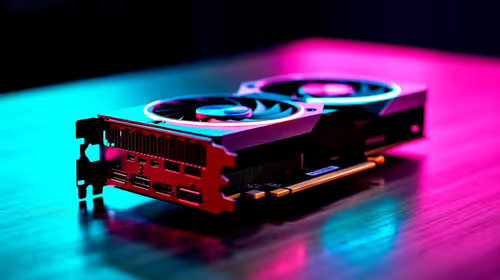
the CPU Pairing for the RTX 3060. Optimal CPU matches ranked by performance balance & SA value. Avoid bottlenecks with the right pairing.
Read more
Top 4K Monitor for RX 9070 picks evaluated on performance, value & SA availability with current Rand pricing from Evetech.
Read more
AMD RX 9050 XT: Rumoured Specs, Price & Release. SA-focused analysis with local pricing data, real-world insights & actionable buying advice.

Can RTX 4080 Super Run AI Workloads for SA Developers Detailed answer with SA data, expert analysis & practical recommendations for local buyers.

Can RTX 4090 Run AI Workloads for SA Developers Detailed answer with SA data, expert analysis & practical recommendations for local buyers.

Top Settings for Intel Arc B580 at Ultrawide 1440p picks evaluated on performance, value & SA availability with current Rand pricing from Evetech.

RTX 4060 CS2 Low Settings at 1080p: FPS Results. Real-world benchmark data, FPS numbers & performance analysis. What SA gamers can actually expect.

Visual Artifacts: Possible GPU Issue Issue #1. Diagnosis steps, proven fixes & when to seek professional help. SA-specific support info included.

Can the RTX 4090 Handle 1440p 144Hz Gaming. Performance testing verdict with real data & practical recommendations for SA buyers.

Top ASUS GPU Under R15000 picks evaluated on performance, value & SA availability with current Rand pricing from Evetech.

GTA 6 Max Settings on RTX 5070. Tested & verified settings for best FPS and visual quality on SA hardware budgets.

Cyberpunk 2077 Max Settings on RTX 5080. Tested & verified settings for best FPS and visual quality on SA hardware budgets.

Starfield Max Settings on RTX 5070 Ti. Tested & verified settings for best FPS and visual quality on SA hardware budgets.

Top RTX 5090 Under R5000 picks evaluated on performance, value & SA availability with current Rand pricing from Evetech.