

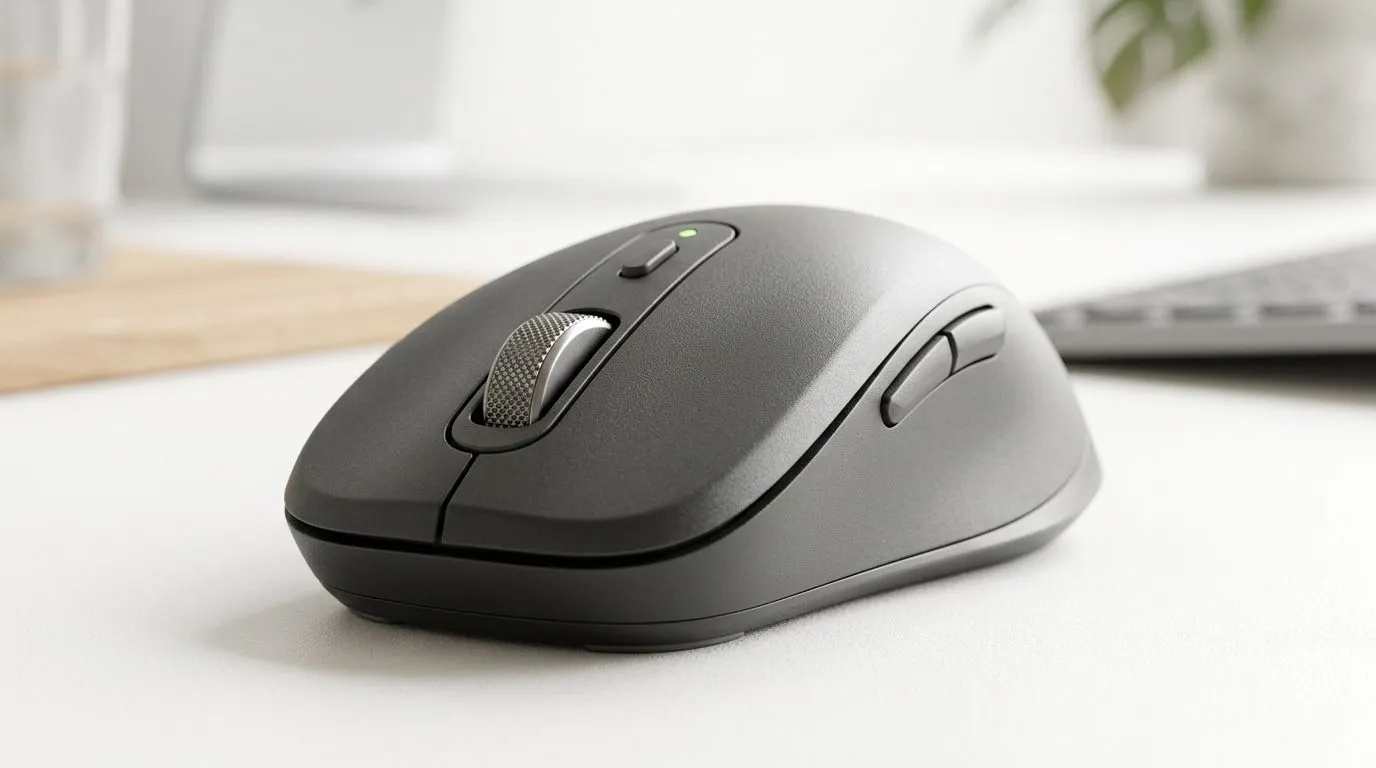
Silent Bluetooth Mouse for Work and Study: Choosing the Right One (Without Regrets) 🤫
Ever sat through a quiet library session… only to hear that click-clack from someone’s mouse? Or tried to focus at work while your desk turns into a tiny drum kit? If you want a silent Bluetooth mouse for work and study, the right details matter more than you’d think.
In this guide, we’ll walk through what to look for, how to test it quickly, and how to avoid common “it sounded fine in the shop” disappointments. ✨
Silent Bluetooth Mouse for Work and Study: Key Features That Actually Matter 🔧
1) True silence… and what “silent” means
“Silent” usually refers to quieter switches, not total muting. Some models are near-imperceptible at arm’s length, while others are just “less loud”. If possible, check customer reviews for real-world impressions.
2) Bluetooth reliability (range + pairing)
Bluetooth is convenient for laptops and tablets, but stability varies. Look for:
- Multi-device support (if you switch between laptop + tablet)
- Smooth reconnection after sleep
- A sensible operating distance for your desk setup
3) Battery life and charging style
For work and study, you want fewer charging interruptions. Prioritise reputable battery claims and a charger method that fits your lifestyle (USB-C is usually easiest to live with).
4) Ergonomics for long sessions
Silent doesn’t help if your hand cramps. Choose based on:
- Right or left-hand comfort
- Grip style (palm vs claw)
- Weight that feels steady but not tiring
Evetech stocks a range of mouse accessories and options you can pair with your workflow here: mouse accessories.
Silent Bluetooth Mouse for Work and Study: Best-Case Setups for SA Users ⚡
Desktop + laptop switching
If you often bounce between work and study, multi-device Bluetooth support can save you. You press a button, your cursor follows. Less friction means more focus.
Quiet room etiquette (yes, it’s a thing)
Even if a mouse is “silent”, movement noise (wheel and glide) still matters. Test:
- Scroll in short bursts
- Click at normal pressure
- Glide across your actual desk surface (not a shop mat)
For wired alternatives, many people use them in shared offices where latency is a non-issue. Browse: wired mice.
Silent Bluetooth Mouse for Work and Study: Quick Buyer Checklist ✅
- Silent switches: confirm through reviews
- Bluetooth performance: easy pairing, stable reconnection
- Battery: real-world expectations, not just marketing
- Comfort: matches your grip and hand size
- Wheel feel: quiet scrolling, not scratchy
If you’re comparing options beyond Bluetooth, you can also check: wireless mice.
Productivity Pro Tip ⚡
On Windows, use the PowerToys FancyZones utility to create custom snap layouts for your windows. It's a lifesaver for managing multiple apps on an ultrawide monitor, letting you organise your timeline, preview window, and asset folders perfectly for video editing.
Silent Bluetooth Mouse for Work and Study: Where Gaming Shapes Better Work Mice 🚀
A surprising truth… many “work” mice borrow from gaming design: tighter sensor performance, smoother control, and better wheel consistency. You don’t need RGB to get that advantage.
If you also game after study, check these for value-focused options: best gaming mouse deals. And if you want to narrow down by component type, start here: gaming mouse category.
CALLTOACTION
Ready to Find Your Perfect Match? The Mac vs Windows debate is complex, but for maximum power, choice, and value in South Africa, Windows is hard to beat. Explore our massive range of laptop specials and find the perfect machine to conquer your world.











