

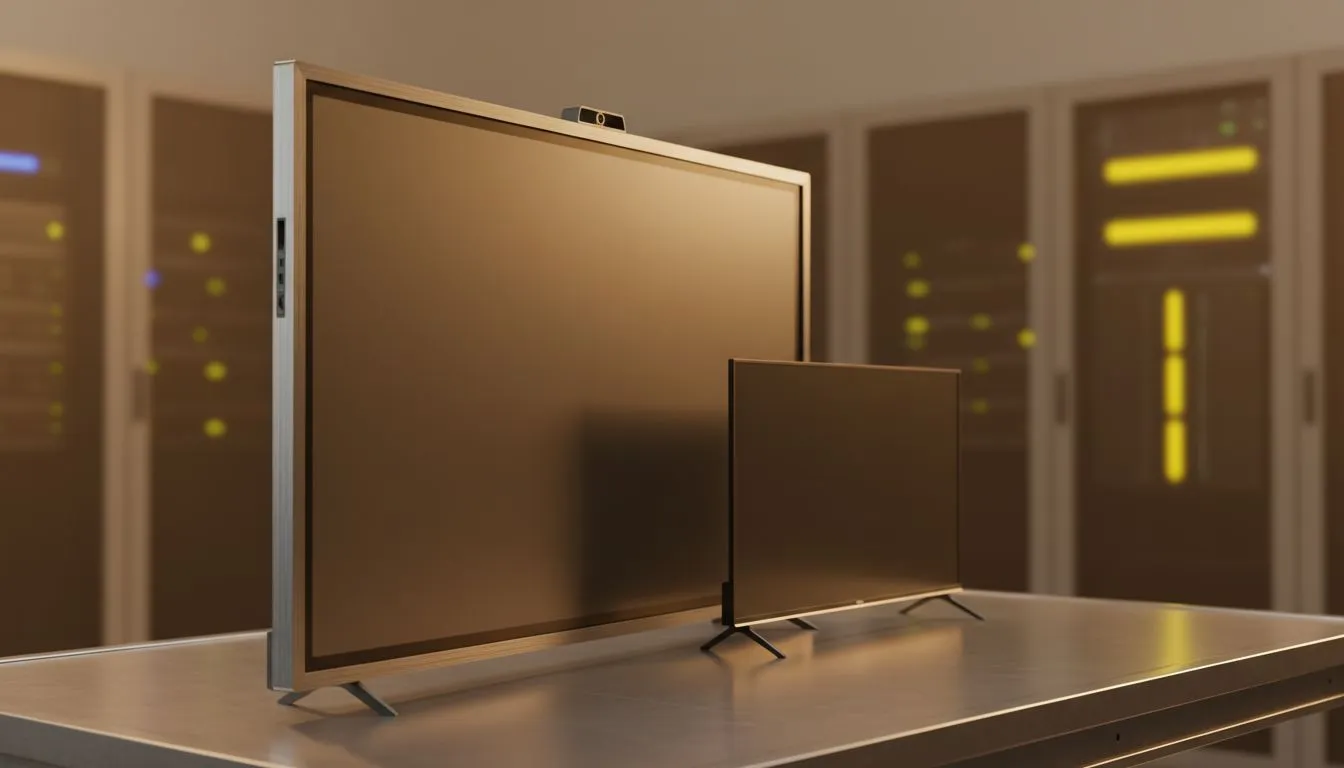
Smart TV vs Interactive ViewBoard: What Your Business Needs
Choosing between a Smart TV and an Interactive ViewBoard can feel like picking between convenience and control. Which one helps your team collaborate, presents crisply in a reception area, and actually saves you money over three years? Below you’ll find clear, local-first advice to make a confident buy for your South African business. 🔧✨
Smart TV vs Interactive ViewBoard: Quick comparison for business use
Smart TVs are plug-and-play familiar: great for signage, video calls and streaming apps. Interactive ViewBoards add touch, annotation and education-focused tools for meetings and training. If your priority is simple content playback, a Smart TV is often lower cost and easier to manage. For active collaboration, the ViewBoard’s touch and annotation features win.
For display tech and realistic colour, consider IPS panels for roomy viewing angles in meeting spaces — Evetech lists plenty of IPS options to match business workflows: https://www.evetech.co.za/PC-Components/pc-monitors-89?attributes-paneltype=IPS
Smart TV vs Interactive ViewBoard: Costs, setup and lifecycle
Upfront, Smart TVs tend to be cheaper. But interactive displays can reduce software compatibility headaches for whiteboarding and training sessions. Think about mounting, calibration and the cabling path; an interactive unit often needs professional install.
If you need a clean, flat presentation surface for multiple displays, flat-screen options remain the practical choice for video walls: https://www.evetech.co.za/PC-Components/pc-monitors-89?attributes-curved%2Fflatscreen=Flat Curved displays can add immersion in showrooms or visitor experience centres: https://www.evetech.co.za/PC-Components/pc-monitors-89?attributes-curved%2Fflatscreen=Curved
Smart TV vs Interactive ViewBoard: Performance and compatibility
For smooth video conferencing and playback, look for displays with adaptive sync tech and reliable firmware. Some pros use Adaptive Sync to reduce judder in live demos: https://www.evetech.co.za/PC-Components/pc-monitors-89?attributes-adaptivesync=Adaptive+Sync If you rely on GPU-accelerated content for demos or live rendering, G-Sync or FreeSync support is useful on connected PCs: https://www.evetech.co.za/PC-Components/pc-monitors-89?attributes-adaptivesync=G-Sync+%28NVIDIA%29 and https://www.evetech.co.za/PC-Components/pc-monitors-89?attributes-adaptivesync=FreeSync+%28AMD%29
For many business rooms, pairing the right monitor tech with your meeting PC is the easiest route — browse Evetech’s monitor range to match resolutions and inputs: https://www.evetech.co.za/PC-Components/pc-monitors-89
Productivity Pro Tip ⚡
On Windows, set your meeting PC to extend rather than mirror displays when using a ViewBoard. This keeps your presenter notes private while showing a clean canvas to the room. It also avoids scaling issues when the ViewBoard uses a different resolution.
Smart TV vs Interactive ViewBoard: Use cases and recommendation
- Reception and signage: Smart TV. Easy updates via USB, network or CMS.
- Training and workshops: Interactive ViewBoard. Built for touch, drawing and saving session notes.
- Small huddle rooms: If you mostly screen-share, a high-quality Smart TV with IPS panel is cost-effective. See IPS options here: https://www.evetech.co.za/PC-Components/pc-monitors-89?attributes-paneltype=IPS
- Showroom or demo space: Curved or specialty monitors can add impact: https://www.evetech.co.za/PC-Components/pc-monitors-89?attributes-curved%2Fflatscreen=Curved
A short story: a Cape Town startup swapped a large Smart TV for an interactive display before client workshops. The first session saved them two hours of back-and-forth because everyone could annotate and export notes on the spot. That ROI paid for the upgrade within a year.
Final decision checklist before you buy
- Who uses it, and how often?
- Do you need touch and annotation saved to files?
- What resolution and input ports does your meeting PC have?
- Will you need professional mounting or a service contract?
Small businesses often start with a Smart TV and upgrade a single key room to an Interactive ViewBoard where collaboration matters most. 🚀
Ready to Find Your Perfect Match? The Mac vs Windows debate is complex, but for maximum power, choice, and value in South Africa, Windows is hard to beat. Explore our massive range of laptop specials and find the perfect machine to conquer your world.











