

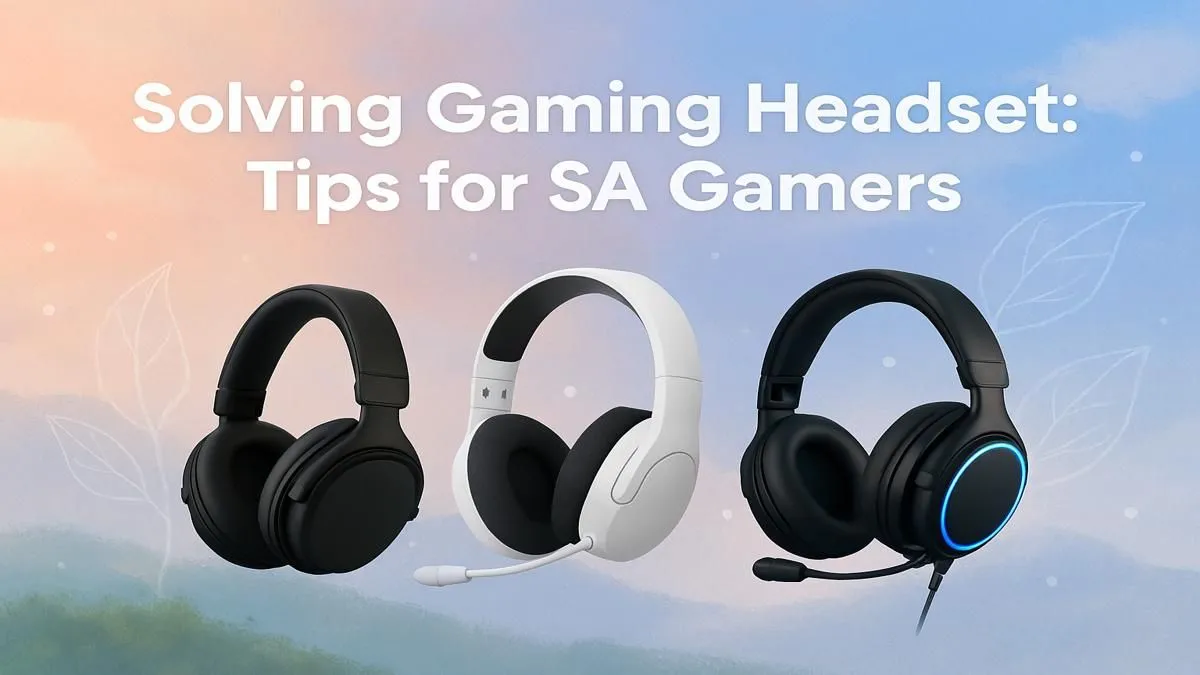
That familiar throbbing pain behind your ears after a marathon Apex Legends session? You're not alone. In South Africa, where we take our gaming seriously, gaming headset discomfort can ruin a perfect win streak. But what if you could banish that pinching, sweaty feeling for good? It’s not about spending a fortune; it’s about choosing smart and adjusting right. Let's get you back in the game, pain-free. 🎧
Understanding the Causes of Headset Pain
Before you can fix the problem, you need to know what’s causing it. Most gaming headset discomfort boils down to three key culprits: clamping force, weight, and materials. An overly tight clamp feels like a vice grip, a heavy headset strains your neck, and non-breathable earcups turn into a sweaty mess during our hot summer months. Finding relief means tackling these issues head-on.
The perfect headset isn't just about crystal-clear audio... it's about a fit so good you forget you're even wearing it.
Pro Tips for a More Comfortable Gaming Session
You don't always need a new headset to solve the problem. Sometimes, a few clever adjustments can make all the difference and help you avoid unnecessary pain.
Dial in the Fit
Almost every headset has adjustments, but many gamers just pop them on straight out of the box. Take a minute to get it right:
- Headband: Adjust the sliders so the band rests gently on the top of your head, not pressing down hard. The weight should be evenly distributed.
- Ear Cups: Ensure the cups fully enclose your ears (for over-ear models) without pinching your lobes. Most have some swivel and tilt to match the angle of your head.
For console gamers, specific models are often ergonomically designed for longer play sessions. Both the official PlayStation headsets and many dedicated Xbox headsets prioritise lightweight materials to reduce fatigue.
Consider the Weight and Materials
The trade-offs between features can directly impact comfort. For example, a feature-rich wireless headset with a large battery will almost always be heavier than a streamlined wired headset. If you're sensitive to weight, the simplicity of a wired connection might be the key to stopping headset discomfort.
Likewise, earcup material matters. Pleather offers great sound isolation but can get warm. Velour or fabric pads are more breathable, making them a fantastic choice for intense, sweaty gaming sessions.
The Gentle Break-In Trick 🔧
New headsets can be stiff. To safely reduce excessive clamping force, gently stretch your headset over its box (or a stack of books) overnight for a day or two. This slowly eases the tension in the headband without risking damage, leading to a much more comfortable fit.
Your Checklist for a Discomfort-Free Headset
When it's time to upgrade, keep these points in mind to ensure your next purchase is the right one. A little research now prevents hours of pain later. ✨
- Adjustability: Does it have a sliding headband and pivoting earcups?
- Weight: Is it light enough for you to wear for 3+ hours?
- Earcup Material: Are the pads made from a breathable material suitable for the SA climate?
- Earcup Size: Does it fit comfortably over or on your ears without pinching?
If your current gear isn't ticking these boxes, it might be the source of your gaming headset discomfort. Exploring the huge variety of headphone and headset options available can open your eyes to just how comfortable modern designs can be.
Ready to End Headset Discomfort for Good? A painful headset is the last thing you need when you're clutching a 1v3. Stop letting discomfort dictate your gaming sessions. Explore our best gaming headset deals and find the perfect, pain-free match for your playstyle and budget today.











