

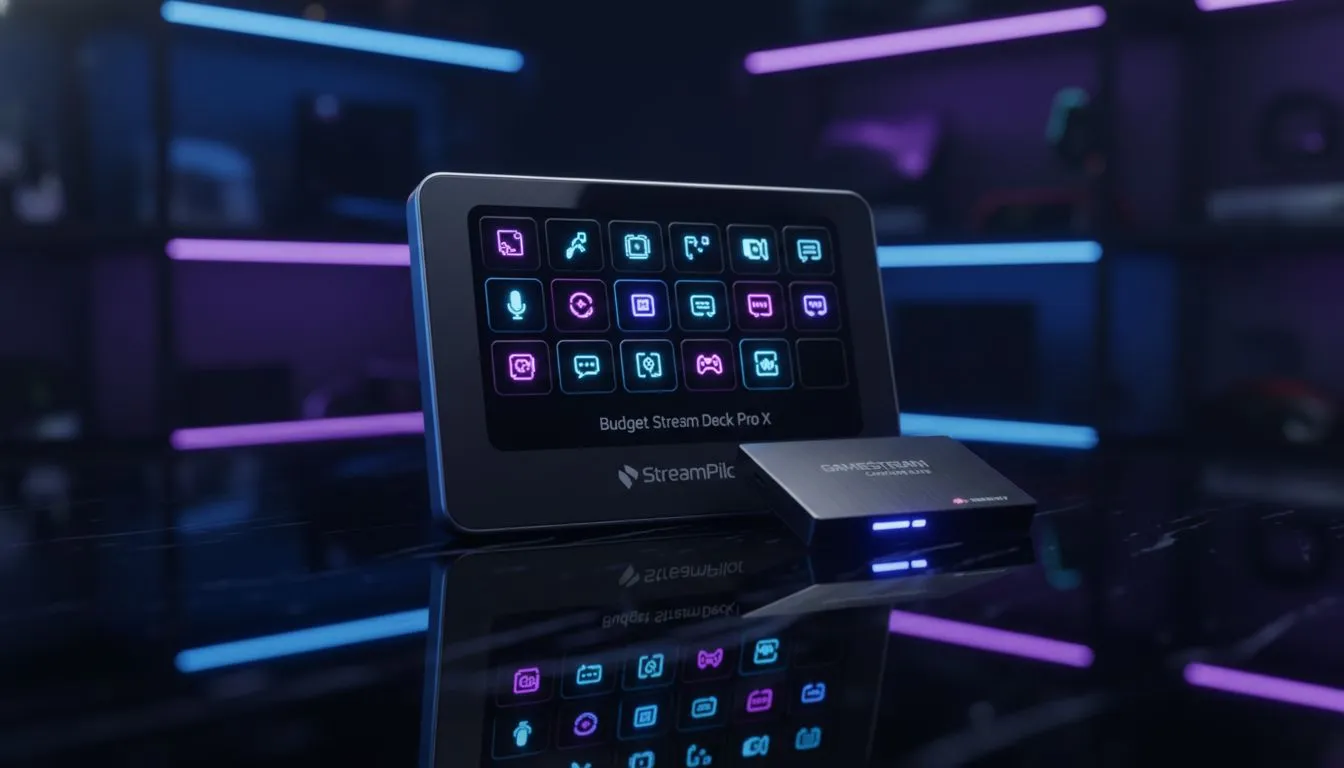
Building a top-tier streaming setup in 2025 doesn't mean emptying your savings account. While the Elgato Stream Deck remains the industry gold standard, South African creators are finding clever ways to manage their broadcasts for less. Whether you are hunting for Stream Deck alternatives, budget-friendly macro pads, or high-performance capture cards, we have the lowdown on optimising your gear without sacrificing production quality. Let’s get your stream looking pro. 🚀
Why Look for Stream Deck Alternatives?
Let's be real... the cost of entry for streaming can be steep. Between a high-end PC, a camera, and lighting, your budget takes a beating. The Stream Deck is a fantastic tool, offering tactile control over OBS, Twitch chat, and lighting, but it's not the only way to skin a cat.
Many content creators are turning to "budget Stream Decks"—which are often just clever repurposing of other peripherals—to achieve the same result. By mapping hotkeys effectively, you can switch scenes, mute audio, or trigger meme sounds without spending thousands of Rands on a dedicated 15-key deck.
Repurposing Your Peripherals
Before you buy new hardware, look at what is already on your desk. You might be sitting on a powerful control centre without realising it.
The Macro Powerhouse
If you are playing MMOs or MOBAs, you might already own a gaming mouse with a grid of side buttons. These aren't just for casting spells; they can be remapped in software to control your stream. A 12-button side grid is essentially a mini Stream Deck right under your thumb.
Keyboard Shortcuts
Similarly, you don't need a custom keypad if you have the right board. You can find the cheapest gaming keyboard in South Africa that offers dedicated macro keys. Assigning "Scene Switch" or "Start Recording" to these extra keys keeps your main typing area clear for chat while giving you broadcast control.
Software Savvy ⚡
If you have an old tablet or smartphone lying around, don't let it gather dust. Apps like Touch Portal or Elgato Stream Deck Mobile can turn your mobile device into a fully functional, wireless touch control surface for your PC. It connects via Wi-Fi and offers nearly identical functionality to the hardware version for a fraction of the price.
Capture Cards 2025: The Visual Backbone
While you can hack your way around a control deck, you cannot fake a good video feed. If you are streaming console gameplay from an Xbox or PlayStation, or using a dual-PC setup, a capture card is non-negotiable.
In 2025, the standard has shifted. Viewers expect crisp 1080p 60fps at a minimum, with many looking for 4K capabilities. When browsing our streaming essentials, look for cards that offer "zero-latency passthrough." This ensures that what you see on your gaming monitor is instant, even if the stream output has a slight delay.
Speaking of console streaming, ensure your gaming controllers are wired or have a stable connection; nothing ruins a stream faster than a disconnected controller during a boss fight.
Completing the Audio-Visual Ecosystem
A Stream Deck alternative handles the operation of the stream, but the quality comes from the rest of your rig.
Audio Clarity
Here is a hard truth: viewers will tolerate pixelated video, but they will leave immediately if your audio is bad. You need broadcast-quality microphones to ensure your voice cuts through the game noise. Whether you go XLR or USB, positioning is key.
To monitor that audio without feedback loops, invest in closed-back headphone headsets. This lets you hear exactly what your audience hears, ensuring your game sound doesn't drown out your commentary.
Screen Real Estate & Storage
Managing a stream on a single screen is a nightmare. You need to see OBS, your chat, and your alerts simultaneously. Adding a second PC monitor, even a budget 60Hz panel turned vertically, changes the game entirely.
Finally, if you plan on editing your streams for TikTok or YouTube Shorts later, you need speed. Recording high-bitrate footage requires fast solid state drives. An NVMe drive prevents dropped frames during recording and makes scrubbing through hours of footage in Premiere Pro instant. ✨
Final Thoughts
You don't need the most expensive gear to start; you just need a smart setup. By combining budget Stream Deck alternatives with critical investments like good capture cards and audio, you can build a studio that rivals the pros.
Ready to Level Up Your Stream? Whether you need a 4K capture card, a macro-packed keyboard, or a second monitor for chat, we've got the gear to make you go live in style. Browse our full range of Streaming Gear and start building your audience today.











