

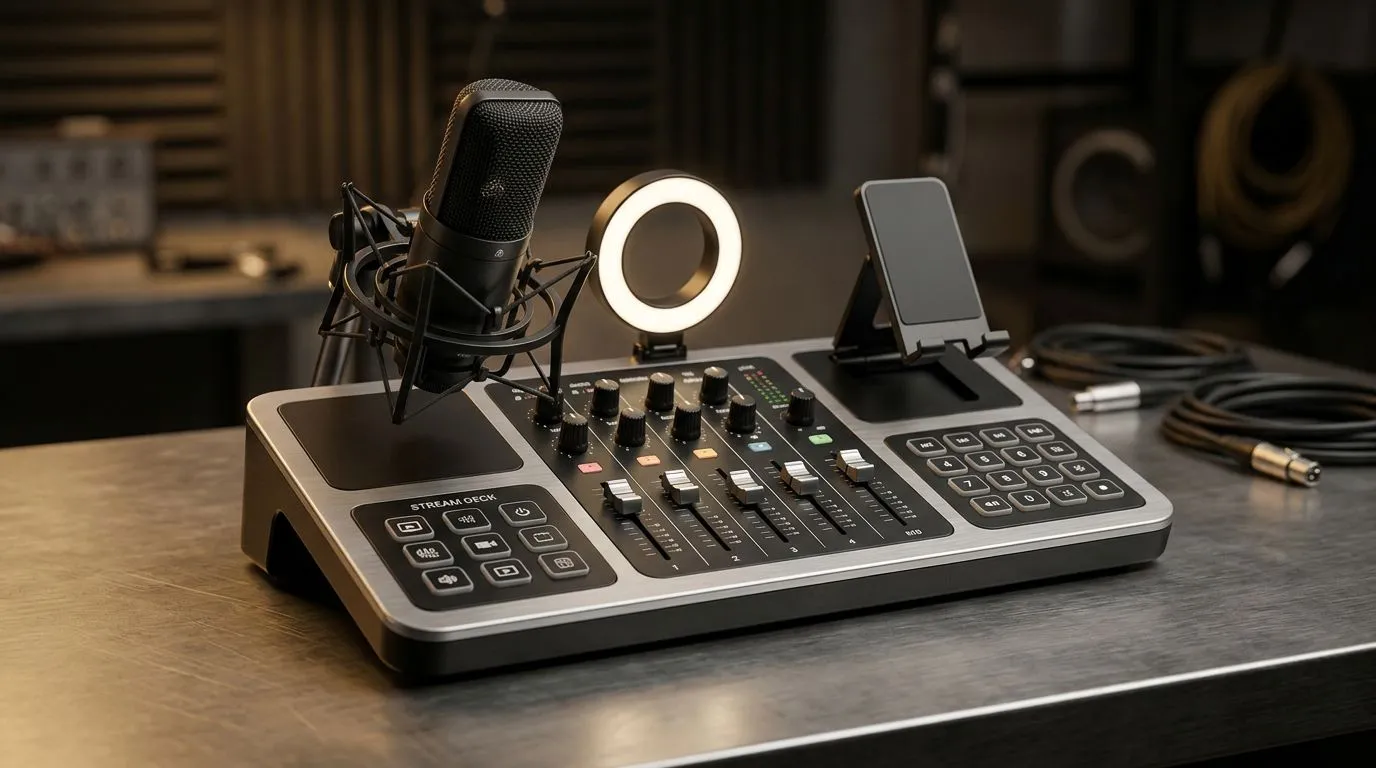
Streaming gear for creators in South Africa — quick hook
If you’re building a channel or upgrading a livestream, start here: Streaming Gear South Africa: Essential Picks for Creators is your shortlist of cameras, mics, capture cards and lighting that actually work in SA. Whether you’re recording at home in Pretoria or streaming late-night in Cape Town, these picks balance performance and South African value for money — and they point you straight to Evetech stock and deals. 🚀
Streaming gear in South Africa: cameras and webcams
Choosing the right webcam or camera pivotally changes your stream’s look. For affordable plug‑and‑play webcams, check Evetech’s curated webcams selection to match your resolution and framerate needs (ideal: 1080p60 or 4K30 for pros) — they list models that suit different budgets and use cases (see product listings). https://www.evetech.co.za/PC-Components/buy-webcams-145.aspx
Best camera tips
- Use 1080p60 for smooth motion at lower bitrate.
- Place camera at eye level and use soft lighting to remove shadows.
- If you move to a mirrorless camera later, ensure your capture card supports HDMI input.
South African streaming gear: microphones and audio
Good audio wins viewers. USB mics are simple; XLR with an interface is more flexible. Evetech’s streaming essentials page groups popular microphones, interfaces and bundles that are great for streamers across South Africa (prices start from around R1 200 for entry USB mics to R6 000+ for broadcast XLR setups). For gear options and bundles, browse the essentials list here. https://www.evetech.co.za/PC-Components/buy-streaming-essentials-369.aspx
Audio best practice
- Use a pop filter and position mic 15–25 cm from your mouth.
- Record a short test clip and normalise levels to avoid clipping.
South African streaming gear choices: capture cards, PCs and peripherals
For PC streamers, a dedicated capture card helps if you’re dual-PC streaming or using a console. If buying peripherals and capture options, Evetech’s Corsair-filtered streaming essentials highlight components and RGB peripherals that fit modern builds — useful if you prefer Corsair ecosystems or want compatible cooling/lighting. https://www.evetech.co.za/PC-Components/buy-streaming-essentials-369.aspx?brands=CORSAIR
Performance tips
- Prioritise CPU cores for software encoding or a discrete GPU for NVENC.
- Allocate SSD storage for recording; 1 TB NVMe is a sensible start.
Lighting and studio extras for South African creators
Good lighting removes polish problems instantly. RGB panels like Cololight and softboxes are common picks for small studios; they make faces pop and reduce noise by allowing lower ISO. See compatible lighting kits available locally for price context and real product options. https://www.evetech.co.za/PC-Components/buy-streaming-essentials-369.aspx?brands=Cololight
Studio Setup Tip ✨
Keep your main light slightly above eye level and a fill light at low intensity to cut harsh shadows. This gives a natural, flattering look without heavy editing.
Budget, upgrade path and local buying tips
Start with a solid webcam and mic, then upgrade lighting and capture. Keep receipts and check warranty terms; Evetech lists warranty and product details on each product page. Look for seasonal specials and bundle savings in ZAR to stretch your budget further.
Final setup checklist before you go live
- Camera: 1080p60 minimum for smooth streams.
- Audio: test for clipping and background noise.
- Network: aim for 5–10 Mbps upload for 1080p streams.
- Lighting: soft key and subtle fill light.
Ready to Find Your Perfect Match? The Mac vs Windows debate is complex, but for maximum power, choice, and value in South Africa, Windows is hard to beat. Explore our massive range of laptop specials and find the perfect machine to conquer your world.











