

Fortnite Settings on RTX 5060 Ti: Best Performance
Fortnite Settings on RTX 5060 Ti: Performance. Real-world benchmark data, FPS numbers & performance analysis. What SA gamers can actually expect.
Read moreThick mousepad for wrist support cushions pressure, reduces strain, and stabilizes hand movement during long gaming sessions. Learn how thickness, density, and material boost comfort and aim. 🎮🖱️
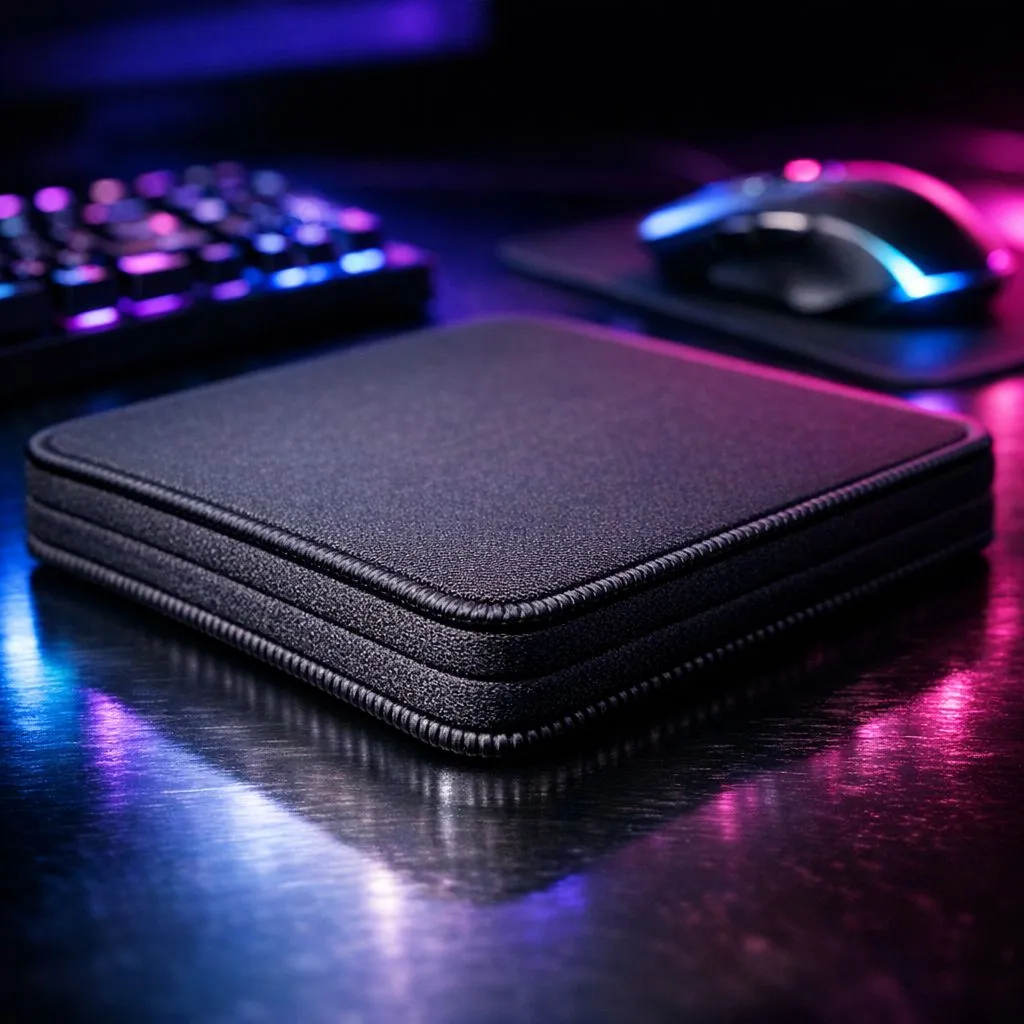
That sharp ache in your wrist after a marathon Warzone session? Ja, we've all been there. You've got the high-DPI mouse and the mechanical keyboard, but what about the surface they live on? Your flimsy, old mousepad might be the real villain. Investing in a proper thick mousepad for wrist support isn't just a luxury; it's a crucial piece of ergonomic gear that can boost your performance and save you from long-term strain. Let's explore why.
Think of it like a shock absorber for your wrist. A standard, thin mousepad does little to cushion the delicate carpal tunnel area, which is constantly pressed against the hard edge of your desk. A thicker pad, typically 3mm or more, creates a softer, more uniform surface. This reduces pressure points, encourages a more neutral wrist posture, and allows for longer, more comfortable gaming sessions. ⚡
This simple upgrade can make a massive difference in preventing repetitive strain injuries (RSI), helping you stay in the fight for longer. The best part? You don't need a doctor's note to feel the immediate improvement in comfort.
While thickness is key for support, the material and size of your mousepad dictate how your mouse performs.
For pure wrist comfort, a plush cloth surface is unbeatable. The soft fabric provides excellent cushioning. Many pro players and ergonomic experts favour cloth pads for their blend of comfort and control. You can find excellent options from premium brands like Steelseries or get fantastic performance from great value options from Marvo.
Are you a low-DPI player who makes massive, sweeping arm movements for those flick-shots in CS2? You'll need a surface that can keep up. This is where massive XXL desk mats come in, covering your entire desk area. For most gamers, however, extended mousepads offer a generous sweet spot, with enough room for your keyboard and wide mouse movements.
To clean your cloth mousepad, fill a sink with warm water and a small amount of dish soap. Submerge the pad and gently scrub the surface with your hands or a soft brush. Rinse thoroughly with cold water until the soap is gone, then pat it with a towel and let it air dry completely. Avoid machine washing or using a dryer, as this can damage the surface and rubber base.
Ergonomics are sorted, but what about your battle station's vibe? Your mousepad is a huge part of your desk's personality.
For a clean, minimalist setup, there are plenty of high-quality, sleek, non-RGB mousepads that focus purely on performance. But if you want to sync up your gear and add some flair, you can't go wrong with vibrant RGB options that will make your setup pop. ✨ For a great starting point, check out Evetech's own range of mousepads, which offers a fantastic balance of quality and value.
Ultimately, choosing a thick mousepad for wrist support is one of the smartest and most affordable ergonomic upgrades you can make. It protects your health, improves your comfort, and provides a more consistent surface for peak gaming performance. It's a small change that delivers a huge win.
Ready to Upgrade Your Comfort & Control? Don't let wrist pain cut your gaming sessions short. The right surface is fundamental to your performance and long-term health. Explore our massive range of gaming mousepads and find the perfect foundation for your victory.
A thick mousepad cushions pressure points, raises wrist alignment, and reduces pronation, decreasing strain and improving comfort during long gaming sessions. (see: mousepad thickness wrist support)
Ideal thickness is often 3–6 mm for everyday comfort, while 6–12 mm suits heavy cushioning needs. Try options labeled in product specs like best mouse pad thickness for gamers.
Memory foam mouse pads contour to the wrist and relieve pressure, making memory foam mouse pad gaming models a strong choice for chronic discomfort.
Yes. Density and surface material matter; high-density foam or gel with a stable cloth top balances support and tracking for gamers seeking ergonomic mousepad benefits.
In many cases, a thick mousepad reduces the need for a separate wrist rest, offering integrated cushioning and stable tracking under the hand.
Properly designed thick cloth or hard-surface pads maintain consistent tracking. Look for pads marketed as best thick mousepad for gaming to avoid glide issues.
Choose moderate thickness (3–6 mm) with low friction surface and stable base to balance wrist support and quick mouse movement preferred by gamers.
Fortnite Settings on RTX 5060 Ti: Performance. Real-world benchmark data, FPS numbers & performance analysis. What SA gamers can actually expect.
Read more
Top Aftermarket RX 7900 XTX Cards: AIB Partner picks evaluated on performance, value & SA availability with current Rand pricing from Evetech.
Read more
Top Case for RTX 5060: Airflow & Size Compatibility picks evaluated on performance, value & SA availability with current Rand pricing from Evetech.
Read more
RX 7800 XT The Witcher 4 Low Settings at 1440p. Real-world benchmark data, FPS numbers & performance analysis. What SA gamers can actually expect.

RTX 5070 GTA 6 High Settings at 1440p: FPS Results. Real-world benchmark data, FPS numbers & performance analysis. What SA gamers can actually expect.

Does RTX 5070 Run Hot in South African Climate Detailed answer with SA data, expert analysis & practical recommendations for local buyers.

How Long Will the RX 7900 XTX Last for Gaming Detailed answer with SA data, expert analysis & practical recommendations for local buyers.

Every spec on PCIe 5.0 explained in plain English. What matters for gaming and creator work in 2026, what's marketing fluff, and how each number translates to real-world performance.

Every spec on bios explained in plain English. What matters for gaming and creator work in 2026, what's marketing fluff, and how each number translates to real-world performance.

Every spec on gaming setups explained in plain English. What matters for gaming and creator work in 2026, what's marketing fluff, and how each number translates to real-world performance.

Every spec on cooling systems explained in plain English. What matters for gaming and creator work in 2026, what's marketing fluff, and how each number translates to real-world performance.

Every spec on 10tb enough storage explained in plain English. What matters for gaming and creator work in 2026, what's marketing fluff, and how each number translates to real-world performance.

External HDD vs External SSD: real-world performance, SA pricing, power draw and which one delivers better value for your build. The clear answer — without the fluff.

What to prioritise when shopping for external hard drive in South Africa: the specs that matter, Rand value tiers, and the trade-offs between budget and flagship picks in 2026.

Desktop External HDDs vs Portable Drives: real-world performance, SA pricing, power draw and which one delivers better value for your build. The clear answer — without the fluff.