

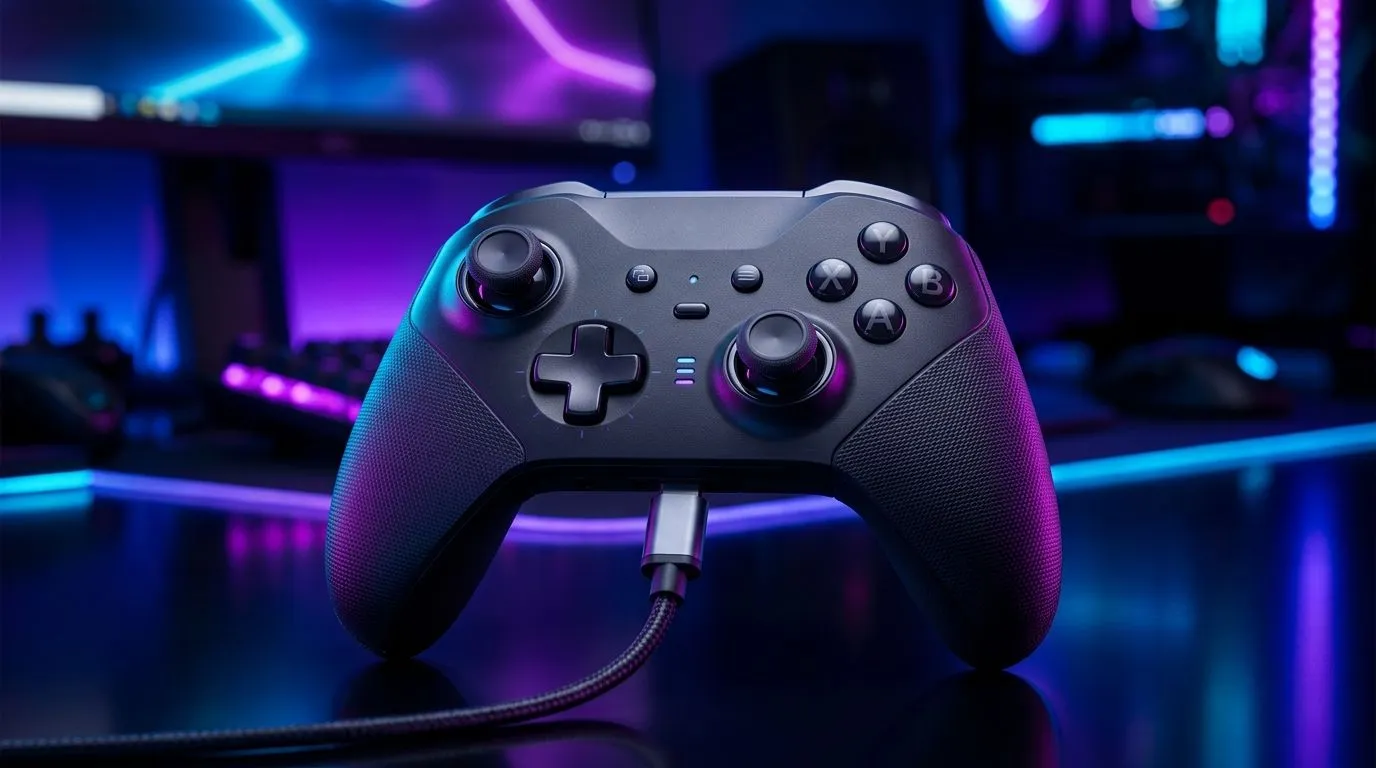
Tri-Mode comfort: Tri-Mode Gaming Controller: 2.4 GHz, Bluetooth, and USB-C for SA gamers
Ever tried to game on one device, then switch to another and… the controller needs re-pairing again? In South Africa’s load-shedding reality and “PC + console + phone” lifestyle, that gets old fast. A tri-mode controller is meant to remove friction. The idea is simple: plug in via USB-C, go wireless with 2.4 GHz for low-latency gaming, or use Bluetooth for quick pairing when you’re on the move. ⚡
This Gear Review breaks down what that means in everyday use, plus what to check before you buy.
Tri-Mode Gaming Controller: 2.4 GHz, Bluetooth, and USB-C explained (and why it matters)
With 2.4 GHz, you typically get the most stable, responsive connection for fast games like shooters and fighters. Think fewer dropouts and less input lag compared to older wireless setups. Bluetooth is great for convenience, especially with laptops and mobile devices, but can be less consistent under heavy interference. USB-C is your “no excuses” option for charging and wired play, which is handy when you’re focusing on competitive sessions.
If you’re choosing between controllers, it helps to start with how you’ll actually play:
- Main PC gaming? Prioritise 2.4 GHz.
- Switching between devices a lot? Tri-mode is the time-saver.
- Long sessions or tournaments? Wired USB-C removes battery worries.
What to look for in a tri-mode controller 🔧
Before spending your hard-earned ZAR, confirm these practical points:
- Compatibility: PC support is one thing, but check how well it works with your specific platform.
- Wireless range and stability: 2.4 GHz should feel reliable across your setup.
- Charging method: USB-C is modern and easier to match with your existing cables.
- Controller profiles: Some controllers support better mapping out of the box.
If you’re still browsing, Evetech has a solid guide to help you narrow it down: buy gaming controllers.
A quick comparison mindset (so you don’t overpay) ✨
Here’s a micro-story from a friend’s setup: they bought a controller that “worked fine” at first. Then they switched games, swapped to another device, and pairing became a ritual. Tri-mode avoids that… as long as the controller’s modes are actually practical for your devices.
For more options (including brand-specific models), Evetech also lists controller deals by brand: Raze gaming controllers.
Connectivity Pro Tip ⚡
On a desktop, place the 2.4 GHz receiver where it has a clear line of sight to your controller. Avoid stacking it behind a tower PC’s metal panels or USB hubs, as signal congestion can cause small disconnects during rapid inputs.
Tri-Mode Gaming Controller: 2.4 GHz, Bluetooth, and USB-C in real SA homes
Most players in South Africa don’t just game on one screen. You might start a match on your PC, then switch to a portable setup later, or couch-play on a different device. Tri-mode setups make those transitions less painful.
A key “buying” lens is reliability during crunch time:
- Wireless competitions: 2.4 GHz is usually your best bet.
- Casual gaming with friends: Bluetooth can be the fastest route to play.
- Zero-latency focus: USB-C is your safety net.
If you’re evaluating a specific premium option, Evetech highlights the Razer Wolverine V3 Tournament Edition on their deals page. Use that as a reference point for how brands position features for performance-minded players.
How to choose your “default mode” 🚀
Set rules for yourself:
- Use 2.4 GHz as your default for ranked and high-APM games.
- Switch to Bluetooth only when you’re changing devices quickly.
- Keep USB-C ready for charging or when you want maximum stability.
That simple habit makes tri-mode feel effortless, not complicated.
Ready to Find Your Perfect Match? The Mac vs Windows debate is complex, but for maximum power, choice, and value in South Africa, Windows is hard to beat. Explore our massive range of laptop specials and find the perfect machine to conquer your world.











