

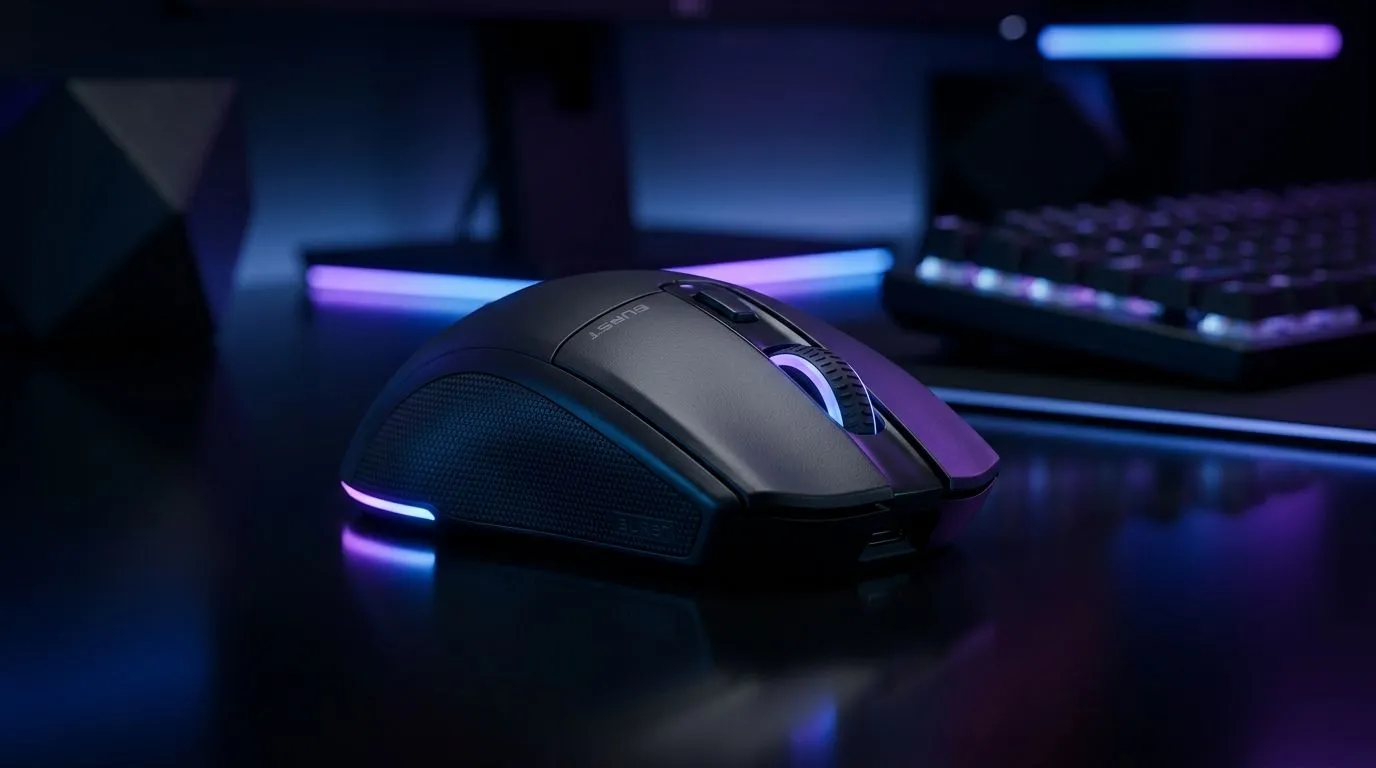
Turtle Beach Burst II Air: What You Need to Know Before You Buy 🎧
If you’re gaming after-hours in South Africa, you’ll know the struggle… fans keep spinning, neighbours keep living, and your audio should still hit hard. Turtle Beach’s Burst II Air promises an all-day wireless headset feel without the “battery anxiety”. But does it actually deliver in real gameplay, voice chat, and late-night sessions? Let’s break down the Burst II Air features in plain English, then I’ll show you how to match it to your setup before you spend your ZAR.
Turtle Beach Burst II Air Features Explained for Gaming: Comfort, Wireless, and Control ⚡
The Burst II Air is built around three practical ideas: comfortable wear, stable wireless use, and quick controls. That matters because the best headset is the one you forget you’re wearing… until you need it.
Comfort for long sessions ✨
For extended play, comfort isn’t just “nice to have”. A headset that sits well reduces heat build-up and jaw fatigue, especially during competitive rounds. If you’re sensitive to pressure on the headband, focus on how it feels after 60 minutes, not after 10.
Wireless that stays reliable 🎮
Air headsets live or die by wireless consistency. In general, modern gaming headsets aim to keep latency low enough for audio cues like footsteps and ability timing. Before buying, check whether the Burst II Air suits your environment: lots of Wi‑Fi in your flat? Thick walls in a house? Wireless can vary with interference.
Note: For the exact Burst II Air wireless specs (range, latency, battery life), rely on the product listing details on Evetech where available. That’s the only way to avoid guessing.
Controls you’ll actually use
Good gaming audio isn’t just sound quality. It’s also fast access to chat mix and volume. If you find yourself reaching for the phone or PC every time you want to mute, that’s friction. The Burst II Air’s design concept is to keep controls within easy reach while you’re in the zone.
Turtle Beach Burst II Air Features Explained for Gaming: Mic, Chat, and In-Game Clarity 🎙️
Mic performance is often the make-or-break feature in squads. Even if your sound is crisp, poor voice pickup can ruin teamwork.
Voice pickup: aim for “clear, not loud”
In practice, you want a mic that captures your voice cleanly without picking up too much room noise. If you game in a shared space, consider positioning: a slightly closer mic angle usually helps. Also, test your mic in a party before you queue ranked.
A quick setup check 🔧
Before your first raid, do this:
- Run your in-game voice test.
- Adjust mic input sensitivity.
- Confirm you’re using the correct headset device in Windows audio settings.
Productivity Pro Tip 🔧
On Windows, use the PowerToys FancyZones utility to create custom snap layouts for your windows. It's a lifesaver for managing multiple apps on an ultrawide monitor, letting you organise your timeline, preview window, and asset folders perfectly for video editing.
Turtle Beach Burst II Air Features Explained for Gaming: Pairing Tips for SA Gamers (and your mouse) 🚀
A headset only goes as far as your overall rig. If you’re upgrading, check your peripherals too. For competitive aiming, the right mouse type matters just as much as audio cues.
If you’re currently on a mixed workspace or you play on different devices, a good accessory strategy helps:
- Prefer a comfortable, reliable wired feel? Browse wired mouse options here: wired mouse picks
- Want flexible everyday control for gaming and general use? Start with: mouse accessories
- If you’re building a clean desk setup with less cable clutter, explore: wireless mouse options
And if you’re chasing value, timing matters. South African gamers love a smart deal, so keep an eye on: best gaming mouse deals. Not sure where the parts fit? Use the broader selection here: gaming mouse components.
Turtle Beach Burst II Air Features Explained for Gaming: Decide Fast (Checklist)
Here’s a quick buying checklist you can use today:
- Comfort: try in-store if possible, or read trusted feedback tied to fit.
- Wireless stability: consider your environment and interference.
- Mic clarity: do a party test, then adjust settings.
- Controls: ensure mute and chat mix are reachable while gaming.
- Match the rest of your gear: audio cues land better when your inputs are dialled in.
Ready to Find Your Perfect Match? The Mac vs Windows debate is complex, but for maximum power, choice, and value in South Africa, Windows is hard to beat. Explore our massive range of laptop specials and find the perfect machine to conquer your world.











