

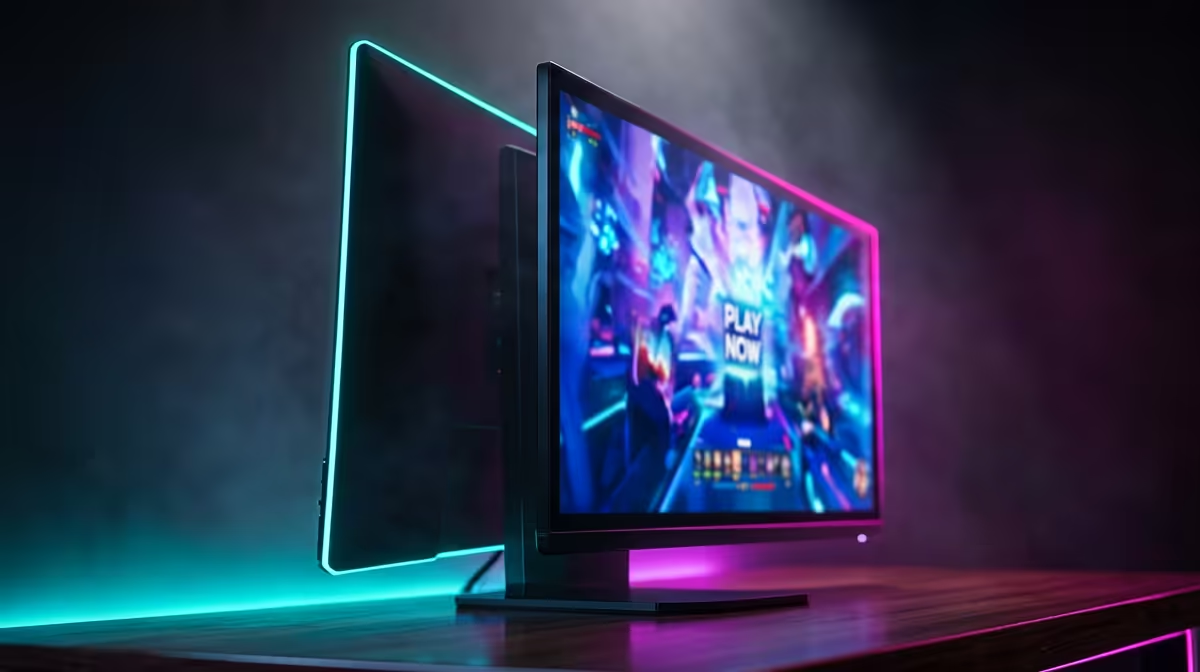
Stuck on 60Hz while your opponents in Valorant seem to see the future? That split-second advantage isn't magic… it's refresh rate. A 240Hz monitor for gaming isn't just a luxury; it's a fundamental upgrade for any serious South African player. It delivers a level of smoothness that makes aiming feel intuitive and tracking targets effortless. Ready to see what you've been missing and truly transform your gameplay experience? Let's dive in. 🚀
What Makes a 240Hz Monitor a Competitive Edge?
Let's break it down simply. Refresh rate, measured in Hertz (Hz), is how many times your monitor updates with a new image each second. A standard 60Hz screen shows 60 images. A 240Hz monitor for gaming, however, displays a staggering 240 images per second.
What does that mean for you?
- Supreme Motion Clarity: Fast-moving enemies appear sharper, with significantly less motion blur. Tracking a strafing opponent in Apex Legends or holding an angle in CS2 becomes clearer and more precise.
- Lower Input Lag: The time between your mouse movement and the action appearing on-screen is reduced. It feels like a more direct connection to the game.
- Smoother Visuals: The overall experience is just… fluid. It makes gameplay feel more responsive and immersive, helping you stay focused for longer.
This isn't just a numbers game; it's a tangible advantage you can feel in every match. You can browse all our gaming monitors to see the difference for yourself.
Can Your PC Handle a 240Hz Gaming Monitor?
Here's the crucial part: to benefit from 240Hz, your PC needs to consistently push 240 frames per second (FPS). A high-refresh-rate monitor is only as good as the graphics card and CPU feeding it frames. ⚡
Before you invest in a 240Hz gaming monitor, you need to ensure your rig is up to the task, especially for graphically demanding titles. For esports games like Valorant or Overwatch 2, a mid-range modern GPU (like an NVIDIA RTX 3060 or AMD RX 6600 XT) can often hit that target at 1080p. For AAA titles, you'll need some serious power.
Check Your FPS First 🔧
Before you buy, run your favourite games and turn on the in-game FPS counter (or use software like MSI Afterburner). If you're already hitting 200+ FPS with your current setup, a 240Hz monitor will be a phenomenal upgrade.
If you find your hardware is the bottleneck, it might be time to look at upgrading key parts. You can find a wide selection of PC monitors and other components to get your machine ready for high-refresh-rate gaming.
Key Features Beyond the Refresh Rate
While 240Hz is the headline feature, other specs are vital for the perfect picture. A great 240Hz monitor for gaming balances speed with visual quality.
Important Specs to Consider
- Response Time: Look for 1ms (GtG) to eliminate "ghosting" or trailing images.
- Panel Type: IPS panels offer the best colour accuracy and viewing angles, VA panels provide superior contrast, and TN panels are often the absolute fastest (though at the cost of colour).
- Resolution: 1080p (Full HD) is the most common resolution for 240Hz monitors, as it's easier for GPUs to drive high frame rates. 1440p (QHD) at 240Hz exists but requires a top-tier PC.
- Adaptive Sync: G-Sync (NVIDIA) or FreeSync (AMD) prevents screen tearing by synchronising your monitor's refresh rate with your GPU's frame output.
For an even more engaging session, many gamers are opting for immersive curved monitors, which can make you feel like you're right in the action.
Scoring the Best 240Hz Monitor Deals in SA ✨
Upgrading your setup doesn't have to break the bank. With the technology becoming more mainstream, a high-quality 240Hz monitor is more affordable than ever. The key is to find the right balance of features for your budget.
Keep an eye out for sales and promotions to get the most value for your Rand. A good deal can mean getting a monitor with better colours, a faster response time, or premium features like G-Sync for the price of a more basic model. Checking for the best PC monitor deals in South Africa regularly is the smartest way to snag a fantastic panel at a great price.
Ready to Experience True Fluidity? Stop letting your hardware hold you back. A high-refresh-rate monitor is the upgrade that you'll feel in every single match. Explore our full range of 240Hz gaming monitors and find the perfect panel to dominate the competition.











