

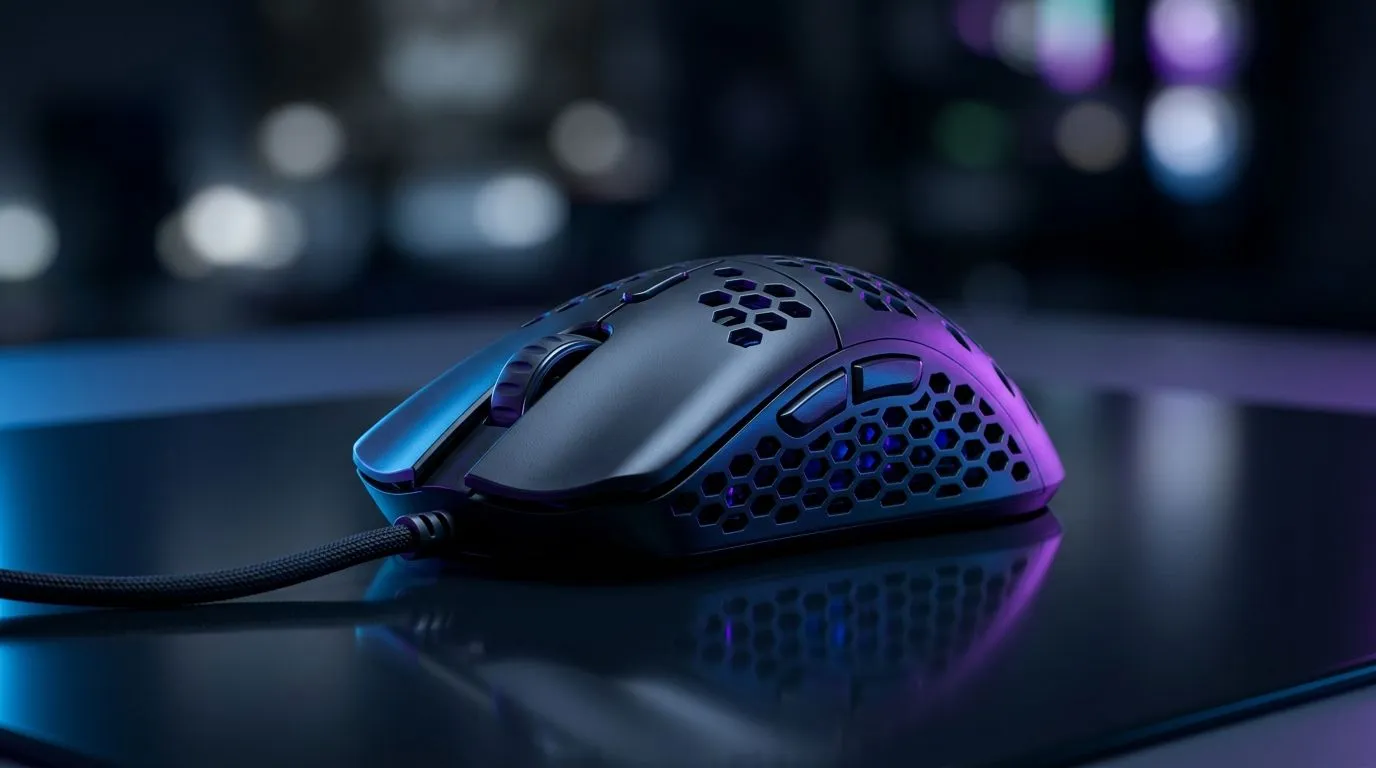
Can an Ultra-Light Gaming Mouse Reduce Wrist Fatigue? (What South African gamers should know)
If your wrist starts aching halfway through ranked, you’re not imagining it. In South Africa, we game on everything from tight desk setups to big monitors… and small ergonomic choices matter. An ultra-light gaming mouse sounds like the perfect fix, but will it actually reduce wrist fatigue?
Let’s break it down in plain terms. We’ll also help you choose a mouse style that fits your grip and your hand, without overspending. 🎮✨
Ultra-light mice and wrist fatigue: the real mechanics
Ultra-light gaming mice typically weigh around the “feels like nothing” range compared to older, heavier models. The idea is simple: less force is needed to move the mouse, which can reduce strain for some players.
But here’s the catch… wrist fatigue isn’t only about weight. It’s also about:
- Grip type (claw, fingertip, palm)
- Posture (wrist angle, forearm support, desk height)
- DPI and sensitivity (more turning can change how you “steer”)
- Mouse cable drag (for wired users)
- Repetitive movement patterns over long sessions
So yes, an ultra-light mouse can help… but only when it’s paired with the right setup. The goal is smoother motion, with less gripping and less “wrist-only” control.
The “setup check” that beats guessing
Before you buy, try this for one week:
- Adjust chair and desk height so your forearm rests comfortably.
- Keep your wrist neutral, not bent up or down.
- Test sensitivity: if you constantly “micro-correct” with your wrist, you might need a small sensitivity change.
This is how you tell whether weight is your problem, or whether it’s your posture and movement pattern.
Ergonomics Pro Tip 🔧
Put a folded towel under your forearm so your wrist stays neutral during aim sessions. Then use the same sensitivity for a few days to avoid ‘moving goalposts’ while testing whether the mouse is actually reducing strain.
Wired vs wireless: does fatigue get worse?
Many players assume wired is always “more stable”, but fatigue can go either way. A heavy mouse adds load. A dragging cable can pull your hand out of alignment. Wireless removes cable tension, but you need to manage battery and charging habits.
If you’re considering an upgrade, explore options here:
- Wired mice for consistent performance: browse wired gaming mice
- Wireless mice for cable-free movement: compare wireless gaming mice
- Mouse accessories that can improve comfort (pads, grips, and more): shop mouse accessories
A quick micro-story: one Cape Town friend of mine switched to wireless, not because they “hated cables”, but because their forearm was sliding slightly every time the cable tugged. The wrist pain dropped within days… and their aim felt calmer too.
How to choose an ultra-light mouse without regret
“Ultra-light” is only one spec. What matters is fit and control. Look for:
- Shape that matches your grip (don’t force it)
- Button placement that doesn’t make you curl your fingers too hard
- A skates style that glides smoothly on your mouse pad
- Sensor performance you can trust for flicks and tracking
For deal hunters, it’s worth comparing across models and discounts. Evetech often runs competitive promotions, so you can upgrade safely without paying full price in one jump.
Start here:
The bottom line: can it reduce wrist fatigue?
An ultra-light gaming mouse can reduce wrist fatigue by lowering the effort needed for movement… especially if your current mouse is heavy or your grip is tense. But the biggest improvement usually comes from pairing the mouse with good wrist positioning and a workable sensitivity.
If your pain is sharp, persistent, or worsening, take it seriously and consider speaking to a qualified professional. Ergonomics helps, but health always comes first. ✅🚀
Ready to Find Your Perfect Match? The Mac vs Windows debate is complex, but for maximum power, choice, and value in South Africa, Windows is hard to beat. Explore our massive range of laptop specials and find the perfect machine to conquer your world.











