

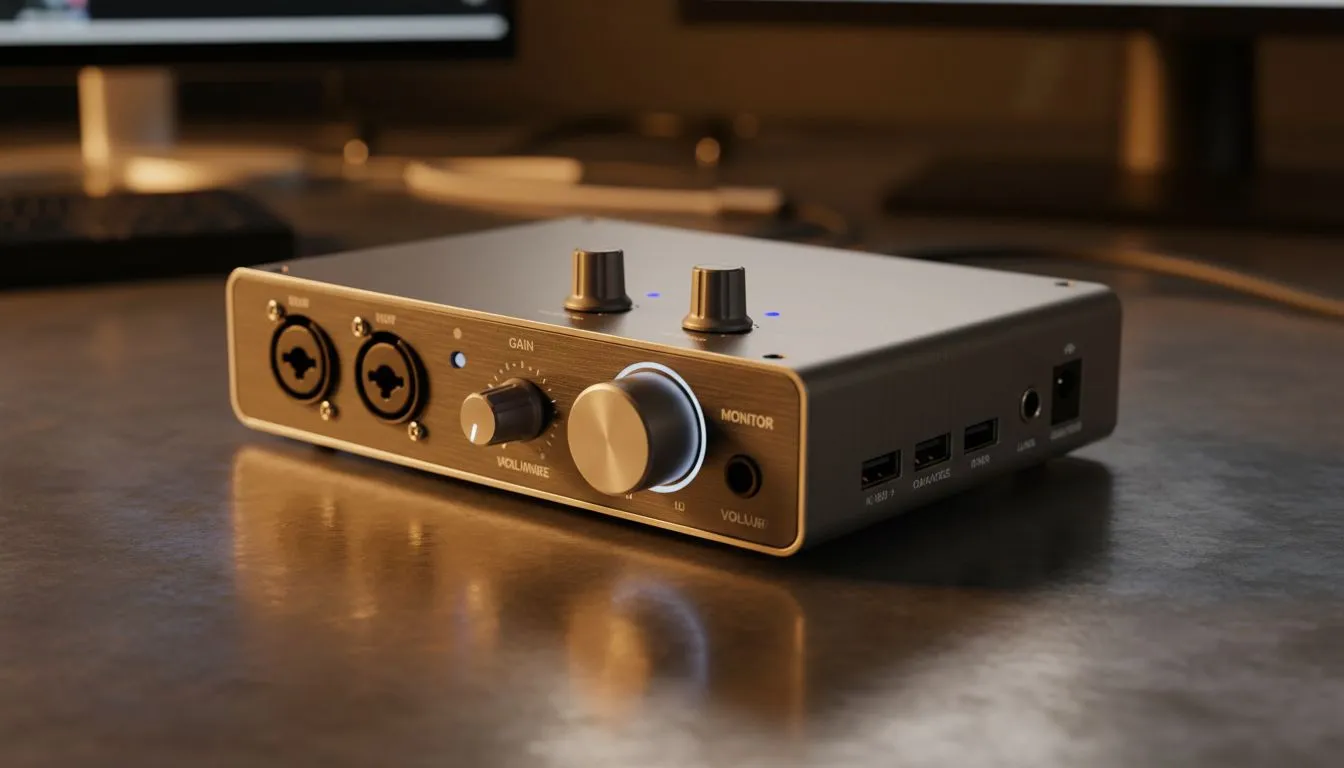
Tired of sounding like you are calling from a tin can during important meetings? For many South Africans working from home, a standard laptop microphone simply does not cut it. If you want to sound professional, a USB audio interface for Zoom and Teams is the secret weapon you need. It transforms your vocal clarity... ensuring every word carries weight in the boardroom.
Why You Need a USB Audio Interface for Zoom and Teams
Using a USB audio interface for Zoom and Teams is about more than just volume. It is about pure quality. Standard built-in sound cards often pick up electrical noise from the motherboard. This results in a persistent hum or hiss that colleagues notice. By moving the audio processing outside your PC, you get a clean signal. Many professionals pair these with high-quality gaming accessories like boom arms and pop filters to create a studio-like environment at home. 🎙️
Audio Pro Tip ⚡
In your video call settings, always select 'Original Sound for Musicians' if your interface supports high sample rates. This prevents the software from over-compressing your voice... keeping the natural tone intact while you present to your team.
Optimising Your Audio for Professional Meetings
Setting up your new gear is remarkably simple. Most modern units are plug-and-play... meaning you can get started without installing complex drivers. You can often find incredible value in our gaming accessories deals section. These devices offer 48V phantom power. This allows you to use professional condenser microphones. The result is a warm, rich tone that makes you stand out during digital presentations. ✨
Finding the Best Gear in South Africa
If you are unsure which model fits your desk, check our specialised gaming accessories category. Most interfaces are fully compatible with Windows 11. You simply connect the USB cable, and the system handles the rest. This simplicity is vital when you have back-to-back meetings. No one wants to spend twenty minutes troubleshooting audio drivers while the boss is waiting. 🚀
High-quality audio reduces listener fatigue. When your voice is clear, people listen longer. It is a small investment that pays off in every pitch and every catch-up. Whether you are a streamer or a corporate professional... the right interface makes the difference. 🎧
Ready to Sound Your Best? Professional audio is no longer just for recording studios. For the best clarity and reliability in South Africa, an external interface is the way to go. Explore our massive range of gaming accessories and find the perfect match to conquer your next video call.








