

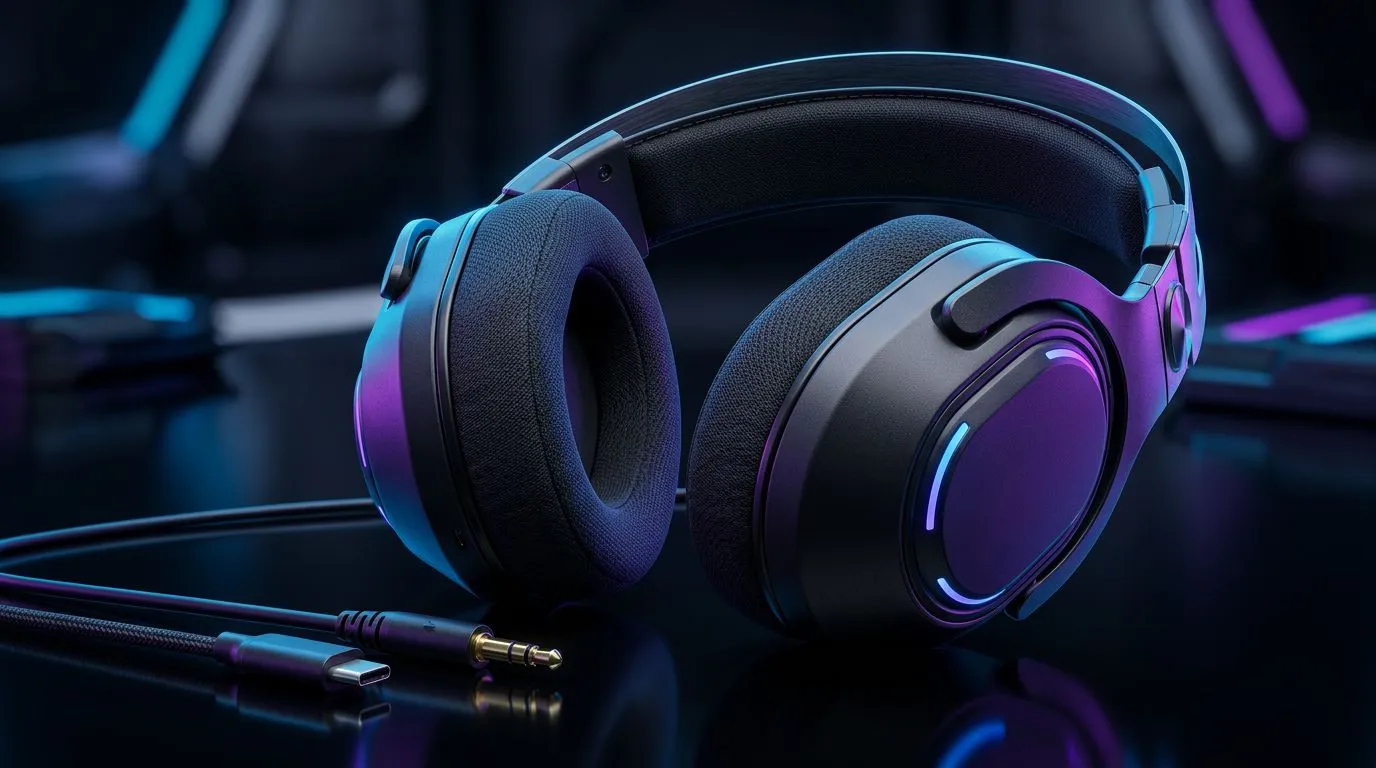
USB vs 3.5mm Jack — why your connection matters for playtime 🎧
South African gamers: want crisp chat, zero lag, and a headset that survives LAN nights? Choosing between USB and 3.5mm jack connections changes voice clarity, latency, and compatibility. Read quick, decide smart… and avoid buying twice. This guide breaks down the real-world trade-offs, with pro tips and local buying cues. 🔧
Sound quality and processing: digital USB vs analogue 3.5mm
USB headsets often include a built-in DAC and amplifier, which can boost perceived clarity and add virtual surround processing. That processing explains why some players prefer USB for positional audio in shooters. For a hands-on example, check the Razer Barracuda X Chroma wireless for how manufacturers tune USB/USB-adjacent kits for gaming performance. https://www.evetech.co.za/razer-barracuda-x-chroma-wireless-headset-phantom-white/best-deal/24367
Analogue 3.5mm headsets depend on your PC or console’s sound card. If you have a high-quality onboard DAC or a dedicated sound card, a 3.5mm headset can match or even outperform USB in raw fidelity. But on budget systems, USB can level the field.
Latency, compatibility and convenience
USB typically introduces minimal additional latency when the headset’s drivers are well-implemented. For competitive players who stream and monitor audio, USB’s integrated mixer and mic monitoring can be a big plus. Meanwhile, 3.5mm is king for cross-platform simplicity — plug into PCs, consoles, phones (with adapter) and older rigs without driver installs.
Want a broader view of available options and brand choices? Browse Evetech’s Razer headphones collection to compare wired and USB options. https://www.evetech.co.za/PC-Components/razer-headphones-headsets-105
Build, comfort and repairability — the long game
3.5mm headsets usually have simpler internals. That means easier DIY fixes: swapped cable or new connector, and you’re back online. USB headsets can deliver features like software EQ and RGB, but repairs often mean opening proprietary housings.
If you’re shopping for a long-lasting daily driver, check the wider headset selection and specs at Evetech’s headsets category before committing. https://www.evetech.co.za/components/headphone-headsets-100
Pro Tip ✨
you game on PC and console, consider a hybrid approach: a primary 3.5mm headset for console sessions and a USB headset for PC when you need mic monitoring, EQ presets, or surround emulation. This keeps compatibility flexible and sound quality optimised across platforms.
Quick buying checklist for South African buyers
- Platform: console-first? Go 3.5mm. PC with software features? Lean USB.
- Mic quality: USB headsets often have cleaner voice processing.
- Repairs: 3.5mm is easier and cheaper to fix.
- Extras: RGB, software EQ and virtual surround usually require USB.
Small local note: check warranty and RMA terms with Evetech for electronics purchased in South Africa. Product pages list warranty and spec details, so read those before checkout.
Final thoughts — which connection wins?
There’s no single winner. If you value plug-and-play cross-platform use and DIY fixes, 3.5mm is the reliable pick. If you want built-in DSP, easy mic monitoring, and feature-rich software on PC, USB often feels superior. Think about your platform mix, mic needs, and whether software features matter to you. 🚀
Ready to Find Your Perfect Match? Not sure which connection suits your setup? Compare models, read specs, and shop with confidence. Explore our massive range of headset options and deals at Evetech and find the ideal headset to dominate your next session.











