

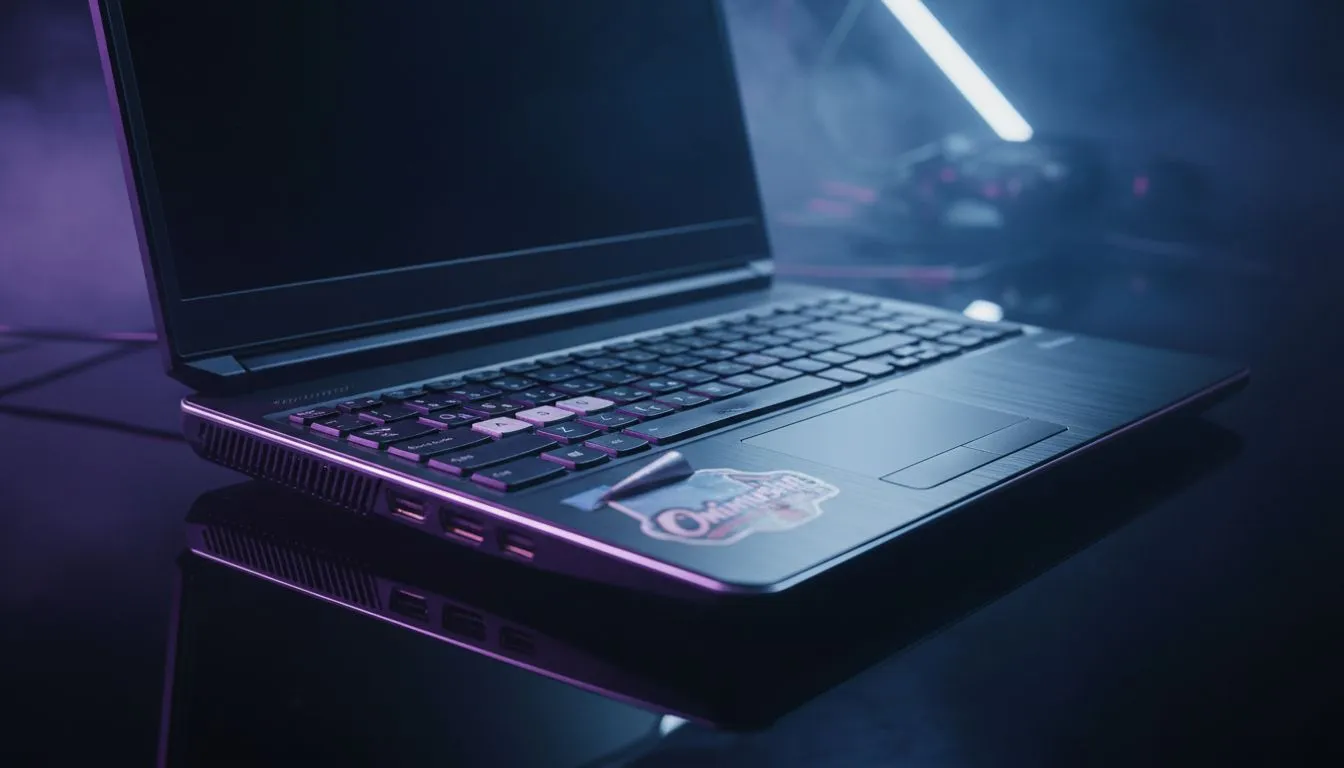
Essential Checks for a Used Laptop for Onimusha
Finding a bargain on Gumtree or Facebook Marketplace for some classic samurai action? Buying a used laptop for Onimusha can save you thousands of Rands, but it is a minefield. You do not want to end up with a "lemon" that overheats the moment Samanosuke draws his blade. Here is how to verify a second-hand unit like a pro before handing over your hard-earned cash. ⚔️
Inspecting the Physical Chassis and Display
Before you even turn the machine on, look at the hinges and the screen. If you notice cracks or flickering, you might need to factor in the cost of external PC monitors to actually see what you are doing. Check for "bruising" on the LCD... these are white spots caused by pressure. While Onimusha: Warlords is an older title, the remaster deserves a clean display to appreciate the updated character models.
If the built-in screen is too small or dull, many South African gamers prefer hooking their rigs up to dedicated gaming monitors for better colour accuracy and response times.
Stress Testing the Internal Hardware
A laptop might look mint but fail under load. Ask the seller to let you run a quick benchmark. If the fans sound like a jet engine taking off from OR Tambo, the thermal paste is likely dry. This causes thermal throttling, which will make your gameplay stutter.
Battery Health Pro Tip ⚡
Open the Command Prompt as Administrator and type 'powercfg batteryreport'. This generates a file showing the original capacity versus the current capacity. If it is below 70%, you will likely need to stay plugged into the wall while gaming.
Verifying Connectivity and Ports
Check every USB port and the HDMI output. If you plan on building a more permanent battle station, you might want to look at curved monitors to wrap the visuals around your field of view. Ensure the HDMI port supports the resolution you want... especially if you are eyeing high-end 5K and 4K monitors for other media tasks. 🚀
Enhancing Your Second-Hand Setup
Once you have secured your used laptop for Onimusha, you can optimise the experience without spending a fortune. If the laptop screen is lacklustre, browsing the best PC monitor deals can provide a massive upgrade for a few thousand ZAR.
For those who travel often between Johannesburg and Cape Town, portable monitors are a fantastic way to keep a dual-screen setup in your backpack. Do not forget to pick up some monitor accessories like cleaning kits or cable management ties to keep your new-to-you gear looking professional. ✨
Ready to Find Your Perfect Match? Buying used is a gamble, but buying new from Evetech is a sure bet for performance and peace of mind. Explore our massive range of laptop specials and find the perfect machine to conquer your world.








