

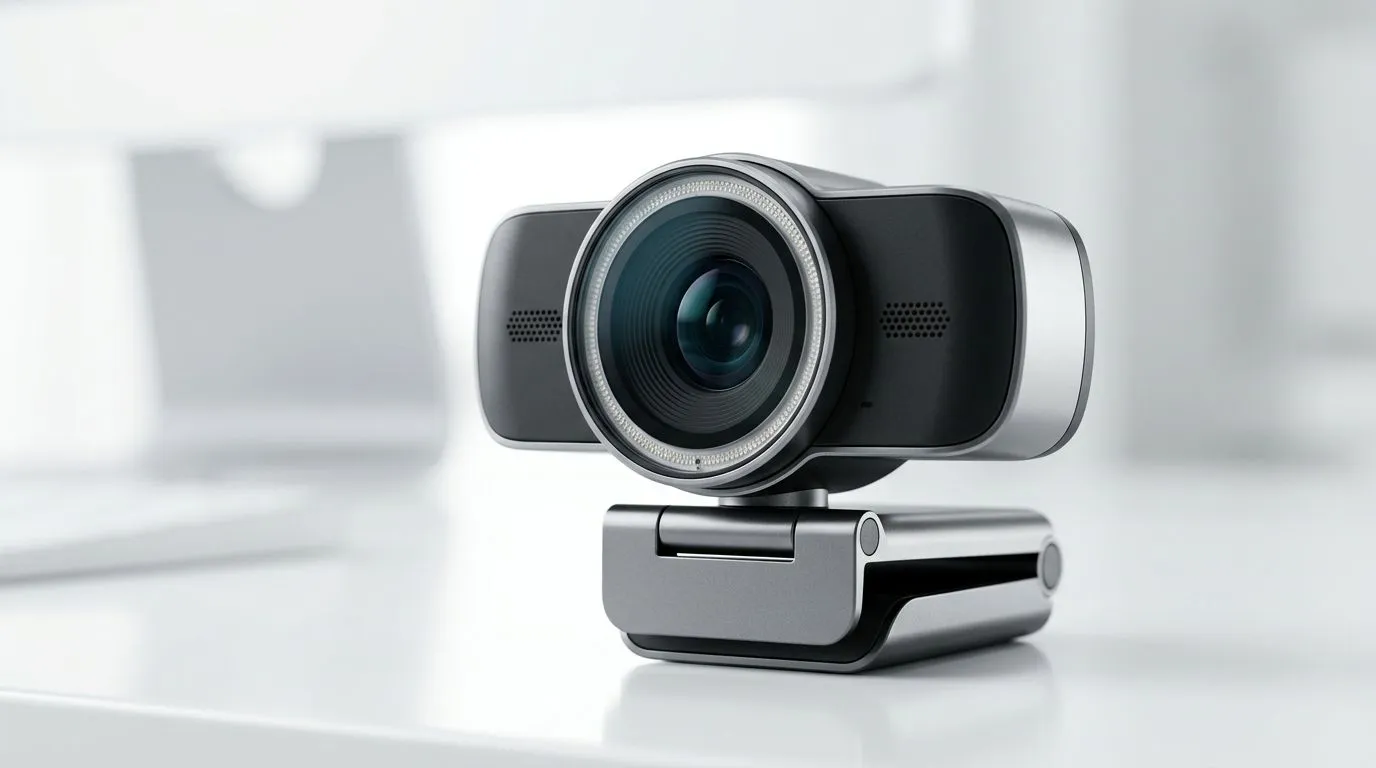
Webcam streaming for remote work: quick hook
Webcam Streaming Remote Work: Key Features Explained — if you’re a South African gamer juggling streams, client calls and weekend content drops, your webcam is the quiet MVP. This quick guide cuts through specs, explains what matters for clarity and presence, and points you to webcams priced from entry-level to premium in ZAR. 🎮✨
Webcam streaming for remote work: what features actually matter
Resolution and frame rate shape how you look on stream or in a meeting. For most creators and remote teams, 1080p at 30–60fps balances sharpness and bandwidth. Autofocus and low-light performance keep you present during late-night raids or power-saving lights. For local stock and pricing, browse Evetech’s full webcam range to compare models and specs. https://www.evetech.co.za/PC-Components/buy-webcams-145.aspx
Micro-story: why autofocus saved a stream
Last year a Cape Town streamer started losing viewers because their camera kept hunting focus during an action scene. Upgrading to a webcam with faster autofocus kept the face in frame and viewership recovered. Small specs matter when your brand depends on presence.
Webcam streaming remote work: microphones, lenses and connectivity
Built-in mics vary more than you think. For podcast-quality audio, pair a modest condenser or USB mic with your webcam. Look for glass lenses and wide dynamic range if you’re streaming a room with mixed lighting. USB 3.0 can help with higher-resolution streams, and many webcams include software for background blur and colour correction. If you’re on a budget, check webcams under R1,000 to see useful entry options and user reviews. https://www.evetech.co.za/PC-Components/buy-webcams-145.aspx?max-price=1000
Webcam streaming remote work: budget tiers and when to splurge
Decide what you value: cleaner image or better audio. Mid-range webcams around R1,000–R2,000 often add autofocus and improved low-light sensors; they’re a sweet spot for streamers who also do client calls. Explore solid mid-range options here. https://www.evetech.co.za/PC-Components/buy-webcams-145.aspx?max-price=2000
Higher-end webcams (up to R3,000) give larger sensors, 60fps modes, and pro-level software tuning. If your workflow includes recording tutorials or frequent streaming, these can pay back in viewer retention. Compare premium picks here. https://www.evetech.co.za/PC-Components/buy-webcams-145.aspx?max-price=3000
Webcam streaming remote work: setup tips for South African homes
Good lighting beats a pricier camera. Aim a soft key light at 45 degrees, and add a fill to reduce harsh shadows. Position the camera at eye level for natural engagement. For unstable home internet, drop resolution to 720p on video calls to keep audio solid.
Streaming Setup Tip ⚡
Use a small LED panel with adjustable colour temperature. Match it to your room’s ambient light to avoid weird skin tones. If you stream on OBS, add a colour correction filter and lower contrast slightly for a cleaner look.
Quick checklist before you buy
- Does the webcam support your preferred apps (Zoom, Teams, OBS)?
- Is autofocus reliable under low light?
- Will USB bandwidth handle the resolution at your upload speed?
Ready to Find Your Perfect Match? The Mac vs Windows debate is complex, but for maximum power, choice, and value in South Africa, Windows is hard to beat. Explore our massive range of laptop specials and find the perfect machine to conquer your world.











