

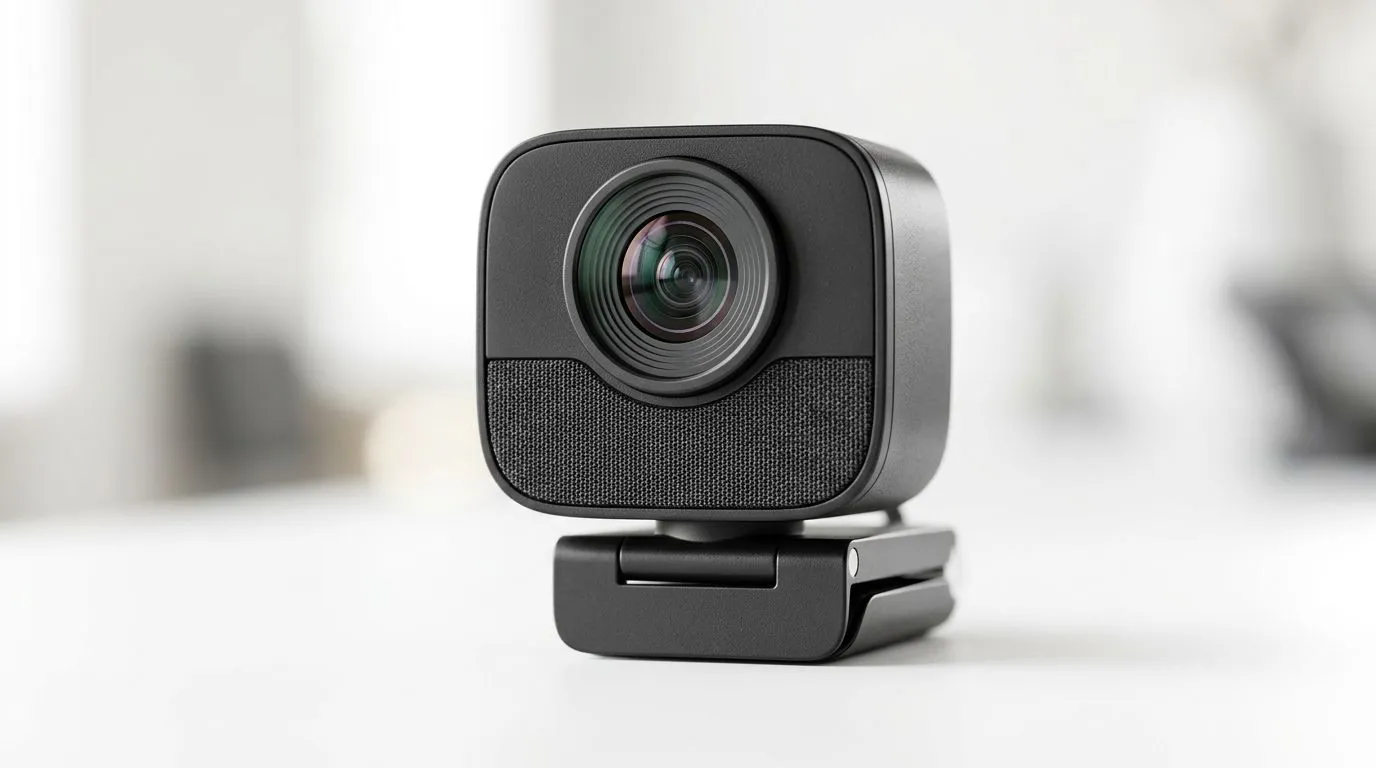
Webcam with Built-In Microphone: What to Look for in Video Calls
South African gamers and remote workers: choosing a webcam with built-in microphone can save desk space and simplify calls, but the right pick matters. In this guide you'll learn the real differences that affect image and voice quality, plus simple checks to avoid regret. Ready for clearer streams and meetings? 🔧
Image quality and frame rate — pick what suits your setup
Resolution and frame rate determine how smooth and detailed your video looks. For most users, 1080p at 30fps is a solid baseline; streamers and presenters often prefer 60fps for smoother motion. Browse Evetech’s full webcam range to compare specs and prices directly: https://www.evetech.co.za/PC-Components/buy-webcams-145.aspx. When comparing models, check sensor size and whether autofocus is supported — these affect low-light performance and how well the camera keeps you sharp during movement. For spec sheets and official listings, Evetech’s product pages are a reliable source.
Microphone quality — built-in doesn’t mean equal
Built-in microphones vary a lot. Look for:
- Noise reduction or noise-cancelling tech for busy home environments.
- Stereo vs mono pickup; stereo helps with spatial audio but isn’t always necessary.
- Frequency response and whether the mic is omnidirectional or a uni/multi-directional array.
If your room is noisy, a built-in mic might still suck in background sound. Consider a short-term test: record a one-minute clip in your usual call spot and listen back. For budget-friendly webcams under R1,000, see options here: https://www.evetech.co.za/PC-Components/buy-webcams-145.aspx?max-price=1000. 🎧
Connectivity, mounts and privacy
USB-A vs USB-C can matter depending on your PC or laptop. Also confirm the mount fits your monitor or tripod. Many webcams include a physical privacy shutter — useful when you want guaranteed off-camera peace. Mid-range options between R1,000 and R2,000 often balance image and mic quality well; compare models here: https://www.evetech.co.za/PC-Components/buy-webcams-145.aspx?max-price=2000.
Placement and acoustics tips
Where you put the webcam affects both picture and sound. Keep the camera at eye level and try to face a soft surface to reduce echoes. If your voice still sounds distant, position the camera slightly closer to you or use a dedicated mic.
Mic Check Tip ✨
Before you buy, plug a webcam in and make a quick test call on Zoom or Teams. Check echo, background noise, and how your voice sounds to others. Saves returns and disappointment.
When to choose a separate microphone
If you stream professionally, record podcasts, or need broadcast-level clarity, an external USB mic or XLR setup is worth the investment. For premium webcams with advanced audio and imaging features, see higher-end picks up to R3,000: https://www.evetech.co.za/PC-Components/buy-webcams-145.aspx?max-price=3000. 🚀
Quick buying checklist
- Resolution/frame rate suited to your use (1080p/30fps baseline).
- Microphone type and noise-cancelling tech.
- Mounting and compatibility with your PC.
- Privacy shutter and field of view. Test before you commit, listen back, and prioritise what matters to your calls or streams.
Ready to Find Your Perfect Match? For crisp video calls and clear audio in South Africa, the right webcam with built-in microphone matters. Browse Evetech's full webcam range and pick the model that suits your setup and budget.











