

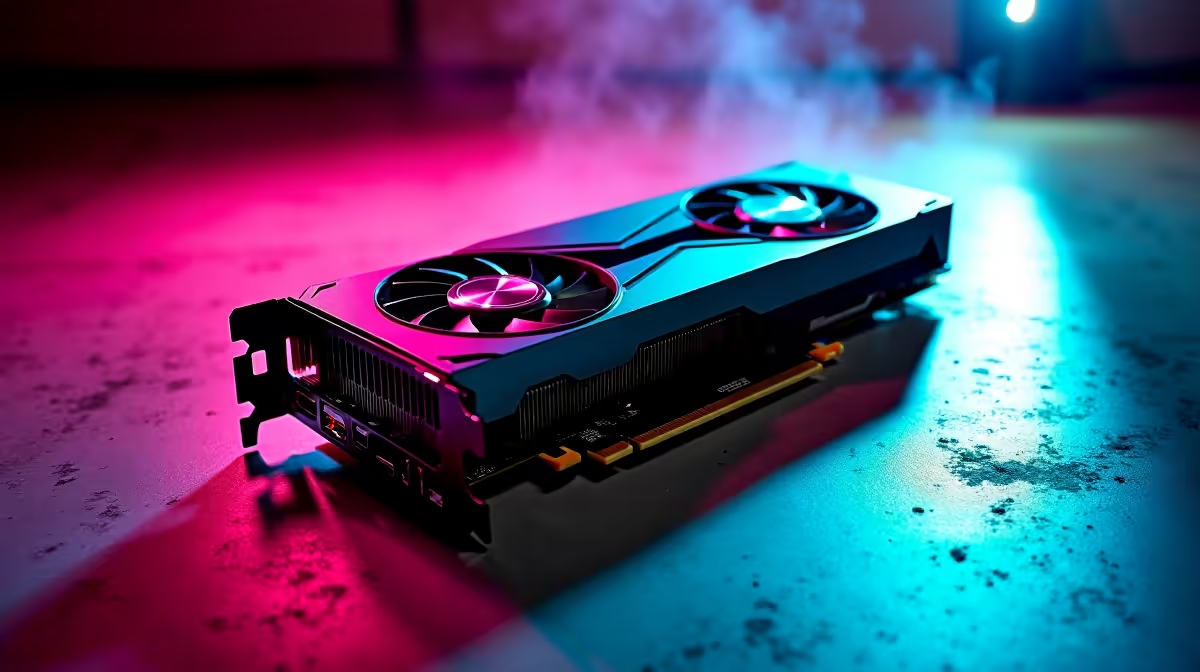
Looking for the sweet spot between visual glory and high frame rates without breaking the bank? The new Intel Arc B580 is making waves in the South African gaming scene. With hardware prices constantly shifting in ZAR, finding true value is crucial. If you just grabbed this Battlemage GPU, you want to maximise your frames. You are probably wondering what game settings work best on Intel Arc B580. Let us dive in.
Finding the Sweet Spot for Intel Arc B580 🔧
Intel's latest B580 GPU is an absolute powerhouse for 1080p gaming. It is also a surprisingly solid contender for 1440p displays. But raw hardware power only gets you so far. To push those pixels efficiently, you need to tweak your in-game settings. Upgrading your rig is always exciting, especially when browsing the latest graphics cards to find that perfect price-to-performance ratio in ZAR. The B580 thrives when you balance texture quality with smart upscaling tech. Let us look at the exact toggles you need to adjust.
Competitive Esports Settings for High FPS ⚡
If you spend your evenings grinding ranked matches on local South African servers, frame rate is everything. Titles like CS2 or Apex Legends demand rapid response times. To get the absolute best competitive edge from your Intel Arc B580, drop your graphical presets to medium or low. Keep your resolution locked at 1080p native. This setup ensures maximum FPS and minimal input lag. Remember that pushing hundreds of frames relies heavily on your CPU. Pairing your shiny new GPU with one of the latest high-performance processors ensures no annoying bottlenecks hold you back.
Pushing AAA Games with XeSS 🚀
When tackling demanding single-player adventures with lush graphics, you want those environments to look stunning. Here is where you can truly stretch the capabilities of the B580. Set your base resolution to 1440p and enable Intel's XeSS upscaling technology. Keep your texture detail on high to enjoy the crisp artwork. However, you should drop heavy settings like volumetric fog and shadow quality down to medium. Ray tracing is possible, but keep it on low for playable frames. If you prefer a machine that comes ready to roll with these specs, checking out premium pre-built PCs takes the hassle out of building it yourself.
Optimise with XeSS ✨
Always choose the 'Quality' or 'Ultra Quality' preset in Intel XeSS when gaming at 1440p. It gives you a massive FPS boost on the Arc B580 while keeping the image incredibly crisp. Make sure your drivers are fully updated through the Intel Arc Control panel!
Building the Ultimate Value Setup
Getting the graphical settings right is just one part of the gaming puzzle. Your entire system needs to work in perfect harmony to deliver a smooth experience. Perhaps you are hunting for the best gaming PC deals for a permanent desk setup. Or maybe you prefer something portable to game on the go from our massive range of gaming laptops. Either way, Evetech has you covered. The Arc B580 proves that budget-friendly setups do not mean sacrificing your visual experience.
Ready to Upgrade Your Gaming Experience? Dialing in the perfect game settings on your Intel Arc B580 is incredibly rewarding. If you are ready to build a new rig or upgrade your current setup for maximum value in South Africa, Evetech is your ultimate destination. Explore our massive range of PC components and deals and find the perfect hardware to conquer your world.











