

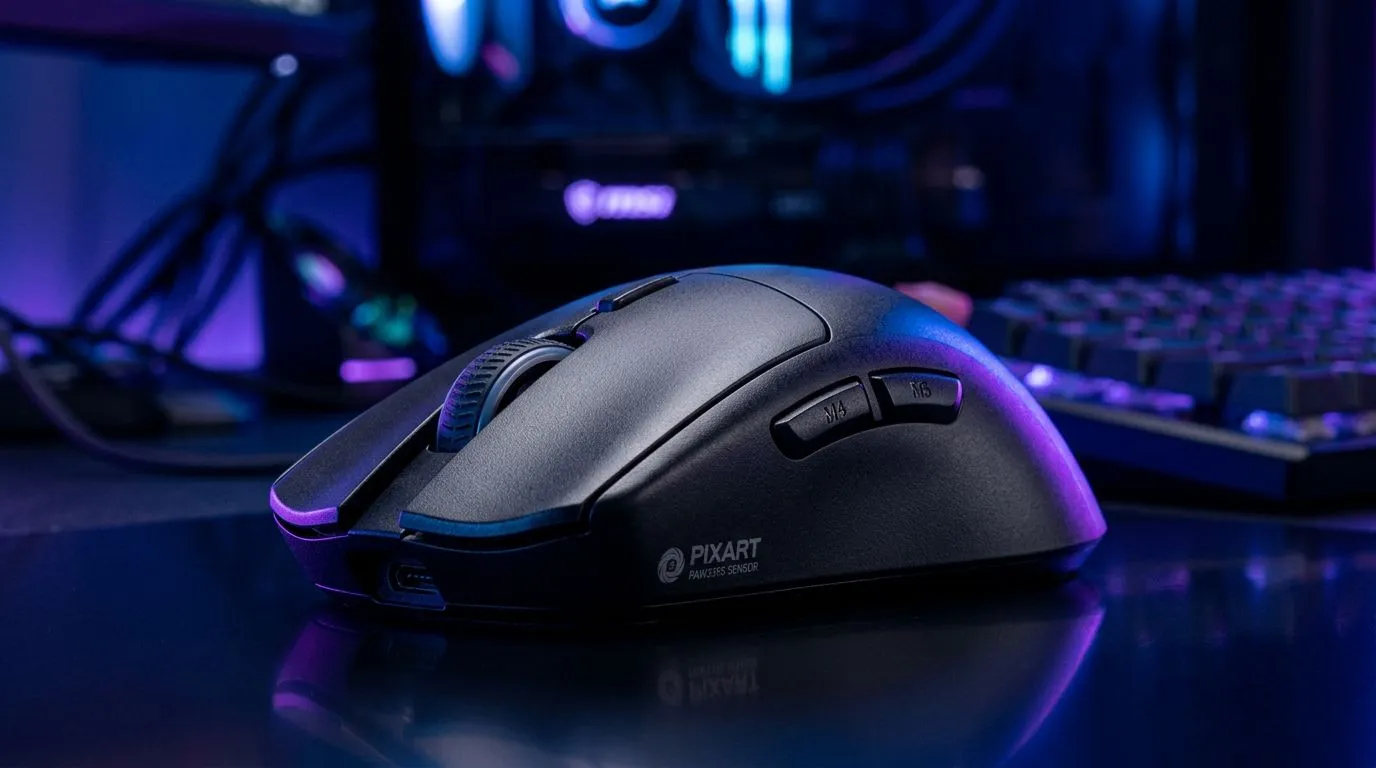
Ever wondered what separates a good shot from a great one in the heat of a competitive match? That perfect, pixel-precise flick... it’s not just skill. It’s technology. Lurking inside the best gaming mice is a tiny, unsung hero that the pros swear by. The secret? It often comes down to one component. So, what is a Pixart sensor, and why is this the tech that top-tier gamers in South Africa and across the globe demand? Let's dive in. 🎯
The Heart of Your Mouse: What is a Pixart Sensor?
Think of a mouse sensor as the engine of your car. It determines how accurately and reliably your physical hand movements translate into on-screen action. A Pixart sensor is a specialised optical sensor made by Pixart Imaging, an industry leader that has set the gold standard for performance. Essentially, it’s a microscopic, high-speed camera that captures thousands of images of the surface beneath it every single second.
By comparing these images, the sensor calculates the exact direction and speed of your mouse. This data is what moves your cursor or crosshair. The reason pro gamers demand this tech is because Pixart sensors are engineered for one thing above all else: flawless, 1:1 tracking without prediction or unwanted acceleration. You can find this incredible hardware in many of the top-tier gaming mice available today.
Why Pro Gamers Demand This Tech
It's not just marketing hype. The obsession with a high-quality Pixart sensor comes down to tangible advantages that can make or break a high-stakes match. When your rank is on the line, you need hardware you can trust completely.
### Flawless Tracking & Consistency
The biggest reason pros choose mice with a Pixart sensor is reliability. These sensors provide near-perfect tracking, meaning the cursor moves exactly as far as you moved the mouse... no more, no less. There's no built-in "smoothing" or "angle snapping" that can interfere with your raw aim and muscle memory. This is crucial for consistency in games like CS2 or Valorant, where a single pixel can be the difference between a win and a loss. For the lowest possible latency, many pros still prefer a classic wired gaming mouse.
### Speed and Responsiveness ⚡
Pro gamers make incredibly fast, sweeping movements across their mousepads. A lesser sensor can "spin out," losing track of its position and causing your aim to glitch or freeze. Modern Pixart sensors boast incredibly high IPS (Inches Per Second) ratings, meaning they can track even the most frantic flicks without breaking a sweat. This technology has advanced so much that even a premium wireless gaming mouse now offers latency that is indistinguishable from its wired counterparts.
Find Your Perfect DPI 🚀
Don't just copy a pro player's DPI settings! A good starting point for FPS games is 800 DPI. Play a few rounds and see how it feels. If you're constantly overshooting your targets, lower it. If you feel like you have to drag your mouse too far for a 180-degree turn, raise it slightly. Your ideal setting is personal to your aim style and mousepad size.
Do You Really Need a Top-End Sensor?
So, does every gamer here in SA need to rush out and buy the most expensive mouse with the latest Pixart sensor? Not necessarily. The brilliant thing is that this technology has become more accessible over the years. Many mid-range mice now feature incredibly capable Pixart sensors that were considered flagship models just a few years ago.
For most gamers, a modern entry-level or mid-tier gaming mouse will provide a massive upgrade over a standard office mouse. The key is to look for a mouse that advertises a "gaming-grade" or "flawless" optical sensor, which almost always means it’s powered by Pixart. You can often find fantastic value by keeping an eye on the best gaming mouse deals, where you might snag a pro-level mouse for a great price.
Beyond the Sensor: The Complete Package ✨
While understanding what a Pixart sensor is puts you ahead of the curve, remember it's one piece of a larger puzzle. The best sensor in the world won't help you if the mouse's shape gives you cramps or the buttons feel mushy.
Also consider:
- Weight: Do you prefer a lightweight mouse for fast flicks or something heavier for stability?
- Shape & Grip: Is it designed for palm, claw, or fingertip grip?
- Switches: Clicky and responsive switches (like those from Omron or Kailh) provide crucial feedback.
- Skates/Feet: Smooth PTFE feet ensure your mouse glides effortlessly.
Optimising these elements with high-quality mouse accessories like a great mousepad or replacement skates can elevate your entire experience.
Ready to Upgrade Your Aim? The difference a Pixart sensor makes is something you have to feel. For flawless tracking and the competitive edge you've been looking for in South Africa, a pro-grade mouse is a must. Explore our incredible range of gaming mice and find the perfect tool to dominate the server.











