

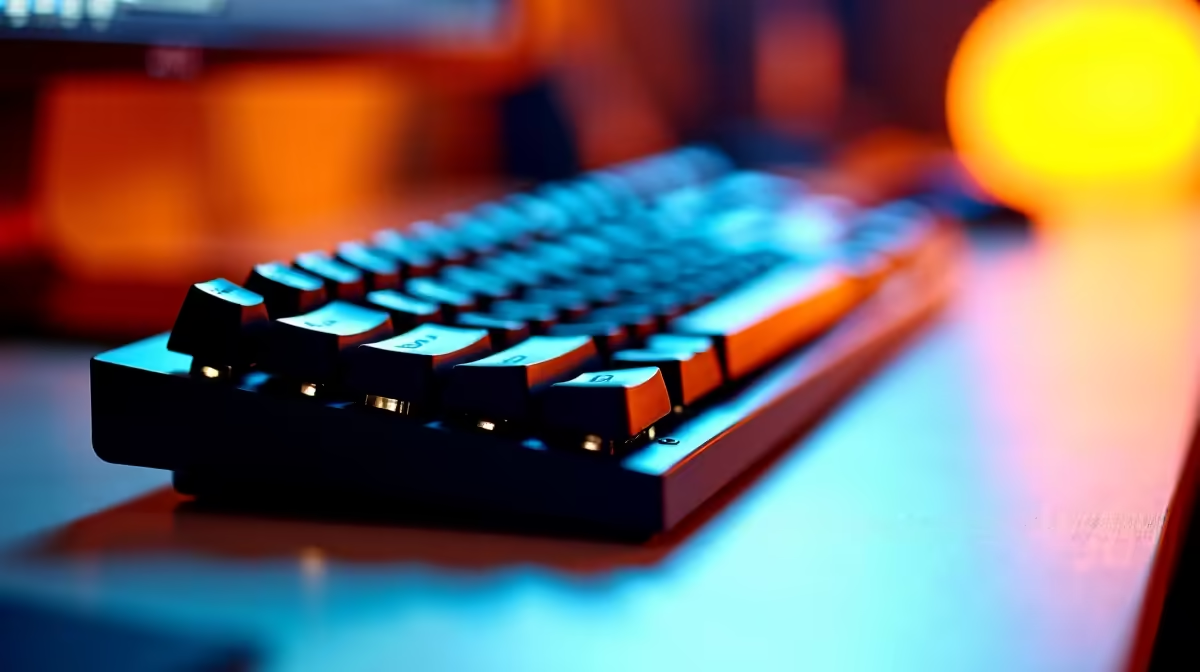
Quick Answer
For typing and programming in SA, the best keyboards are tactile mechanical boards with brown or tactile-silent switches, full-size or TKL layouts, and PBT keycaps. Picks like the Keychron K8, Corsair K70 Pro, and Logitech MX Mechanical land between R1,800 and R3,800 at Evetech with full local warranty.
What Makes a Keyboard Great for Typing and Code
Programmers and writers care about three things: switch feel, key accuracy, and long-session comfort. Tactile switches (Cherry MX Brown, Kailh Box Brown, Razer Orange) give a soft bump at the actuation point so your fingers know the keypress registered without bottoming out. That tactile feedback is what makes mechanical boards faster and less fatiguing for 8-hour shifts than rubber-dome office keyboards.
Keycap material matters more than people admit. PBT keycaps survive years of typing without going shiny, and the texture grips your fingertips when you're hammering through Python or refactoring TypeScript at 2am. ABS keycaps feel slick after six months. Layout-wise, TKL (tenkeyless) is the sweet spot for coders since it shifts your mouse closer for IDE shortcuts, but if you do data work or finance, stay full-size for the numpad.
Top Keyboards for Coders Available in SA
The Keychron K8 around R2,200 is the developer favourite, with hot-swappable switches, Mac and Windows layouts, and quiet brown switches that won't wake the household during late-night commits. The Corsair K70 Pro at roughly R3,200 brings rock-solid build quality, a detachable USB-C cable, and per-key RGB if that matters to you. For wireless purists, the Logitech MX Mechanical at around R3,800 has flat low-profile keys that feel close to a premium laptop keyboard, paired with multi-device Bluetooth.
If budget is tight, the Redragon K552 Kumara around R900 punches well above its price with full mechanical switches and a steel top plate. It's not subtle, but it types beautifully. The ASUS ROG Strix Scope II 96 wireless is another strong shout for devs who want a compact 96% layout with arrow keys and a numpad without the bulk.
Mechanical vs Membrane vs Low-Profile
Membrane keyboards (the standard office kind) feel mushy because every keystroke compresses a rubber dome. Fine for occasional emails, terrible for 80,000-character days. Mechanical switches each have a dedicated stem and spring, giving consistent feel across millions of presses. Low-profile mechanicals (Cherry MX Low Profile, Kailh Choc) sit between the two: shorter travel and a faster cadence, popular with developers coming off MacBook keyboards.
Quiet switches like Cherry MX Silent Red or Brown matter in shared spaces and open-plan offices. If you work from a Joburg flat or share res digs, the noise difference is the difference between teammates loving you or hating you on the call.
Wired vs Wireless and Build Quality
Wired USB-C is still the most reliable for coding, with zero input lag and no battery to manage. Wireless boards have caught up, though, and a Bluetooth board that pairs with your laptop and desktop saves 20 seconds every context switch. Look for boards with a metal top plate, doubleshot or dye-sub PBT keycaps, and replaceable switches if you ever want to tune the feel.
N-key rollover and anti-ghosting matter for fast typers and anyone who uses heavy IDE shortcuts. Almost any modern mechanical handles this, but cheap membranes will drop keys in chord-heavy combos.
Frequently Asked Questions
Are mechanical keyboards really better for programming?
Yes, for anyone typing more than two hours a day. The tactile feedback reduces typo rates, and the durability means a mechanical board lasts five-plus years where a membrane usually fades inside two. The split second your finger registers the bump on a brown switch is when your brain confirms the keystroke, so you stop second-guessing inputs.
What switch type is best for a quiet office?
Go for tactile-silent options like Cherry MX Silent Brown, Razer Orange, or anything labelled "silent" with a brown or tactile profile. They keep the bump that helps with typing accuracy but dampen the click and the bottom-out thud. Avoid blue switches in any shared workspace since they're loud by design.
Can I use a gaming keyboard for daily coding?
Absolutely. Most modern gaming keyboards from Corsair, Logitech, ASUS, and Razer use the same switches and PBT keycaps as productivity boards, just with extra RGB. The K70, ROG Strix, and G915 lines all double brilliantly as coding keyboards. Turn the lights down and it's a clean dev tool.
Ready to Find Your Perfect Match? Browse the full mechanical and productivity keyboard range with same-week SA delivery and local warranty. Shop keyboards at Evetech











