

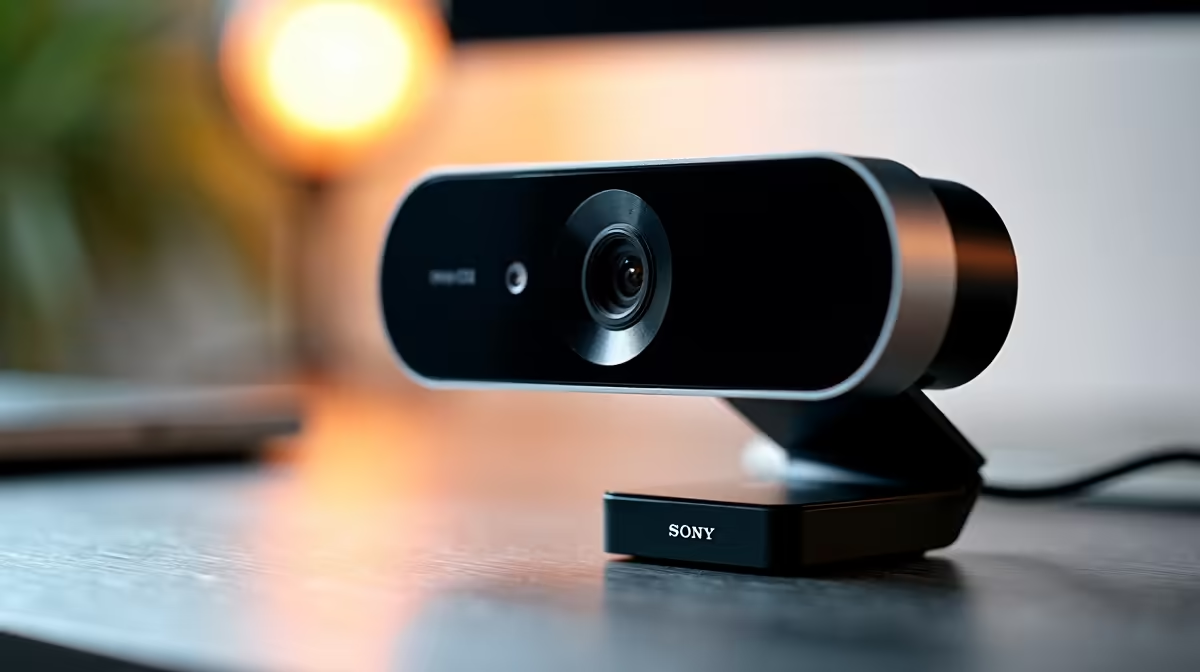
We have all been there. You join a crucial morning catch-up, and you look like a pixelated shadow from 2005. Finding the best webcam for Zoom and Teams meetings in SA isn't just about vanity. It is about looking professional when pitching to clients or collaborating with your remote team. Let us help you ditch the blur and step into crystal-clear high definition 📸.
Why Built-in Cameras Fall Short
Most standard notebooks for sale in South Africa come with basic 720p sensors. They are fine for a quick family chat... but terrible for professional pitches. The tiny lenses struggle to capture enough light. This leaves your video feed looking grainy the moment the sun dips or the office lights flicker. Upgrading to a dedicated webcam instantly improves your colour accuracy and sharpness.
Key Features for the Best Webcam for Zoom and Teams Meetings in SA
When hunting for the perfect lens, resolution and frame rate are your top priorities. A solid 1080p camera at 30fps or 60fps is the sweet spot for professional calls. You should also consider the field of view. A wider angle is great if you need to show off a whiteboard... but a narrower field is better if you want to hide a messy room.
If you are building an elite home office, you might be browsing premium gaming PC deals to power your daily workflow. A high-end machine deserves a high-end camera. Look for models with autofocus and auto-light correction. These features automatically adjust your brightness when that harsh afternoon sun hits your study window.
Lighting Pro Tip 💡
Never sit with a bright window directly behind you. Even the most expensive webcam will turn you into a dark silhouette. Face the window or invest in a cheap ring light for consistent illumination... especially during those gloomy overcast days.
Powering Your Video Feed 🚀
Your hardware plays a massive role in video quality. Did you know that apps like Teams and Zoom rely heavily on your system's processing power? If you use virtual backgrounds or noise cancellation, you need a capable machine. Those exploring pre-built desktop specials should ensure they have enough RAM and CPU overhead to handle HD video encoding smoothly.
Furthermore, modern AI video enhancements require serious graphical muscle. If you want to completely blur your background without a green screen using software like Nvidia Broadcast, you might want to buy a dedicated graphics card that supports these advanced AI features.
Finding the Right Deal
You do not need to spend thousands of Rands to look great on camera. Brands like Logitech and Redragon offer incredible value for the local market. There are plenty of budget-friendly 1080p options that punch way above their weight class.
Just keep a close eye on weekly tech specials to grab a premium brand at a fraction of the cost. A good webcam is a long-term investment for your career. Whether you are logging in from Cape Town or Johannesburg... crisp video makes a lasting impression.
Ready to Upgrade Your Home Office? Looking sharp on your next virtual meeting is easier than you think. Explore our massive range of peripherals and accessories to find the perfect webcam for your setup and budget.











