

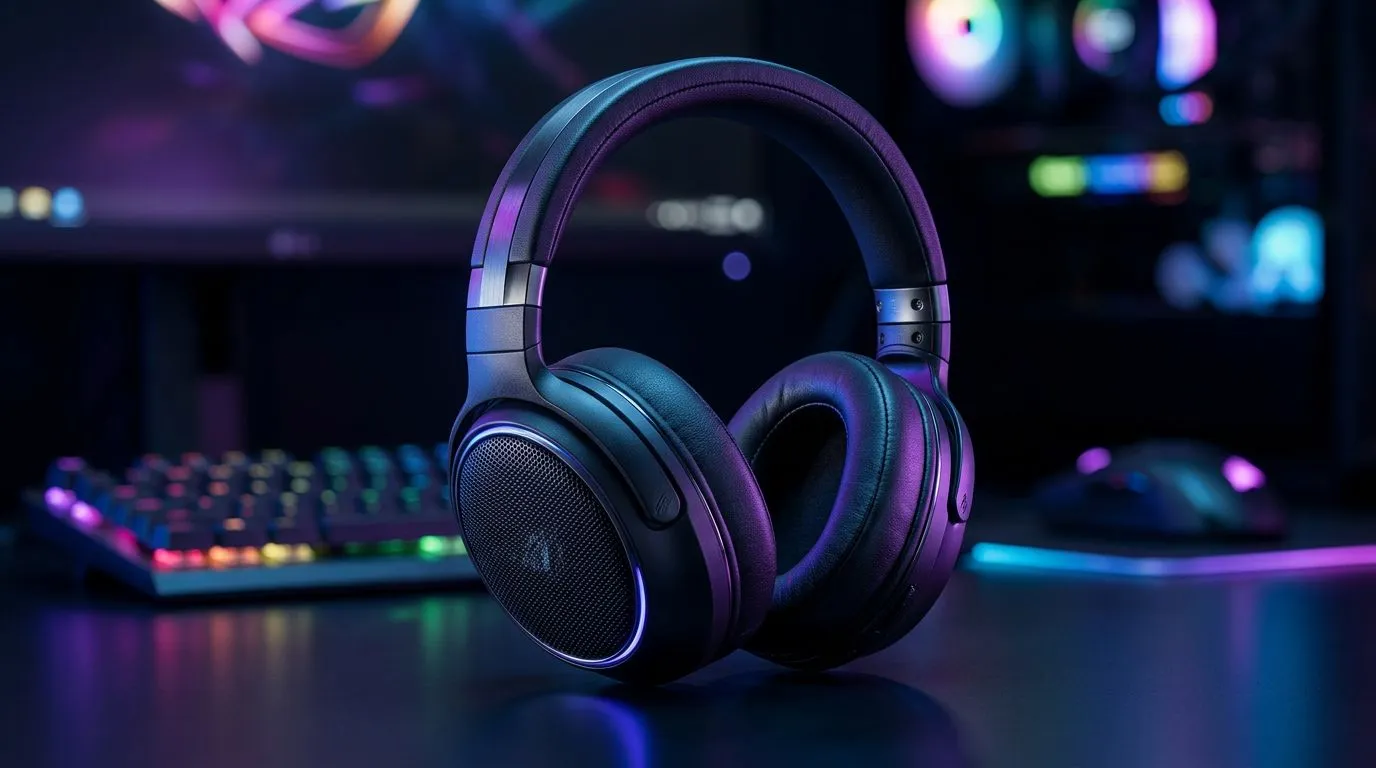
The Reality of Multi-Platform Audio
We’ve all been there. You’ve spent your hard-earned Rands on a premium headset, only to find it refuses to pair with your console when you switch from your PC. The question of wireless gaming headset compatibility is a massive pain point for South African gamers who juggle a PS5, a gaming rig, and a Nintendo Switch. Does one pair truly rule them all? Let’s break down the tech behind the dongles and Bluetooth signals. 🎧
Understanding Wireless Connectivity Standards
Most modern wireless headsets rely on a 2.4GHz USB dongle for low-latency audio. While this is the gold standard for PC gaming, console support is often gated by proprietary software or hardware authentication. If you are looking for a versatile piece of kit, the Razer Barracuda X Chroma Wireless Headset stands out because it bridges this gap, offering seamless switching between devices without the typical headache of re-pairing.
Compatibility Pro Tip ⚡
Always check if your headset supports 'simultaneous audio' via Bluetooth and 2.4GHz. This allows you to listen to Discord on your phone while still hearing the in-game audio from your console, ensuring you never miss a call while grinding for loot.
Choosing the Right Gear for Your Setup
When upgrading your audio, it is easy to get lost in the sea of specs. Whether you prefer the deep bass of dedicated Razer headphones and headsets or you are browsing our wider selection of premium gaming headsets, the goal is to minimise latency. Remember that Bluetooth is convenient for mobile, but 2.4GHz remains the only way to avoid that annoying audio lag during competitive matches. 🚀
Why Versatility Matters in SA
Local gamers deserve hardware that works as hard as they do. Investing in a headset that supports multiple platforms doesn't just save you money; it declutters your desk. Before you buy, verify the "Platform Compatibility" list on the product page. If you are primarily a PC gamer who occasionally dips into console titles, prioritise headsets with a USB-C dongle, as these are increasingly becoming the universal standard for modern devices. ✨
Ready to Find Your Perfect Match? Wireless gaming headset compatibility shouldn't hold you back from your next win. Whether you are upgrading your setup or looking for the ultimate audio experience, we have the gear to keep you connected. Explore our massive range of gaming headsets and find the perfect pair to conquer your world.











