

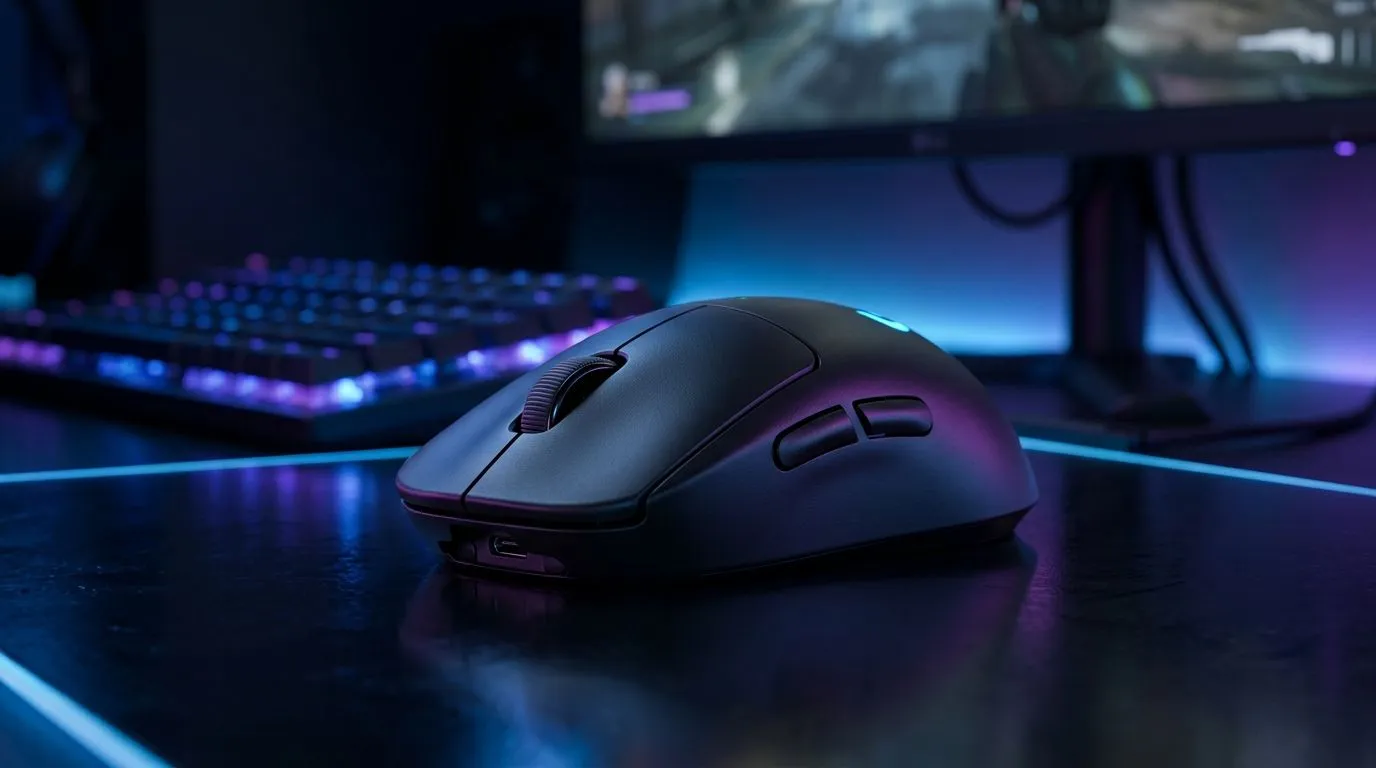
Wireless Gaming Mice Reliability for Competitive Play (The Real Question)
In ranked matches and local tournaments, your gear has to stay consistent. One random disconnect, one skipped click… and suddenly your “easy headshot” becomes panic tracking. 🎯 So, are wireless gaming mice reliable for competitive play? The short answer: yes, but only if you buy the right kind and set it up properly. In South Africa, where load-shedding and busy Wi‑Fi environments are real, the details matter.
What “Reliable” Actually Means for Competitive Play
When gamers say a wireless mouse is “reliable”, they usually mean:
- Stable connection (no stutter, no dropouts)
- Low input lag (shots feel immediate)
- Consistent click latency (no weird timing changes)
- Battery behaviour you can trust 🔋
The good news is that modern gaming wireless mice use dedicated wireless tech designed for responsiveness, not generic Bluetooth delays. For comparison, if you prefer zero wireless variables, wired options remain the simplest path to consistency. You can browse wired choices here: wired gaming mouse options.
If you do want the convenience of wireless, start with Evetech’s wireless mouse selection: wireless gaming mouse range.
Wireless Gaming Mice Reliability: Key Factors You Can Control
Wireless reliability isn’t only about the mouse. It’s also about your environment and setup. ⚡
1) Choose a “gaming” wireless system, not random Bluetooth
For competitive use, look for mice built for gaming wireless, typically with a USB receiver. Bluetooth often works fine for office tasks, but it can be less predictable under load.
2) Manage your USB ports and power saving
Some PCs cut power to USB devices to save energy. Turn off USB selective suspend in Windows power settings if your mouse ever disconnects.
3) Reduce interference where possible
If you’re in an apartment or LAN style space, try relocating the USB receiver to a front port (or use a USB extension). Fewer barriers between receiver and mouse helps.
Setup Pro Tip 🔧
On Windows, disable USB selective suspend in Power Options. It can stop “mystery disconnects” that feel like lag during competitive play, especially after your PC sleeps or idles.
Quick Comparison: Wireless vs Wired (For How SA Gamers Actually Play)
Wired mice still win on simplicity. You never worry about battery levels or connection range. If you want maximum certainty, check Evetech’s wired selection: shop wired gaming mice.
Wireless mice can be every bit competitive when configured correctly. The best approach is to test your own sensitivity and tracking consistency after switching, because the mouse feel matters as much as the signal.
Also consider what you pair with your mouse. Mousepads, cables management, and desk setup affect glide and tracking. If you’re refreshing the whole setup, browse compatible accessories here: mouse accessories.
Battery Anxiety? How to Avoid It
Battery anxiety is real. A wireless mouse that dies mid-match is the opposite of reliable. Recharge before play sessions, and if your mouse supports it, keep a short routine: charge after work, not during comp.
For shoppers in SA who want value without gambling, start with deals and shortlist possibilities:
Once you’ve got a candidate, compare not just specs but comfort, sensor behaviour on your pad, and whether the wireless feels stable in your exact room.
Ready for the Switch? Make “Reliable” Your Baseline
If you’ve been on wired for years, going wireless can still feel flawless with the right model and setup. Try a wireless gaming mouse, then run a few aim drills. If your tracking stays consistent and inputs feel snappy, you’re good. 🚀 And if not, you’ll know fast… which is better than hoping.
Ready to Find Your Perfect Match? The Mac vs Windows debate is complex, but for maximum power, choice, and value in South Africa, Windows is hard to beat. Explore our massive range of laptop specials and find the perfect machine to conquer your world.











