

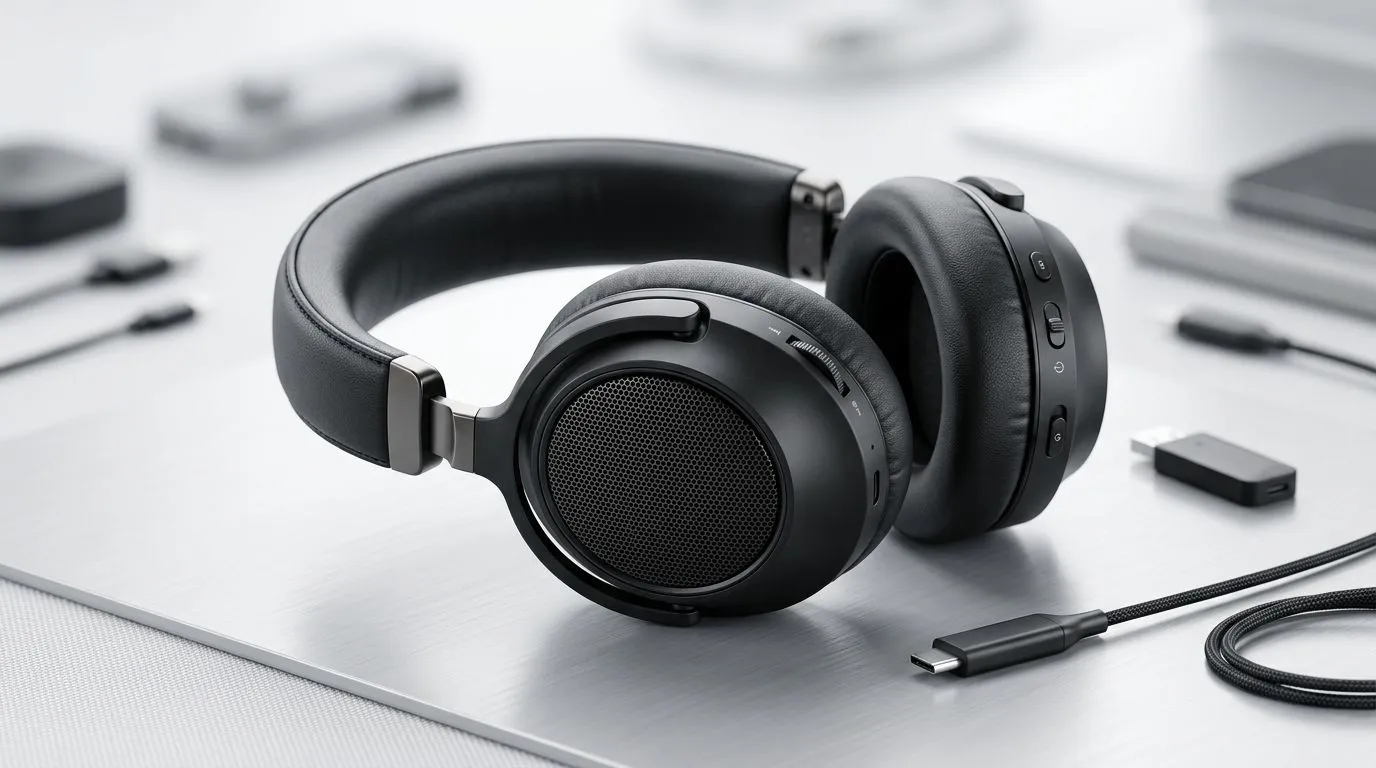
Wireless Headset for Multi-Platform Setup: How to Choose
South African gamers: juggling a PC, PlayStation or Nintendo Switch? Pick the wrong headset and you lose chat clarity, battery life and competitive edge. This quick guide helps you choose a wireless headset for multi-platform setup that actually works across consoles, PC and mobile — without painful lag or mic drama. 🎧🚀
Wireless headsets for multi-platform: latency, codecs and compatibility
The biggest headache is latency. For competitive play, a 2.4GHz USB dongle usually gives the lowest lag and the most consistent connection. If you want a concrete example, the Razer Barracuda X Chroma listing explains how a dedicated dongle delivers that reliable, low-latency link across consoles and PC — check the product page for full specs and ZAR pricing. (See Razer Barracuda X Chroma listing.)
When you also need Bluetooth for mobile, look for headsets that support multipoint and modern codecs like aptX Low Latency or AAC. If the headset uses only Bluetooth, expect higher latency on consoles unless the console supports the same codec or you use a dongle.
Wireless Headset for Multi-Platform: fit, mic and battery life
Comfort matters for marathon sessions. Look for memory-foam ear pads, clamping force that’s not too tight and a weight under 350 g for long play. Microphone quality is the other make-or-break element. Detachable or flip-to-mute mics are practical; beamforming or noise‑cancelling mics improve voice clarity in noisy homes.
Battery life claims can be optimistic. Always check the manufacturer page for tested runtimes and include a wired option: many headsets continue over a 3.5 mm cable when the battery dies. For a sense of model choice, browse the Razer headsets at Evetech to compare features side-by-side and confirm current ZAR deals. ⚡
Productivity Pro Tip ⚡
Use your console or PC sound settings to prioritise headset input output. On Windows, set the headset as the default communications device and disable enhancements to avoid audio processing that adds latency. On consoles, use the dongle or wired passthrough for the lowest lag.
Wireless Headset for Multi-Platform: USB dongle vs Bluetooth trade-offs
USB dongle
- Pros: lowest latency, plug-and-play on PC and many consoles.
- Cons: one device per dongle; switching consoles can be fiddly.
Bluetooth
- Pros: universal on mobile, easy multi-device switching.
- Cons: potential lag, limited console support.
If you need a single purchase that covers everything, look for headsets that include a 2.4GHz dongle and Bluetooth fallback. Compare models and current offers in Evetech's headphone and headset section to see which combos include both wireless modes and whether a wired cable is bundled.
Wireless Headset for Multi-Platform: where to buy in South Africa
When you're ready to buy, check product pages for verified specs and ZAR pricing, and look for local warranty and returns. Evetech lists stock, local pricing and options for Razer models and alternatives — a great place to confirm what’s available now in South Africa. For a specific low-latency option, view the Razer Barracuda X Chroma listing for details and current ZAR pricing. For broader Razer model browsing, see Razer headsets at Evetech. To compare brands and price ranges across the board, visit the headphone and headset section.
Ready to Find Your Perfect Match? The Mac vs Windows debate is complex, but for maximum power, choice, and value in South Africa, Windows is hard to beat. Explore our massive range of laptop specials and find the perfect machine to conquer your world.











