

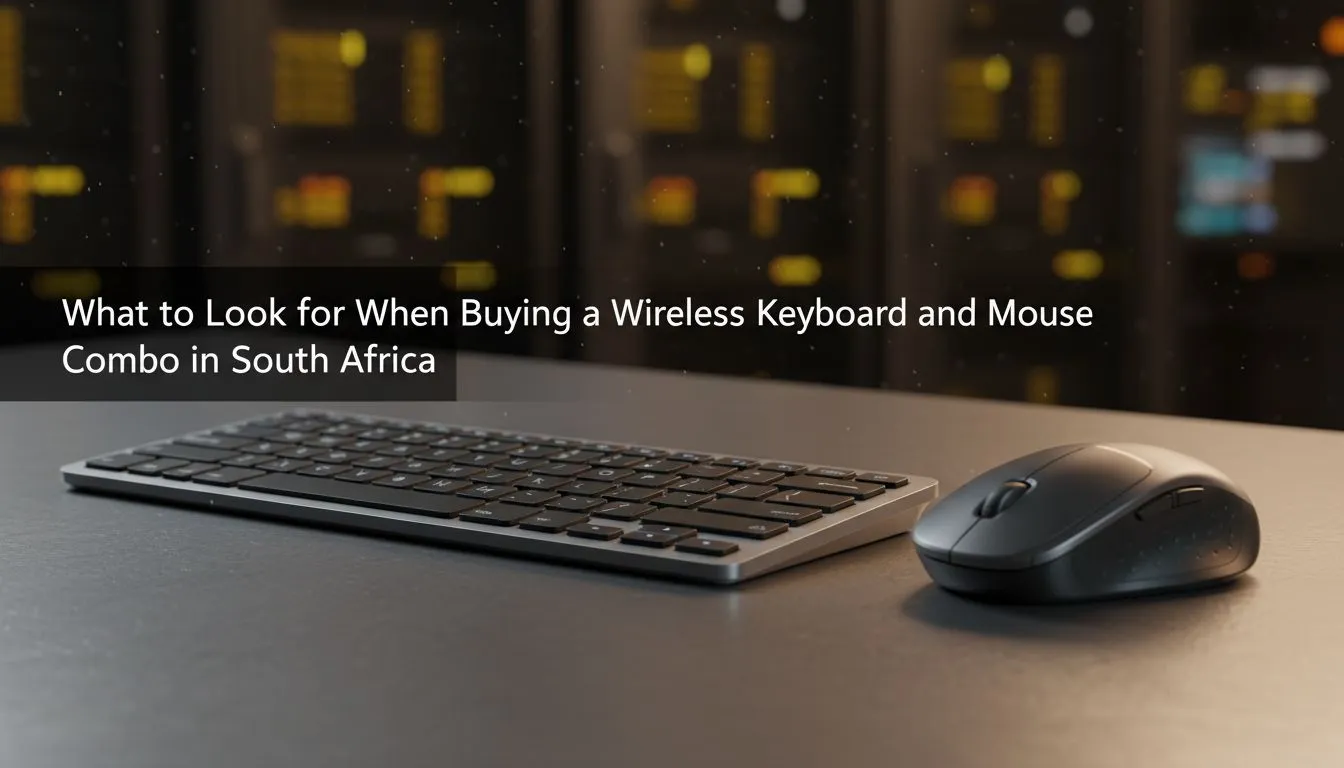
Why a wireless keyboard and mouse combo fits South Africa ⚡
Small desks, cafes, and shared spaces are part of many gamers' setups here. A wireless keyboard and mouse combo cuts cable clutter and gives cleaner desk real estate. If you want a quick look at competitive prices and occasional bundles, check out the latest gaming keyboard deals from Evetech — great for timing a purchase around specials. https://www.evetech.co.za/best-gaming-keyboard-deals/x/055.aspx
What to look for in a wireless keyboard and mouse combo
Start with the connection: does the kit use Bluetooth, a 2.4 GHz USB dongle, or both? Bluetooth is convenient for phones and tablets; a dedicated dongle usually lowers latency for gaming. You can browse wired options separately and compare pros and cons against wireless listings on Evetech to see real product specs and customer reviews. https://www.evetech.co.za/components/buy-cheapest-gaming-keyboard-in-south-africa-52.aspx?attributes-connectivity=Wired https://www.evetech.co.za/components/buy-cheapest-gaming-keyboard-in-south-africa-52.aspx?attributes-connectivity=Wireless
Also weigh key feel and switch type. Mechanical switches give tactile feedback; membrane keyboards are quieter and usually cheaper. If you’re on a budget, Evetech’s cheapest keyboard listings show which kits sacrifice switch type for cost. https://www.evetech.co.za/components/buy-cheapest-gaming-keyboard-in-south-africa-52.aspx
Battery and power are practical concerns. Look for rechargeable kits or those with long AA life. For gamers, polling rate and reported latency matter — products that advertise gaming-grade wireless are worth prioritising if you play competitively. For real-world pricing and spec comparisons, browse Evetech’s keyboard and mouse combo listings to set a ZAR budget that works for you. https://www.evetech.co.za/buy-keyboard-mouse-combo/x/1583.aspx
Top buying tips for wireless keyboard and mouse combos in SA 🔧✨
- Try before you buy if possible. Local retailers sometimes have demo units.
- Prioritise multi-device pairing if you hop between laptop and phone.
- Match the mouse DPI to your monitor: higher DPI helps with high-refresh monitors.
- Check warranty and local support; Evetech lists product warranty info on each page.
Productivity Pro Tip ⚡
Use multi-device pairing to switch between laptop and smartphone with a single shortcut. If your keyboard supports profiles, save one profile for work apps and one for games. It’s a quick way to reclaim time and keep your desk tidy.
Micro-story: I recommended a compact wireless combo to a Cape Town student who needed space for coursework and Call of Duty. She swapped a bulky wired set for a low-latency dongle kit and gained a neat study zone plus reliable game performance — all for under R900 on a mid-tier bundle.
Where to buy and how much to expect in ZAR
Local availability matters. Evetech’s combo and deals pages are a good place to compare models, features, and South African prices in one place. Expect budget office combos from roughly R350 and mid-range gaming kits from around R900 to R3,000 depending on switches, RGB, and mouse sensor quality. See current stock and exact prices on Evetech before you buy; that’s the fastest way to lock in a ZAR deal that fits your needs. https://www.evetech.co.za/buy-keyboard-mouse-combo/x/1583.aspx
Quick checklist before checkout
- Connectivity: Bluetooth, dongle, or both?
- Switch type: mechanical or membrane?
- Battery: rechargeable or replaceable?
- Warranty and local returns.
Ready to Find Your Perfect Match? The Mac vs Windows debate is complex, but for maximum power, choice, and value in South Africa, Windows is hard to beat. Explore our massive range of laptop specials and find the perfect machine to conquer your world.











