

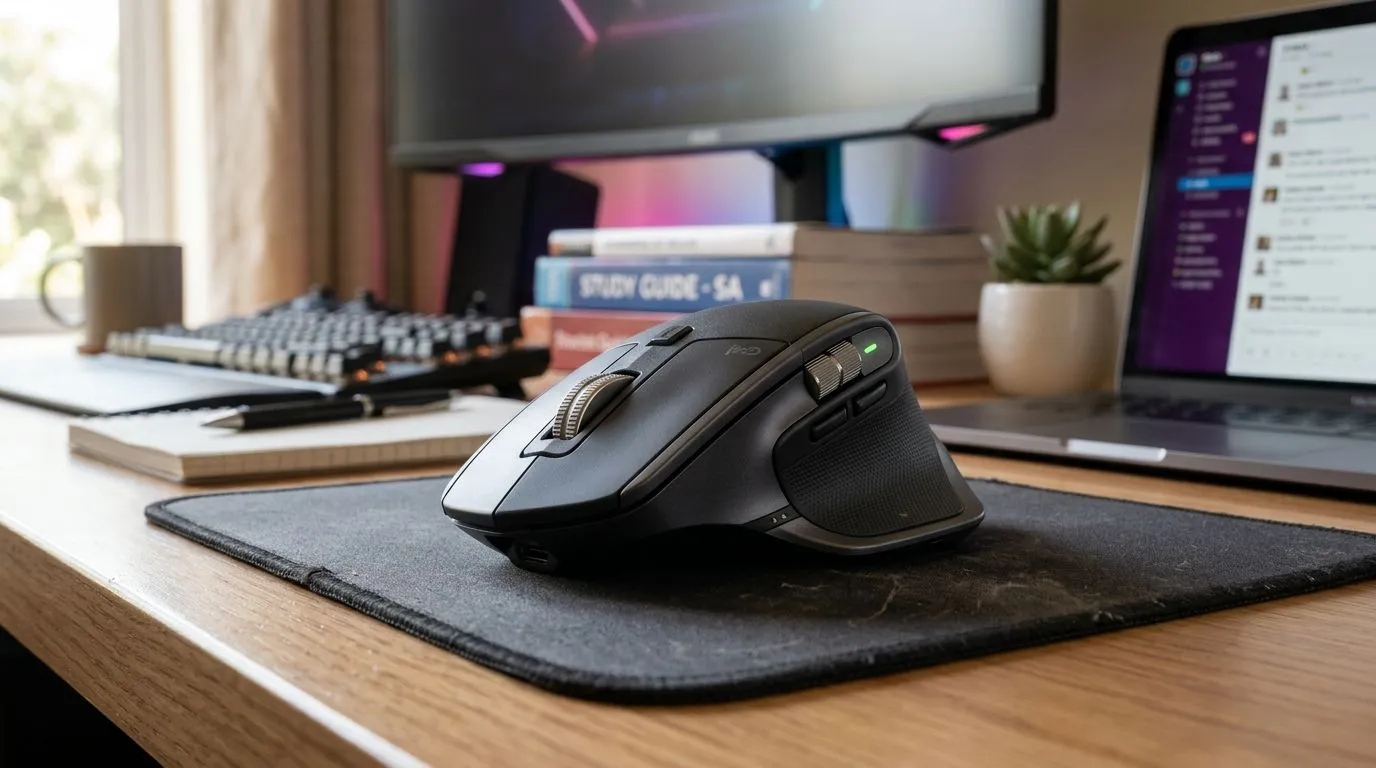
A Wireless Mouse for Gaming, Study and Work in South Africa (without the desk drama)
South African gamers and busy students know the pain… a sticky scroll wheel, a laggy wireless connection, or a mouse that feels great in-store and terrible at 2am. Whether you’re clearing heads on Valorant, grinding assignments, or doing spreadsheet work at the office, your mouse choice matters more than most people think. Here’s how to pick a Wireless Mouse for Gaming, Study and Work in South Africa that actually fits your day-to-day.
Why wireless feels better at home and at lan nights
Wireless is all about freedom. No cable tugging during quick turns, no desk clutter, and easier switching between PC and work laptops. But gaming-grade wireless has a few must-haves:
- Consistent tracking (no skipping when you flick)
- Reliable connection (stable range, minimal dropouts)
- Comfort you can feel after hours (right shape, good side buttons)
For day-to-day options and accessories, Evetech has a handy selection to browse here: mouse accessories.
What to look for: sensor, buttons, and battery life (the stuff that counts)
When you’re using the same mouse for gaming, study, and work, you need balance:
- DPI range and sensor quality: Higher DPI helps, but consistent tracking matters more for both FPS aim and precise cursor work.
- Programmable buttons: Useful for binds in games and shortcuts in productivity apps.
- Switch type and build: Better clicks and side buttons survive heavy use.
If you’re comparing styles, wired can still be a solid choice for minimal latency. Start with Evetech’s range: wired mice.
If you want true wireless convenience, check: wireless mice.
Comfort checklist (quick test before you buy)
Try this in-store or in your return window:
- Sit naturally and do 10 slow moves, then 10 controlled flicks.
- Click quickly for 30 seconds. Do your fingers tire?
- Scroll up and down. Any weird stops or uneven resistance?
A lot of “bad mouse” stories are actually comfort mismatch.
Productivity Pro Tip ⚡
On Windows, use the PowerToys FancyZones utility to create custom snap layouts for your windows. It's a lifesaver for managing multiple apps on an ultrawide monitor, letting you organise your timeline, preview window, and asset folders perfectly for video editing.
Gaming + study + work: one mouse that doesn’t feel “wrong”
Here’s the real-world angle. Picture this: you finish a ranked match, open a spreadsheet, and start moving cells fast. If your mouse shape is off, your wrist compensates. That’s where people lose hours to discomfort… and sometimes game performance drops too.
To dial in your search faster, use Evetech’s deal-focused options and compare by category: best gaming mouse deals. For deeper model comparisons and specs, browse the gaming mouse category and narrow down by comfort first, then features.
Battery reality check (wireless without the panic)
Wireless mice are only “wireless” if you don’t end up hunting for batteries. Look for:
- Clear battery estimates in product listings
- Charging method that fits your routine (USB charging usually wins for most people)
Reliable battery planning keeps your study schedule and your next match from getting interrupted 🔋.
How to choose your match in 5 minutes 🚀
Answer these fast:
- Do you need max precision for FPS, or do you just want smooth everyday play?
- Are you swapping between laptop and desktop?
- Do you prefer small/medium/large shapes (comfort beats specs)?
Then pick your style: wireless for freedom, wired for consistency. Either way, you’re building a setup that feels good every day.
Ready to Find Your Perfect Match?
Ready to Find Your Perfect Match? The Mac vs Windows debate is complex, but for maximum power, choice, and value in South Africa, Windows is hard to beat. Explore our massive range of laptop specials and find the perfect machine to conquer your world.











