

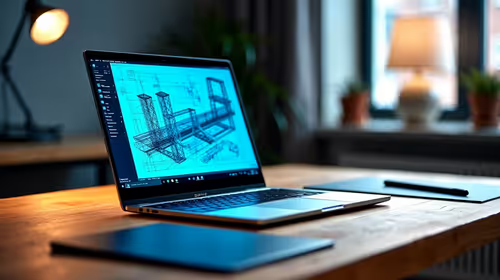
Best Laptop for AutoCAD in South Africa 2026
Top Laptop for AutoCAD picks evaluated on performance, value & SA availability with current Rand pricing from Evetech.
Read morePicking a wireless mouse with dock vs without? Compare charging convenience, battery life, and latency for South African gamers. Get the right fit for FPS, work, and travel gaming 🎮🔋
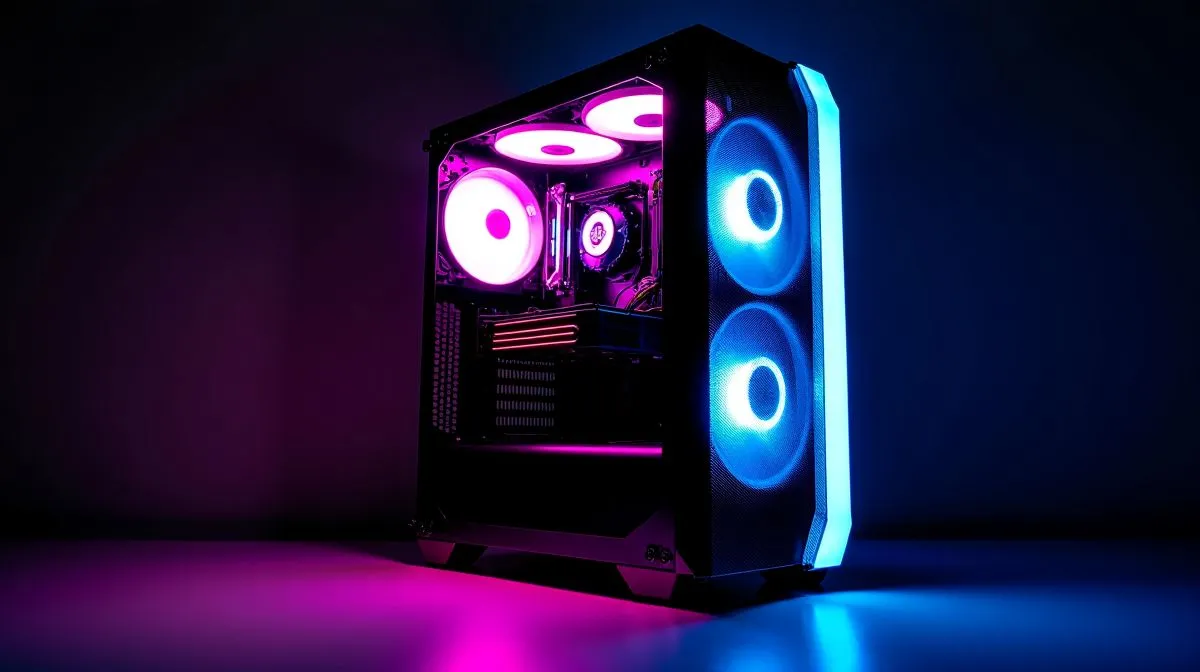
Choosing the right wireless mouse can seriously elevate your gaming comfort and precision. South African gamers often wonder if opting for a wireless mouse with dock is worth the extra Rand or if a simpler setup without one does the trick. Whether you're in Joburg or Cape Town, having a reliable mouse that suits your style is non-negotiable. Let’s unpack the pros and cons of each to help you land the perfect mouse for your rig. ⚡
A wireless mouse with a docking station offers more than just style points. The dock usually doubles as a charger and a stand, keeping your mouse charged without fumbling with cables. This is especially handy during marathon gaming sessions.
Most models on the market come with fast charging docks that ensure minimal downtime. This means less interruption between intense rounds in your favourite FPS or MOBA titles.
If you’re after extra convenience, a dock also helps keep your desk neat. No more hunting for USB cables or worrying about battery replacements. Check out Evetech’s range of wireless mouse accessories to see which docks can upgrade your space. 🔧
No dock doesn't mean no perks. Wireless mice without docking stations are usually lighter on the wallet. For South African gamers balancing budgets and performance, these offer a straightforward plug-and-play experience.
Charging is typically via USB-C or micro-USB cable. While it demands manual intervention, this setup cuts down on desk clutter and offers flexibility with charging locations.
Wired mice, for comparison, remain relevant if you prefer zero-latency connections and no battery worries. Evetech’s wired mouse collection might still appeal if latency is a critical factor in your gaming style.
Keeping a local internet café owner in mind… many gamers here juggle power outages and fibre connection downtime. Having a wireless mouse with a dock ensures your charging is predictable, less dependent on cables that might fail or configurations that don’t suit cramped desks.
your desk space first: a docking station adds bulk but reduces cable clutter. If you game in smaller or shared spaces, a wireless mouse without dock offers more flexibility.
Also, battery lifespan varies—check specs on Evetech’s wireless mouse selection. Top-tier models can run for days on a single charge. You want that advantage when grinding for ranks or streaming your gameplay.
For the bargain hunters, Evetech regularly features gaming mouse deals that include both docked and dockless options. Keep an eye out for those to get premium gear without stretching your ZAR too far.
Whether with dock or without, the best gaming mouse for South Africans combines comfort, responsiveness, and durability. Don’t just buy on hype—test grip styles, sensor accuracy, and button placement.
For the tech enthusiasts who want to customise, browsing Evetech’s gaming mouse components might uncover accessories or upgrades to elevate your mouse game further.
The bottom line: if your desk can accommodate it and you value cable-free continuous charging, a wireless mouse with dock is worth considering. If portability and upfront cost matter more, go dockless.
Your next advantage in-game could depend on it. 🚀
Upgrade Your Gaming Gear Today Refresh your setup with the perfect wireless mouse. Shop now at Evetech for performance that leaves lag in the dust.
They often use faster, consistent charging. But real battery life depends on the sensor, polling rate, and power management, not just the dock.
Docking does not directly change latency. Latency mainly depends on the wireless tech, polling rate, and stable connection using the receiver.
Prioritise reliable charging convenience, stable wireless range, low click latency, and comfortable grip so you game longer with fewer interruptions.
Common options include USB cable charging, removable battery packs, or charging via a dedicated stand. Check cable length and how often you charge.
Yes. A dock keeps the mouse aligned, reduces cable wear, and helps you maintain a quick recharge habit between matches and sessions.
A dock is less portable. If you attend LANs or travel often, consider whether you can pack charging easily or use cable charging instead.
Look for support for high polling rates, strong 2.4GHz performance, low debounce, and consistent receiver positioning for minimal tracking drops.
If you play daily at a desk, a docked wireless mouse adds convenience. For flexibility and travel, choose a no-dock model with reliable charging.
Top Laptop for AutoCAD picks evaluated on performance, value & SA availability with current Rand pricing from Evetech.
Read more
Laptop Dictionary. Every term explained in plain English so you can shop with confidence and compare specs accurately.
Read more
Top MacBook for Academic Research picks evaluated on performance, value & SA availability with current Rand pricing from Evetech.
Read more
Can You Use ASUS ROG laptop for Both Gaming and Work Detailed answer with SA data, expert analysis & practical recommendations for local buyers.
Read more
gaming laptop Driver Conflicts: Fix. Step-by-step instructions with SA-specific tips, common pitfalls to avoid & expert recommendations.
Read more
Top Laptop for Veterinary Science at UP : Course picks evaluated on performance, value & SA availability with current Rand pricing from Evetech.
Read more
CS2 Low FPS: Monitor Bottleneck. Real-world benchmark data, FPS numbers & performance analysis. What SA gamers can actually expect.

Is AOC a Good Monitor Brand for Gaming in South Africa Detailed answer with SA data, expert analysis & practical recommendations for local buyers.

What Gaming Monitor Can You Get for R20,000. Full parts list, Rand pricing & expected performance. Build confidently with SA-available components.

What Gamers Actually Bought: November Report. Real purchase data from SA retailers revealing what local buyers are actually choosing and why.

Can the RX 7700 XT Handle 1440p 144Hz Gaming. Performance testing verdict with real data & practical recommendations for SA buyers.

Top Laptop with Core i7 + RX 7700S: Picks picks evaluated on performance, value & SA availability with current Rand pricing from Evetech.

RX 7700 XT Black Myth Wukong 2 FPS: Performance. Real-world benchmark data, FPS numbers & performance analysis. What SA gamers can actually expect.

RTX 6080 Gran Turismo 7 PC Performance: FPS Test. Real-world benchmark data, FPS numbers & performance analysis. What SA gamers can actually expect.

Eliminate background noise in gaming voice chat using cardioid microphones to focus on your voice and reject room sounds. Get cleaner comms fast with smart placement and settings—🎮🎧

Wondering how much to spend on a high-end gaming headset in South Africa? We break down budget vs performance, what you actually get, and smart upgrade steps 🎧⚡

Wondering about THX Spatial Audio vs 7.1 surround for positional awareness? We compare imaging, depth, and cueing so you can pick the best option for gaming. 🎧👣

50mm bio-cellulose drivers vs standard drivers: does material affect audio precision? Compare clarity, bass control, and imaging so you can choose the right headphones. 🎧🔍