

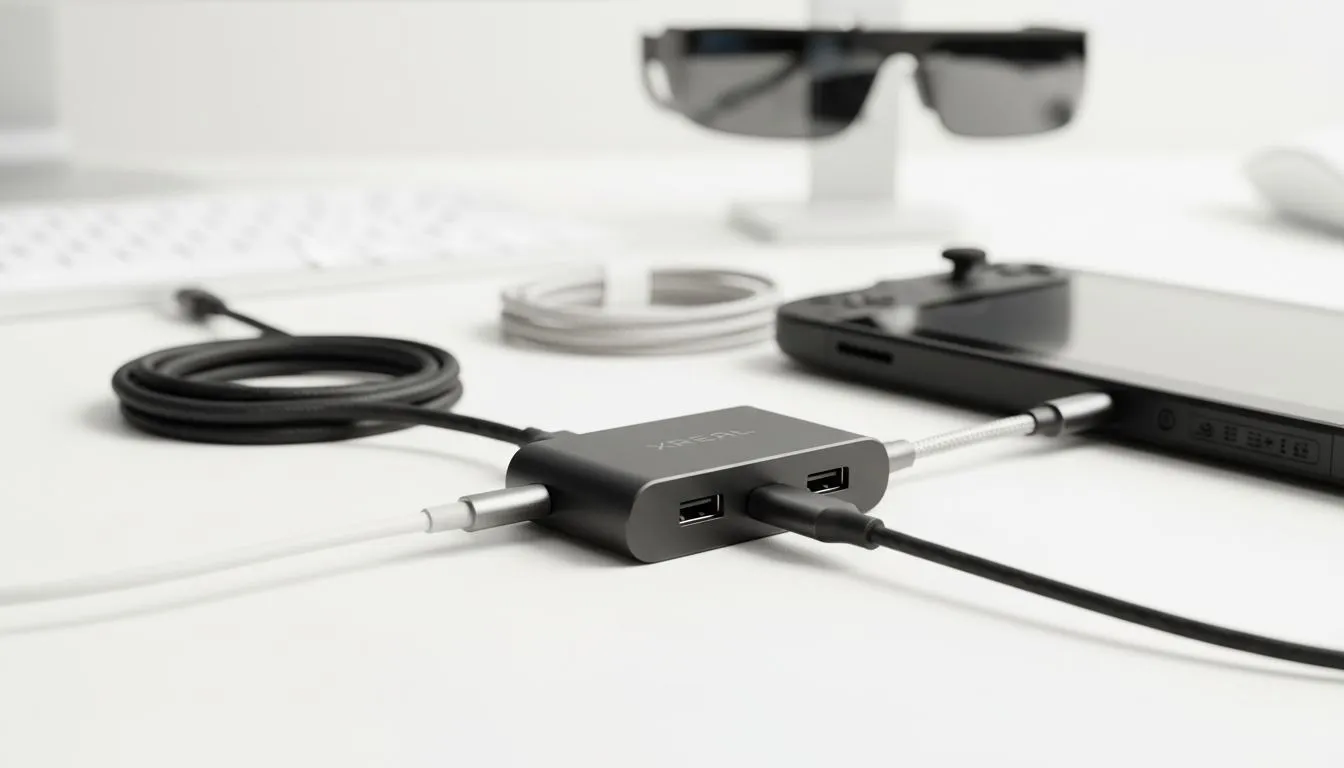
Ever found yourself halfway through an intense session on your ROG Ally only for the battery warning to ruin the immersion? For South African gamers using AR glasses, the struggle of maintaining power is very real. Managing your battery while keeping your view clear is a constant juggling act. That is why mastering XREAL Hub Cable Management for Handheld + AR Glasses is the secret to a seamless portable setup.
The Port Problem for Handheld Gamers
Most modern handheld consoles like the Steam Deck or Legion Go only feature a single USB-C port. If you plug in your glasses, you cannot charge the device. This limits your playtime to just a couple of hours. The XREAL Hub solves this by splitting that single port into two dedicated channels. One channel handles the high-quality video signal while the other accepts power delivery. You can find these premium AR glasses and accessories right here at Evetech to elevate your mobile experience.
Optimising Your XREAL Hub Cable Management for Handheld + AR Glasses
Nobody wants a bird's nest of wires tangling around their hands while trying to play. Effective XREAL Hub Cable Management for Handheld + AR Glasses starts with using the right lengths. Long, dangling cables are prone to snagging... which can damage your handheld's sensitive ports.
We recommend using 90-degree USB-C adapters where possible. These allow the cables to run flush against the back of your device rather than sticking straight out. This reduces the leverage on the port and makes the handheld much more comfortable to hold for long periods. If you are browsing our AR glasses range, consider how your specific handheld layout will interact with the hub.
Power Management Tip ⚡
When using the XREAL Hub, ensure your wall charger or power bank supports at least 45W Power Delivery. This ensures your handheld stays at 100% charge even while the AR glasses are drawing power. It is the best way to avoid the dreaded low-battery pop-up during a boss fight.
Protecting Your Tech Investment
Spending thousands of ZAR on a high-end portable setup means you want it to last. Poor cable management is the leading cause of port failure. By securing your cables with small Velcro ties, you ensure that any accidental tugs pull on the tie rather than the connector. When looking for high-end visual gear, always factor in the cost of quality cables. They are the unsung heroes of a reliable gaming rig.
Ready to Upgrade Your Portable Setup? Don't let a single port hold back your gaming potential. Experience the future of immersive entertainment with crystal clear visuals and endless battery life. Explore our massive range of AR glasses and accessories and find the perfect gear to conquer your world.








