

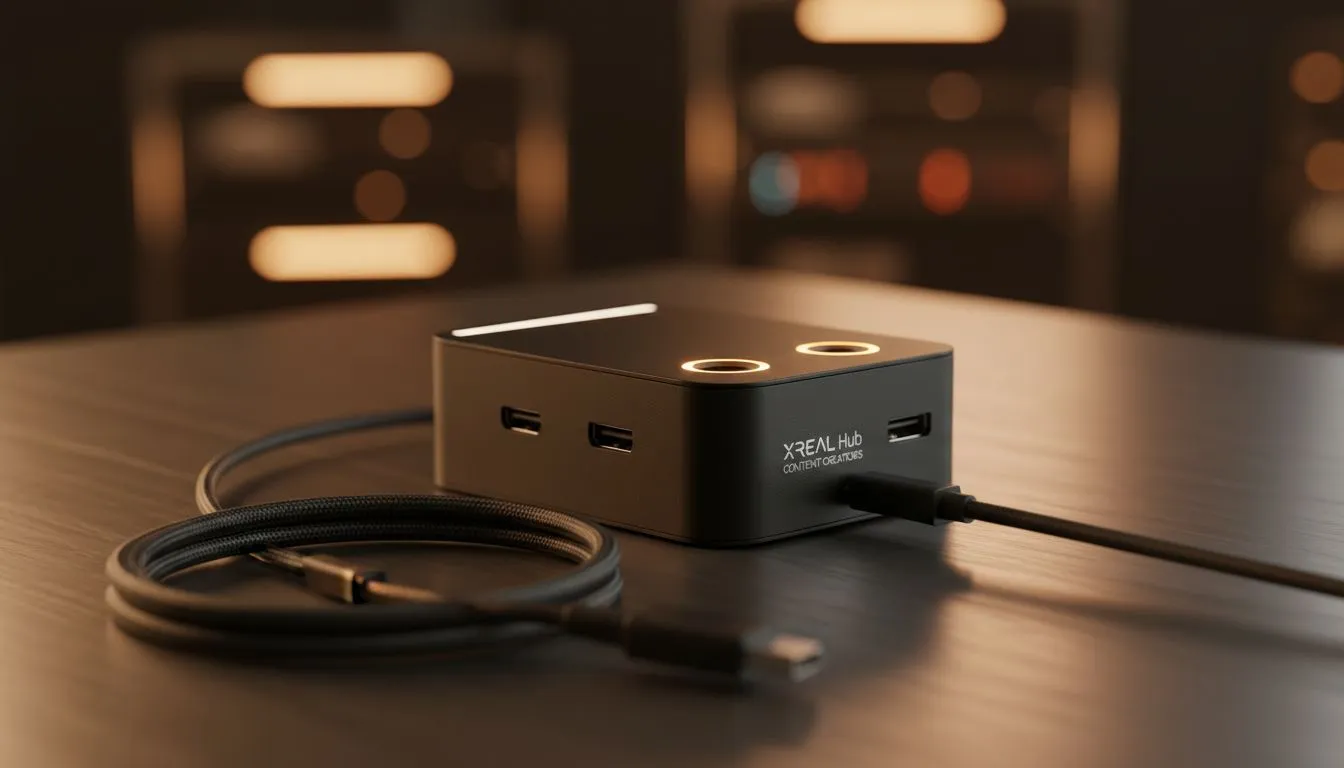
Filming in public spaces across South Africa often attracts unwanted attention. Whether you are a content creator in Maboneng or a videographer at a wedding... keeping your screen private is vital. The XREAL Hub enables private on-location monitoring without a monitor. It allows you to stay focused on your shot while keeping your setup discreet and professional. No more bulky external displays or prying eyes over your shoulder 🚀.
Revolutionising the Mobile Workflow
Modern creators need gear that keeps up with a fast-paced lifestyle. The XREAL Hub is a compact solution designed to bridge the gap between portability and professional monitoring. By connecting your device to AR glasses, you create a massive virtual screen that only you can see. This setup is perfect for checking focus... reviewing footage... or managing your camera settings in bright sunlight where traditional screens fail.
Private On-Location Monitoring Without a Monitor
The core benefit of this tech is the absolute privacy it provides. In a crowded environment, displaying sensitive client work or unreleased content on a bright monitor is risky. The XREAL Hub ensures that your feed remains for your eyes only. If you search for AR glasses on the Evetech site, you will see how these devices are becoming essential tools for digital nomads and professional videographers alike.
Power Management Tip ⚡
When using the XREAL Hub for extended shoots, connect a high-wattage power bank to the secondary USB-C port. This allows you to charge your source device while simultaneously outputting video to your glasses... ensuring you never run out of juice mid-take.
Seamless Connectivity and Power
One of the biggest hurdles for mobile creators is battery life. The XREAL Hub addresses this by supporting simultaneous charging and data transfer. You can plug in your smartphone or handheld console and keep the power flowing while you work. This is particularly useful in South Africa... where staying mobile and independent from the grid during load shedding is a massive advantage.
Finding the Right Gear in South Africa
Choosing the right hardware depends on your specific production needs. For those looking at a premium AR glasses selection, the investment pays off in both efficiency and professional image. The XREAL Hub acts as the central nervous system for your portable studio. It eliminates the need for heavy stands and sun hoods... simplifying your kit bag significantly 🔧.
Enhancing Your Creative Freedom
Beyond just monitoring, this tech allows for a more ergonomic workspace. You no longer have to hunch over a small camera screen. You can stand tall... maintain a healthy posture... and see your work in high definition right in front of your eyes. It is about working smarter... not harder... while maintaining a low profile on any set.
Ready to Upgrade Your Mobile Studio? Private monitoring is the future of on-location production. To find the best deals on the XREAL Hub and compatible accessories in South Africa, explore our latest AR technology and take your creative workflow to a professional standard.








