

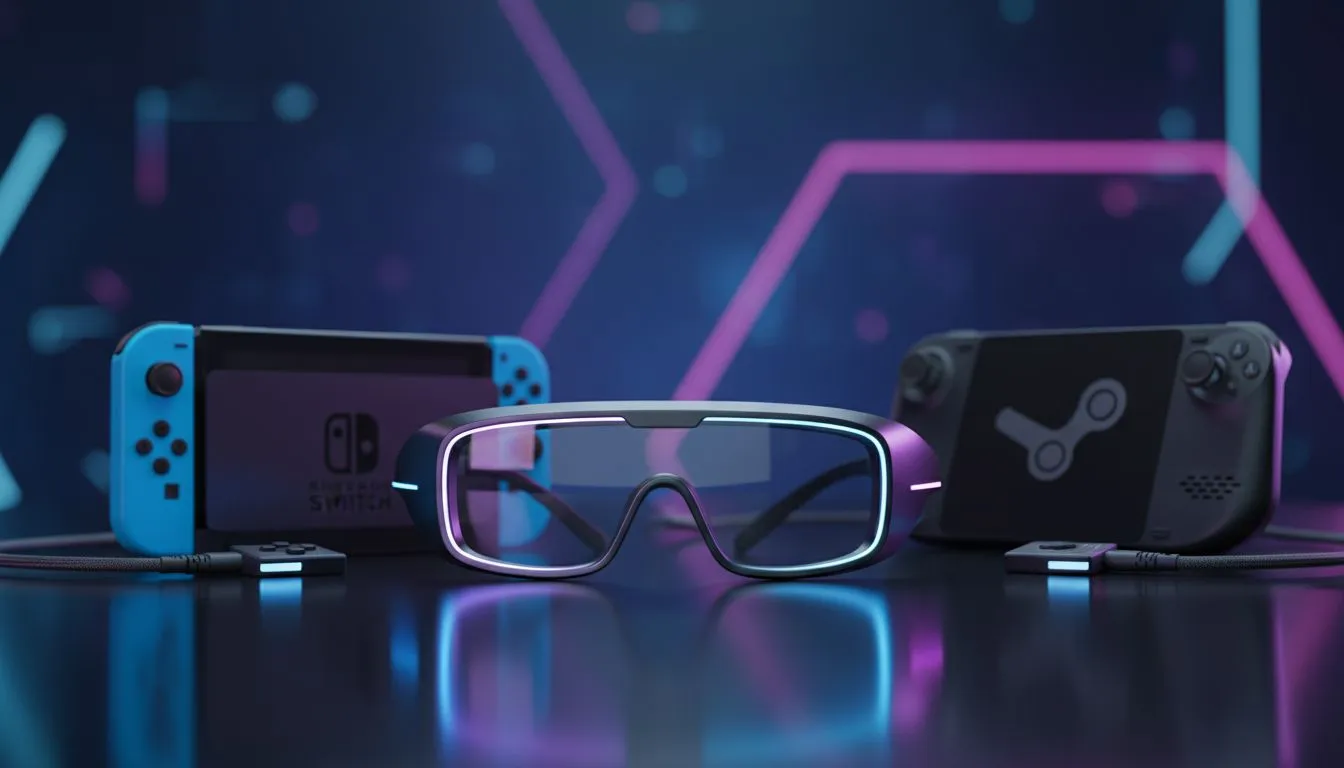
The Future of Portable Play: XREAL One and Handhelds
Tired of squinting at your Steam Deck or ROG Ally while commuting through Sandton? Handheld consoles are brilliant... but their physical screens often feel cramped during long sessions. The XREAL One handheld integration changes how we play in South Africa. It offers a massive virtual display that fits right in your pocket. Imagine playing AAA titles on a cinematic screen while relaxing at a local coffee shop 🚀.
Why Pairing Matters for South African Gamers
Handheld gaming has exploded across the country. We love our mobility... especially when we need to stay powered up during unexpected power cuts. Pairing the XREAL One with handheld consoles provides an immersive experience that traditional screens cannot match. You no longer need a bulky desk setup to enjoy high-definition visuals. Check out our curated selection of premium AR glasses to see how the hardware has evolved.
The XREAL One is not just a peripheral. It solves the posture problem many local gamers face. Instead of hunching over a small device... you can lean back and look straight ahead. This is vital for those marathon sessions on a rainy weekend in Cape Town. If you are searching for the latest AR glasses, you will find the XREAL One leads the pack in both colour accuracy and comfort.
Power Management Pro Tip ⚡
When using AR glasses with a handheld console, use a branded USB-C splitter that supports Power Delivery. This allows you to charge your console while the glasses are plugged in. It ensures your session does not end prematurely during a boss fight because of a flat battery.
Technical Synergy and Performance
Compatibility is straightforward via USB-C DisplayPort Alt Mode. Most modern handhelds like the Lenovo Legion Go work instantly with the XREAL One handheld setup. For enthusiasts seeking high-end AR solutions, the 120Hz refresh rate is a standout feature. It ensures that fast-paced action remains smooth and responsive.
The virtual screen stays fixed in your field of vision... or can be pinned to a specific spot using spatial tracking. This flexibility is perfect for South African gamers who want a private big-screen experience without the need for a dedicated gaming room. It turns every flight or long car journey into a premium gaming suite ✨.
Ready to Elevate Your Handheld Gaming? The XREAL One offers unparalleled immersion for South African gamers who demand the best portable experience. Browse our full range of AR glasses and accessories and transform your handheld console into a portable cinema today.








