

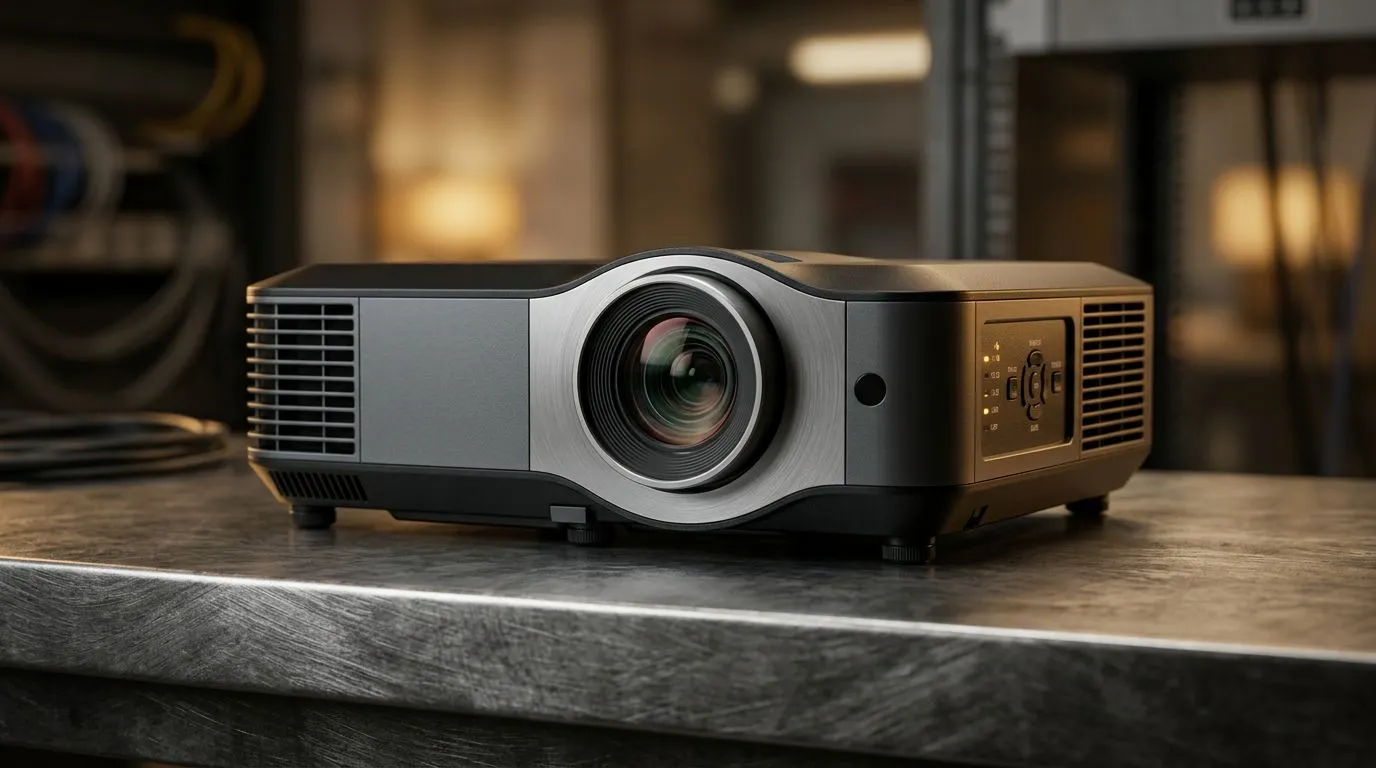
4800 ANSI Lumens Projectors: Bright Room Performance Explained (Launch Radar)
Buying a projector in South Africa can feel like a gamble… until you understand brightness. If you’re planning PS5 sessions, movie nights, or presentations in a living room that never stays fully dark, you’ll want to know what 4800 ANSI lumens projectors: bright room performance explained really means in practice.
In this guide, we’ll break down what “ANSI lumens” does (and doesn’t) change, how to get a crisp image, and which setup choices matter most. Then we’ll point you to options from Evetech so you can move from “maybe later” to “let’s play” 🔥
4800 ANSI Lumens Projectors: Bright Room Performance Explained (What the Number Actually Tells You)
“Lumens” is a measure of light output. In plain terms: higher lumens usually survive ambient light better.
But here’s the nuance many buyers miss:
- ANSI lumens are measured in a repeatable way, so the number is more useful than “marketing brightness”.
- Your room and screen size can overpower even a bright projector.
- If you push the image too large, the brightness per square metre drops, and whites look grey.
So, if your room has lamps on, curtains half-open, or daylight bouncing off walls, 4800 ANSI lumens projectors can be a sweet spot… provided you control image size and placement ⚡✨
4800 ANSI Lumens in a “Not-So-Dark” Room
Most living rooms in SA aren’t fully light-controlled. That means you should think in scenarios:
- Best case: lights off or mostly off, reasonable screen size, clean lens, and proper settings.
- Okay case: some lights on, moderate screen size, and you’ll benefit from a contrast-focused picture mode.
- Rough case: bright daylight and a very large image. Even 4800 lumens can look washed.
Quick sanity check before you buy
Ask yourself two questions:
- How big do you want the image (roughly in inches or metres)?
- Can you reduce ambient light by even 30% (dim lights, close blinds, block direct light to the screen)?
If the answer is “yes” to both, you’re likely in the zone where 4800 lumens feels genuinely usable.
Setup Pro Tip 🔧
On a projector, brightness isn’t just the lumens rating. Keep the image size realistic for your room. If you go too big, the image gets dim per area, and “bright room performance” turns into “grey wall performance” fast. Start with a measured throw distance and pick a screen size you can actually fill without oversizing.
4800 ANSI Lumens Projectors: Bright Room Performance Explained (Picture Settings That Make a Difference)
Even the best projector can underperform if the settings are wrong.
Here are the adjustments that typically matter most:
- Picture mode: Use a mode designed for daylight or presentations if available. Many projectors have “Bright”, “Dynamic”, or similar modes.
- Contrast and Gamma: If whites look flat, contrast and gamma settings often restore punch.
- Keystone correction: It’s convenient, but heavy keystone can soften the image. Whenever possible, align the projector properly instead.
- Lens cleanliness: Dust and smudges can reduce perceived sharpness and brightness.
If you’re gaming, also consider the projector’s connection options and whether it supports your console’s output properly. For many setups, HDMI is the common path, but models differ.
4800 ANSI Lumens Projectors: Bright Room Performance Explained (Screen Size, Throw Distance, and Wall Colour)
Brightness is only half the story. The other half is where the light lands.
Screen vs wall: why it changes everything 🎮
A dedicated projector screen is usually designed to reflect light efficiently. A bare wall often:
- reflects unevenly,
- absorbs more light,
- can introduce colour casts.
If you’ll use a wall, choose a neutral, light surface. Dark walls are the enemy of bright-room clarity.
The throw distance effect (in real terms)
Throw distance determines image size. Move the projector further away and the image grows. That growth spreads the same light across a bigger area, so the picture becomes dimmer.
That’s why “4800 lumens” won’t magically fix an oversized setup.
4800 ANSI Lumens Projectors: Bright Room Performance Explained (Where to Start on Evetech)
Ready to shortlist models you can actually see yourself using? Evetech has a wide selection, including different brands that buyers in SA often trust for reliability and everyday usability.
Start here for projector options in your budget:
- Browse the general projector range on Evetech: projectors under R7 000
- Want a specific brand vibe? Check out Promate projectors
- Prefer a strong value option? Take a look at Viewsonic projectors
- Or browse everything to compare specs and image-fit: all projectors
Take 10 minutes to compare:
- claimed brightness,
- supported inputs,
- and the kind of rooms each model seems built for.
If you do that, you’ll avoid the classic mistake of buying “bright on paper” but “meh on the wall” 🚀
Ready to Find Your Perfect Match? The Mac vs Windows debate is complex, but for maximum power, choice, and value in South Africa, Windows is hard to beat. Explore our massive range of laptop specials and find the perfect machine to conquer your world.











