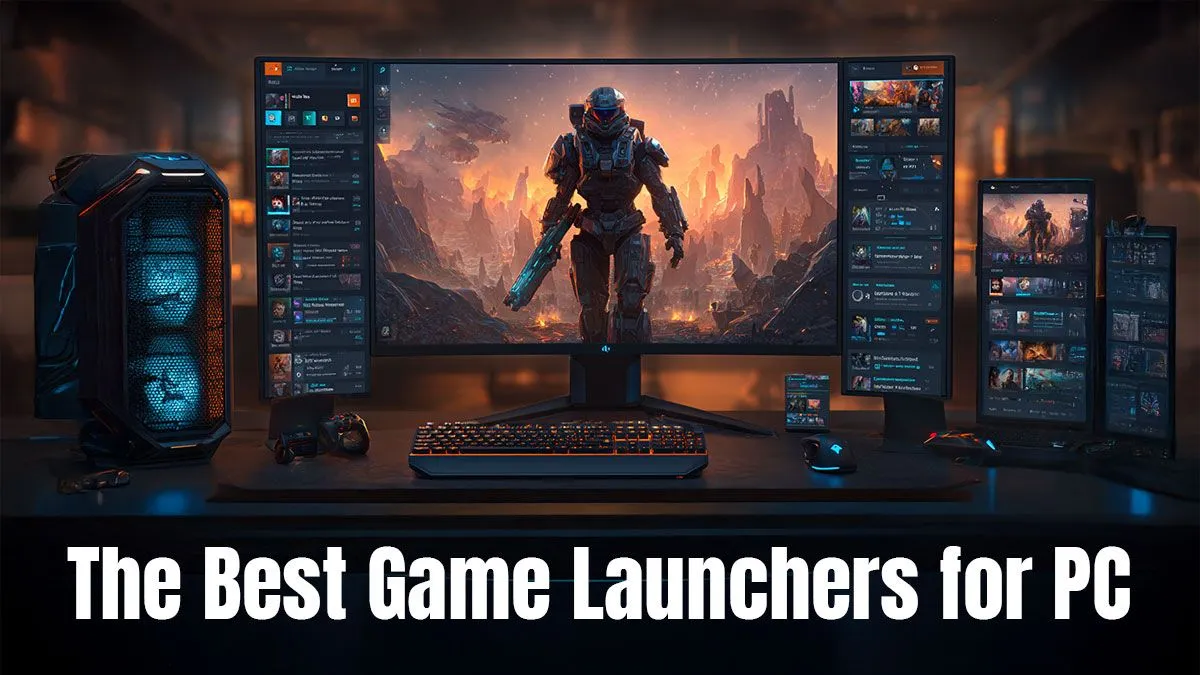
Remember the good old days? One icon on your desktop, and your entire game library was there. Now, it feels like you need a separate app for every second game. From Steam to Epic and beyond, managing your digital collection can be a mission. But don't stress, we've sorted through the clutter to find the best PC game launchers for every type of South African gamer, helping you spend less time clicking and more time playing.
The Best PC Gaming Launchers in South Africa
Choosing the right platform can seriously streamline your gaming life. It's not just about where you buy games… it's about community, special features, and of course, the deals! Let's break down the top contenders to see which game launcher is best for you.
Steam: The Undisputed Champion 🏆
For over two decades, Valve's Steam has been the default PC game launcher for millions. Its massive library is unmatched, and its community features—like the Workshop for mods, user reviews, and forums—are deeply integrated into the experience. The regular seasonal sales are legendary, offering huge discounts that your wallet will appreciate.
Steam is a beast, but it runs smoothly on any of our pre-built PC deals, ensuring you get straight into the action. It remains the gold standard for a reason.
Epic Games Store: The Freebie King
Epic Games burst onto the scene with a simple, killer strategy: free games. Every single week, the Epic Games Store gives away at least one title, often a top-tier indie or even a AAA classic. This alone makes it an essential install for anyone looking to build a library without breaking the bank. While it lacks some of Steam's deeper community features, its clean interface and exclusive titles make it a strong competitor. It's a fantastic choice if you're just getting started with a budget gaming PC.
Xbox App: The Ultimate Value Subscription
This isn't just a store; it's your gateway to PC Game Pass. For a monthly fee, you get access to a massive, rotating library of hundreds of games, including every new title from Xbox Game Studios on day one. If you love trying new games constantly, the value here is simply unbeatable. The app integrates seamlessly with Windows and is a must-have for anyone who wants a "Netflix for games" experience on their high-end gaming rig.
Unify Your Libraries! ✨
Feeling overwhelmed by multiple launchers? Install GOG Galaxy 2.0. It lets you connect your accounts from Steam, Epic, Xbox, and more, creating one master library to view and launch all your games. It's the perfect tool to manage the digital clutter and see all your games in one clean interface.
GOG Galaxy: The DRM-Free Hero
GOG (Good Old Games) has a unique philosophy: when you buy a game, you should own it, DRM-free. This means you can download an offline installer and keep it forever, no internet connection required to play. As mentioned in our tip, its real superpower is GOG Galaxy 2.0, an optional client that unites all your other game libraries. It's the best PC game launcher for gamers who value ownership and organisation, running beautifully on a wide range of gaming PCs under R20k.
Which Game Launcher is Best for You?
Ultimately, you don't have to choose just one. Most PC gamers in South Africa use a combination: Steam for its huge library and sales, Epic for the weekly freebies, and the Xbox App for the incredible value of Game Pass.
The key is to have a PC that can handle anything you throw at it, regardless of the source. A solid machine ensures that whether you're exploring the vast worlds of a Game Pass title or competing in a Steam bestseller, you're getting a smooth, immersive experience. Make sure your setup is ready for any launcher by checking out the best gaming PC deals available right now. 🚀
Ready to Run Them All?
No matter which launcher holds your favourite titles, you need a machine that can handle the action. From budget builds to beastly rigs, Evetech has the perfect PC for your library. Explore our massive range of Gaming PCs and get ready to play without limits.