A monitor that spends most of its life showing documents should be judged by more than gaming specifications. The EIZO FlexScan EV2401S announcement on22 October puts a 23.8-inch FullHD screen, up to 120Hz operation and desktop convenience into the same discussion. Its appeal depends on your working distance, laptop connection and the support terms offered where you buy.
Quick Answer
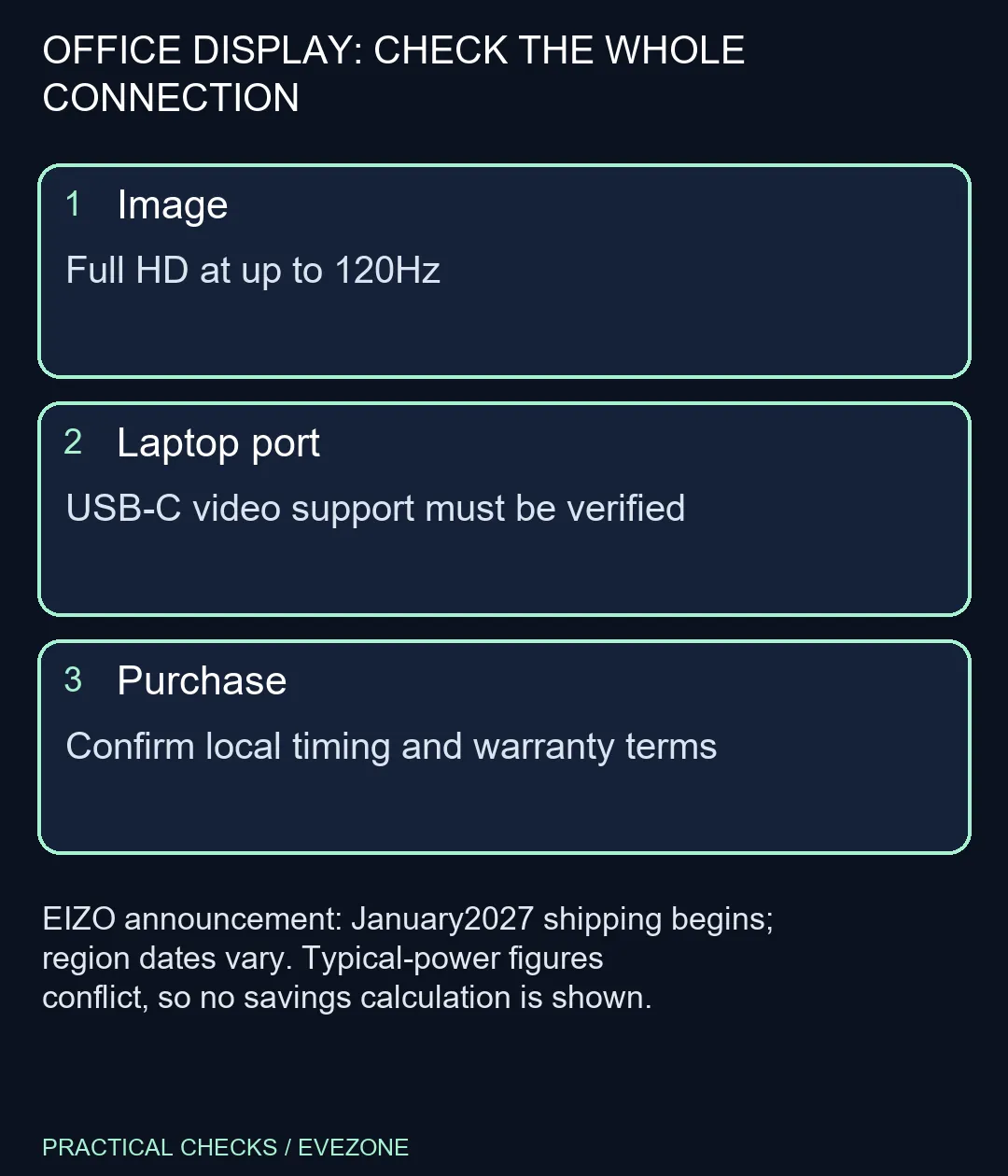
The EV2401S is an announced FullHD IPS monitor with 120Hz support, with shipping beginning January 2027 and varying by region. Budget R0 for checking your present screen, port and desk measurements before deciding to replace anything; that figure is a no-purchase check, not a monitor price. A different Dahua LM24-A221Y monitor is listed locally at R1,699 on 23 October; it is not an EV2401S price or equivalent feature set. No South African EIZO release price or delivery date is confirmed here.
🖥️ Separate smoothness from workspace
FullHD describes how much pixel information fits on the panel. The refresh rate describes how frequently it can update. A 120Hz desktop may feel smoother when scrolling, but it does not create the extra document space of a higher native resolution. If your main problem is fitting a wide spreadsheet or two pages beside each other, decide on workspace before prioritising motion.
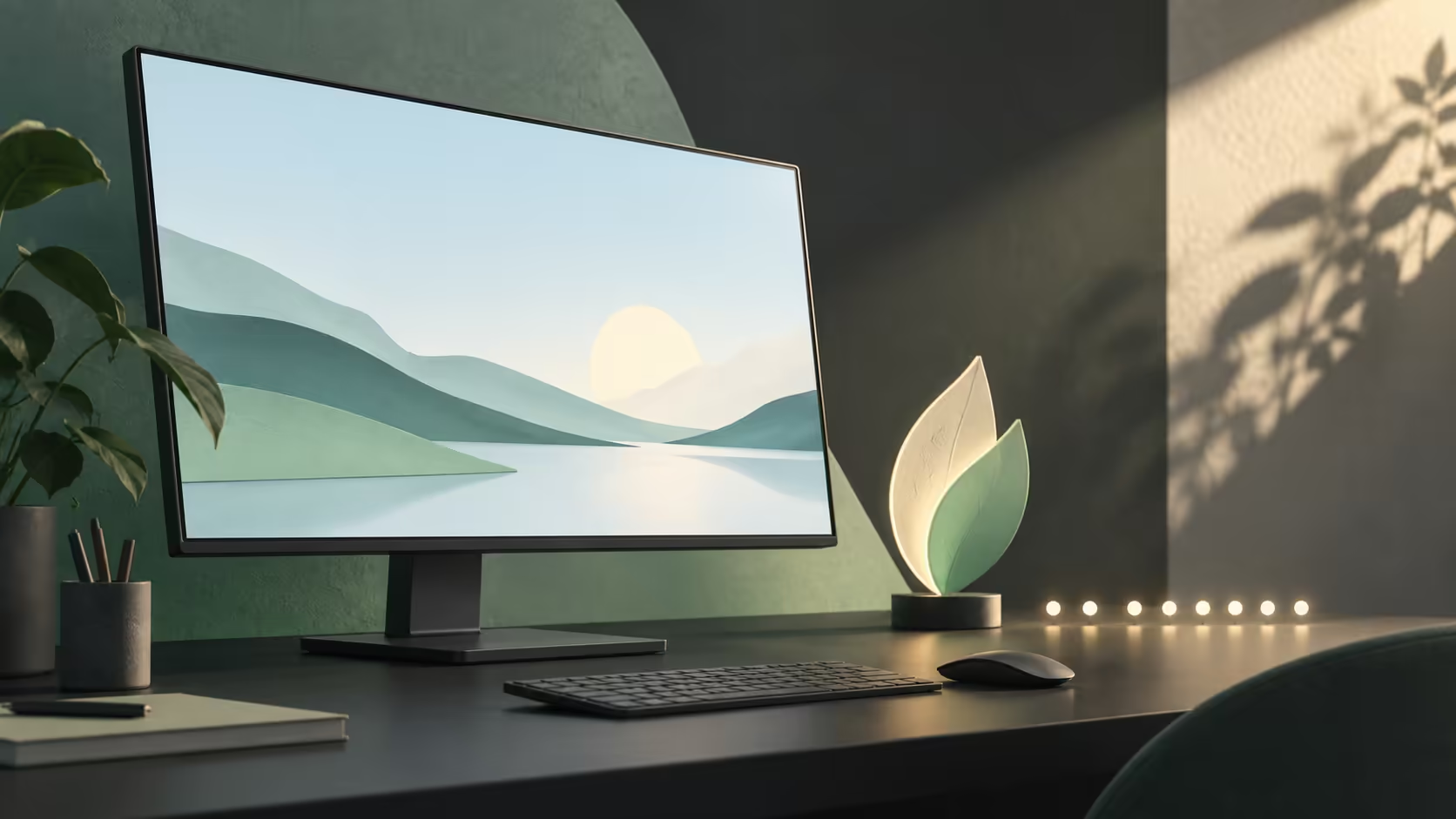
Measure the desk and consider your normal viewing distance. A screen that looks spacious in a promotional image can still be the wrong size beside a large laptop. Comparing monitors by resolution and dimensions helps keep the decision connected to your actual work. Keep any existing screen in the comparison: replacing it should address a limitation you can name.
🔌 Check both ends of a USB-C connection
The specification includes USB-C video input and up to 70W power delivery. That can simplify a suitable laptop setup, but the socket alone cannot establish video support. Read the laptop's port specification and confirm the cable's role. A charging-only connection will not become a display output because the new monitor has a more capable input.
Also compare the laptop's power requirement with the monitor's advertised delivery. A notebook that needs more power under load may still require its own adapter. A single-cable desk is a useful goal, but it should follow a verified connection plan rather than be assumed from the connector photograph. Test the required output mode and any attached peripherals before packing away a known-working cable.
🌿 Be precise about energy and ownership
There is a visible discrepancy in the published material: the announcement describes9W typical consumption, while the global specification table lists8W. Neither number should be turned into an exact monthly saving without resolving the specification and defining usage. Brightness, operating mode and connected devices also matter when comparing real desk consumption.
The release advertises a seven-year warranty subject to its terms. Treat that as a reason to inspect the coverage applicable to your region and seller, not as a promise that every local purchase automatically has identical service. Ask how a claim is handled and retain the exact model identity. A long ownership plan needs both suitable hardware and a clear route for support.
🛒 Match the purchase to the problem
The January 2027 timing is a shipping start, with an explicit regional qualification. It is not a reason to postpone a failed display replacement on the assumption that this model will arrive locally on the same day. If the current monitor works, use the interval to compare requirements calmly. If it has failed, choose from a verified available option that covers the task.
For a mixed work-and-play desk, compare gaming monitors as well, but keep the purpose of each feature clear. Refresh rate, resolution, panel behaviour, connectivity and support need individual consideration. There is no confirmed Rand price for this announced model in this article, and the R0 inspection step is deliberately separate from any eventual hardware budget. That prevents a global announcement from becoming an invented local offer.
Frequently Asked Questions
Is this a 4K display?
No. The published native resolution is 1920x1080 on a 23.8-inch panel.
Is 120Hz only useful for gaming?
No. A higher refresh rate can also make scrolling and desktop movement appear smoother when the system outputs it.
Will any USB-C port work for video?
No. Verify that the laptop port supports the required video output; the connector shape alone is insufficient.
Does it provide USB-C charging?
The specification lists power delivery up to 70W. Check your laptop power requirement and the supplied cable.
Is its typical power 8W or 9W?
The global specification table says8W while the launch release says9W. Do not calculate exact savings from conflicting figures.
When will it reach South Africa?
The release says shipping begins January 2027 and dates vary by region. No South African launch date is established here.
Plan the screen around your desk.
Compare Evetech monitors by resolution, inputs and physical fit, then confirm the precise local price and support terms before ordering.