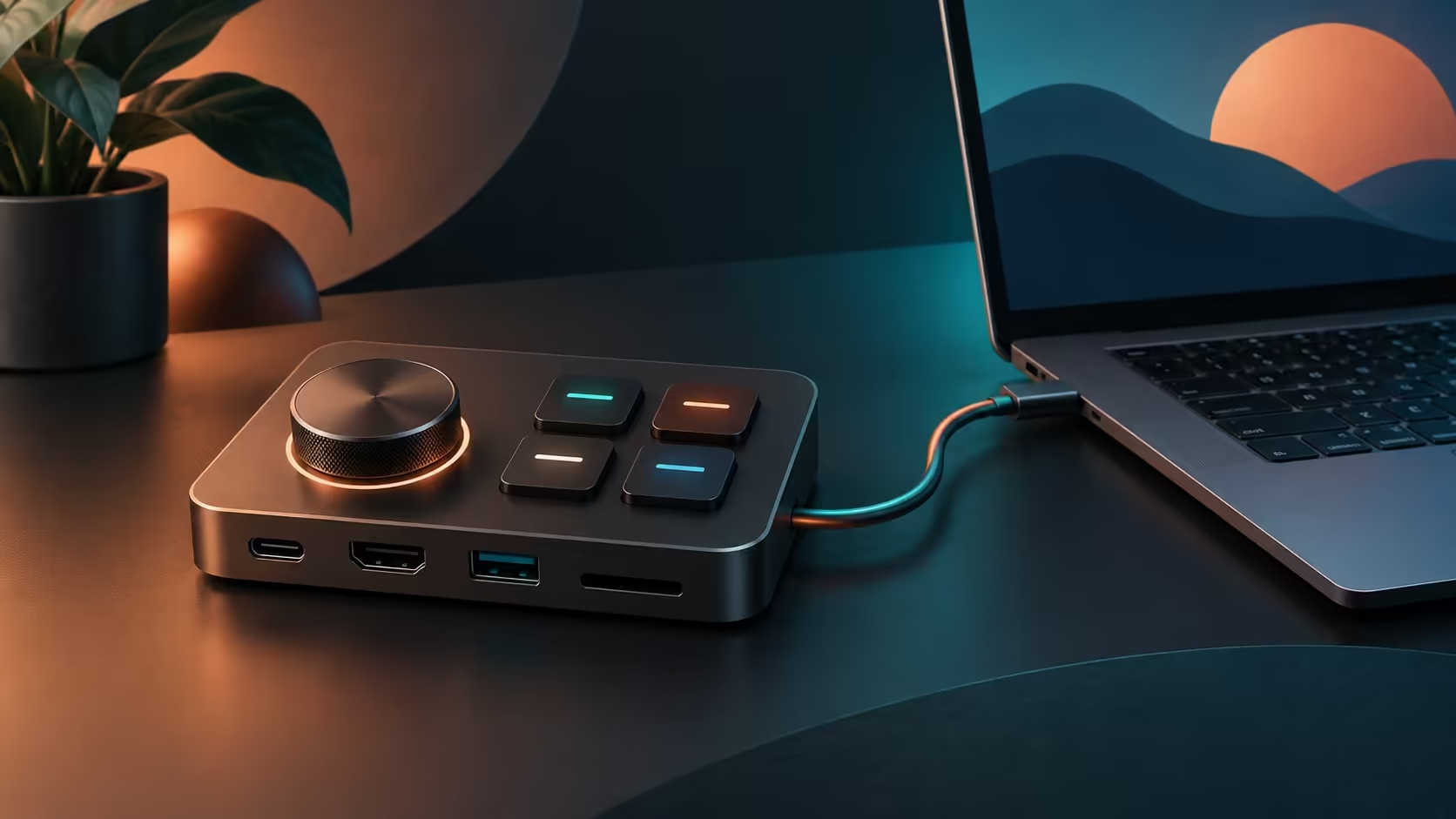
A Elecom DST-L080BPBK puts a rotary dial and four assignable keys beside your laptop connections. That is an appealing way to keep common desk actions within reach. The buying question is whether the same dock also supports the display and charging arrangement you actually use, rather than whether its controls look convenient.
Quick Answer
The Elecom DST-L080BPBK is an 8-in-1 USB-C dock with four assignable keys and a dial. Its advertised display mode is up to 4K at 60Hz, and the announcement specifies maximum 100W Power Delivery input. A separate Dahua LM24-A221Y monitor was R1,699 and in stock on 8 October; that is a local screen reference, not a dock price.
🖥️ Start with the host connection
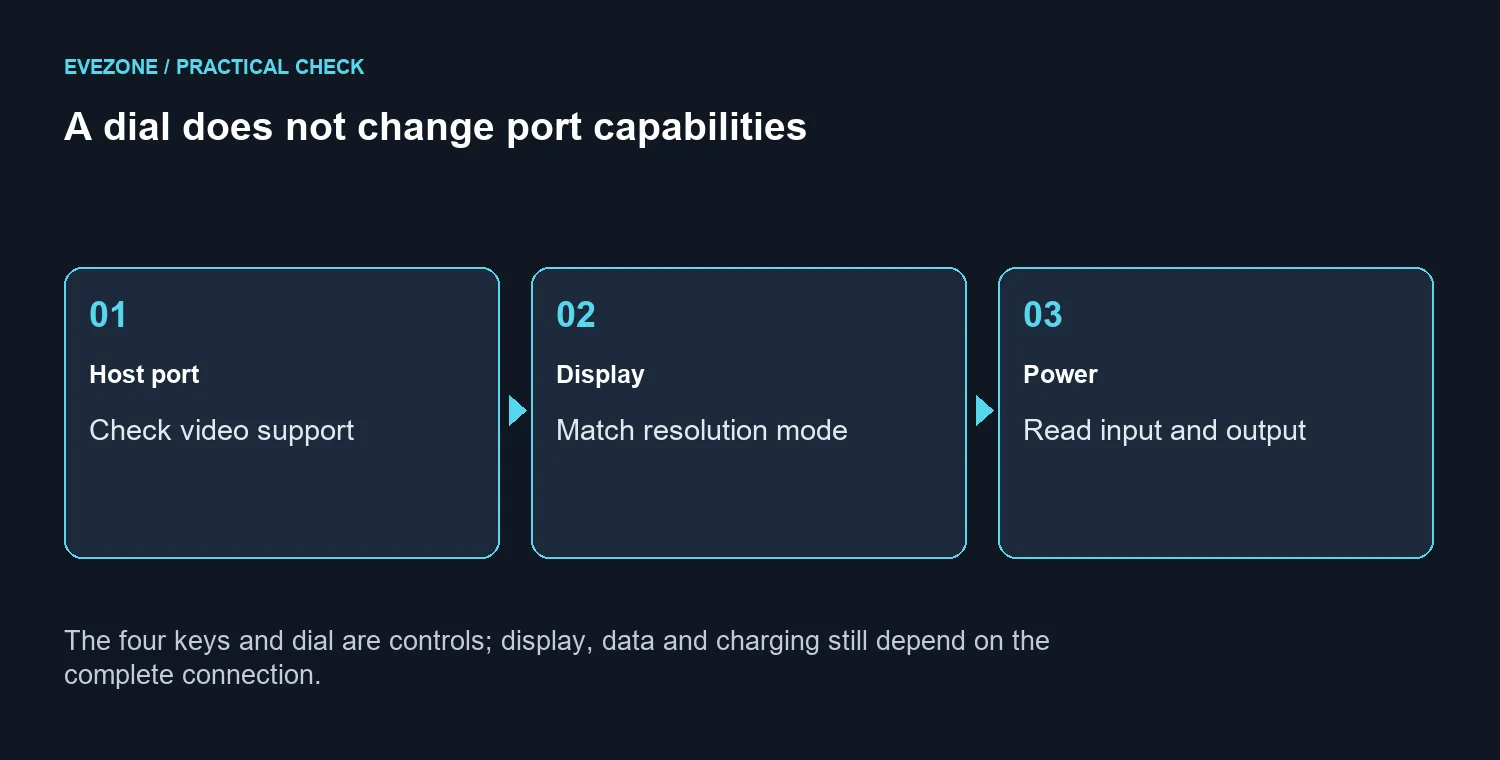
A USB-C socket tells you the connector shape. Before buying, identify what that particular laptop port supports and compare it with the dock's requirements. A charger working through one socket does not establish that an external screen will work through it, and a picture appearing does not establish the intended refresh rate.
Write down the laptop model, the port you plan to use and the monitor's intended resolution. Check the cable as part of the same chain. This is more useful than choosing a dock from its number of visible sockets. If you mainly need a comfortable everyday display, browse gaming monitors by the screen features that matter to that work, then check the connection separately.
🔌 Separate power input from laptop charging
The 100W figure describes maximum Power Delivery input in the announcement. It should not become a promise that every connected laptop receives 100W. Compare the dock's input and host output terms, your power supply and the laptop's own charging requirements before building a single-cable desk around it.
For an SA desk shared between office work and evening gaming, make a small connection plan first. List the screen, keyboard, mouse and any storage device that will stay attached. Decide whether the laptop keeps its original power adapter. A tidy layout is useful only if it still covers the real power and display needs.
🎛️ Give the dial a real job
Four keys and a dial are useful when they remove actions you repeat often. Choose those actions before placing an order: adjusting a control, moving through work or invoking a shortcut. Then confirm that the supported software can assign the intended commands on your operating system.
Do not assume every application responds the same way. A dial used for a creative task may need a different profile from one used during ordinary browsing. Test the action in the actual application, and keep essential keyboard shortcuts available while learning the controls. The device is a desk interface; it does not increase GPU speed or create extra display bandwidth.
🛒 Compare the complete desk cost
Budget for the dock, any required power supply and the correct cables as one purchase. Ask for the exact local model, warranty and delivered price. An overseas announcement is not a South African offer, and a monitor catalogue price does not fill that gap.
If the current keyboard already meets your needs, keep it while evaluating the dock. If it does not, compare keyboards on layout and comfort before adding shortcut hardware. Buying both at once makes it harder to identify which change helped the desk. Start with the connection problem, then choose the controls that make an ordinary workday easier.
Frequently Asked Questions
What is new about the dock?
Its four assignable keys and rotary dial put common controls on the desk alongside the usual dock connections.
Does every USB-C port carry video?
A connector shape alone does not prove video support. Match the laptop specification to the dock requirements before ordering.
What does the 100W figure describe?
The announcement describes maximum USB Power Delivery input. Do not treat that as an unconditional laptop charging output.
Can a dial improve frame rates?
No. Shortcut controls do not create GPU performance, more display bandwidth or a faster USB data link.
What display mode is advertised?
The product label specifies up to 4K at 60Hz. The complete host, cable and display combination must support the intended mode.
What local screen price was read?
Dahua LM24-A221Y was R1,699 and in stock on 8 October. It is a separate monitor, not a quote for this dock.
Build a dock setup around the right port and screen.