

Keeping Your Connection Alive When the Lights Go Out
We have all been there: you are in the final circle of a ranked match or mid-way through a critical video call when the lights suddenly cut out. In South Africa, loadshedding is a fact of life, but it doesn't have to mean the end of your digital productivity. Learning how to keep WiFi on during loadshedding is the ultimate upgrade for your home setup, ensuring your router stays powered while the rest of the neighbourhood goes dark. ⚡
Why Your Router Needs a Dedicated Power Solution
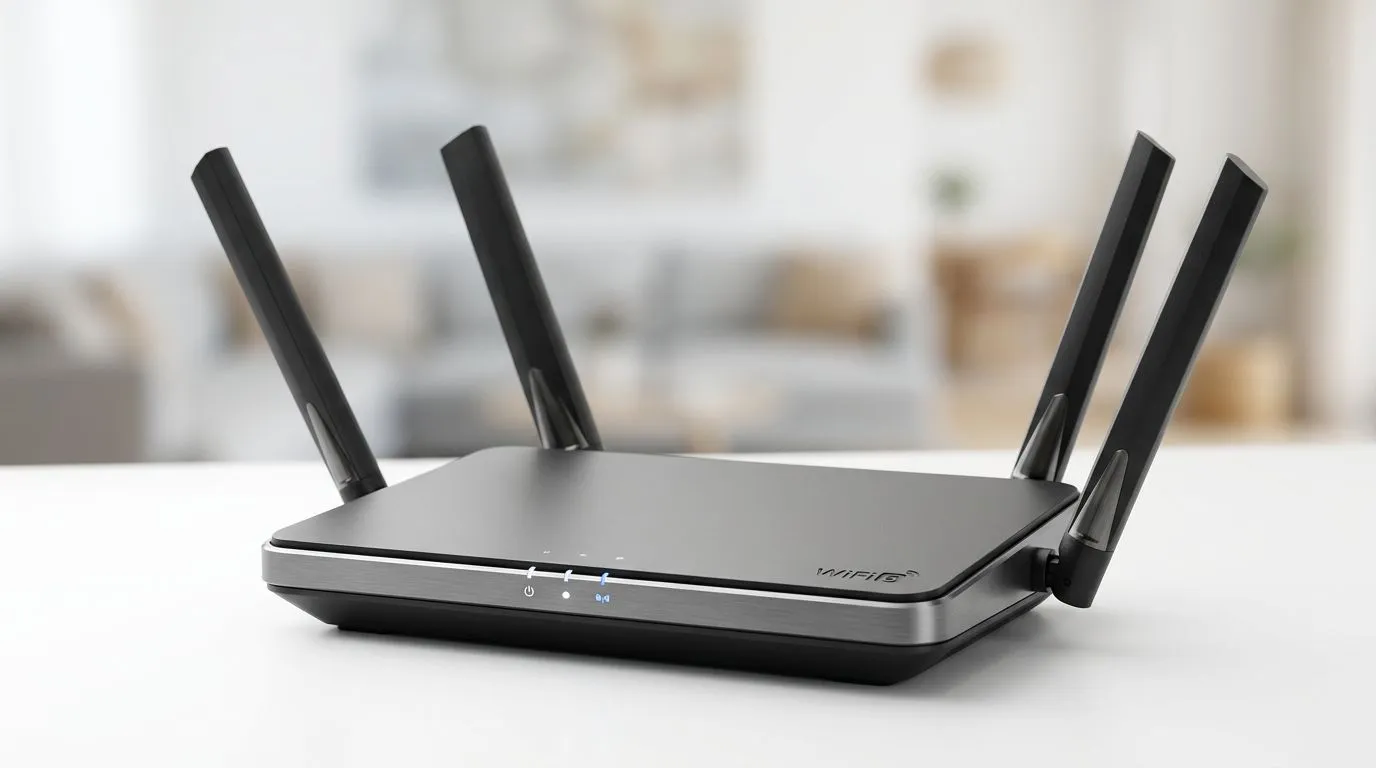
Most standard fibre routers aren't designed to handle power surges or sudden drops, and they certainly won't stay on when the grid fails. To keep your internet running, you need a reliable Uninterruptible Power Supply (UPS) for your router. A dedicated mini-UPS is usually sufficient to power your ONT and router for several hours, depending on the battery capacity. If you're looking to upgrade your network hardware, you might want to check out our selection of network adapters to ensure your home office or gaming den is fully future-proofed.
Choosing the Right Hardware for Your Home
When browsing for power solutions, brands matter. You want something that offers consistent voltage regulation to prevent damage to sensitive networking equipment. For those who prefer established reliability, TP-Link network equipment remains a top-tier choice for South African homes, offering seamless integration with most fibre lines. 🔧
Connectivity Pro Tip ⚡
Always check the voltage requirements on the back of your router before plugging it into a mini-UPS. Most routers run on 12V, but some require 9V or 19V. Using the wrong adapter can fry your hardware instantly.
If you are looking for high-performance alternatives that don't break the bank, Cudy networking solutions provide excellent value for money. These devices are designed to handle the fluctuations often seen in local power grids, keeping your latency low and your connection stable even during Stage 4 or higher. 🚀
Setting Up Your Loadshedding-Proof Station
Once you have your UPS and your router connected, the setup is largely "set and forget." Ensure your UPS is placed in a well-ventilated area away from direct sunlight. Remember that while your router will stay on, the fibre provider's local infrastructure might also need power. Most major South African ISPs have battery backups at their local exchange points, meaning your connection should remain live as long as your home equipment is powered. Stay connected, stay online, and keep gaming. ✨
Ready to Find Your Perfect Match? The debate over networking gear is complex, but for maximum power, choice, and value in South Africa, our curated range is hard to beat. Explore our massive range of network solutions and find the perfect kit to conquer your world.











