

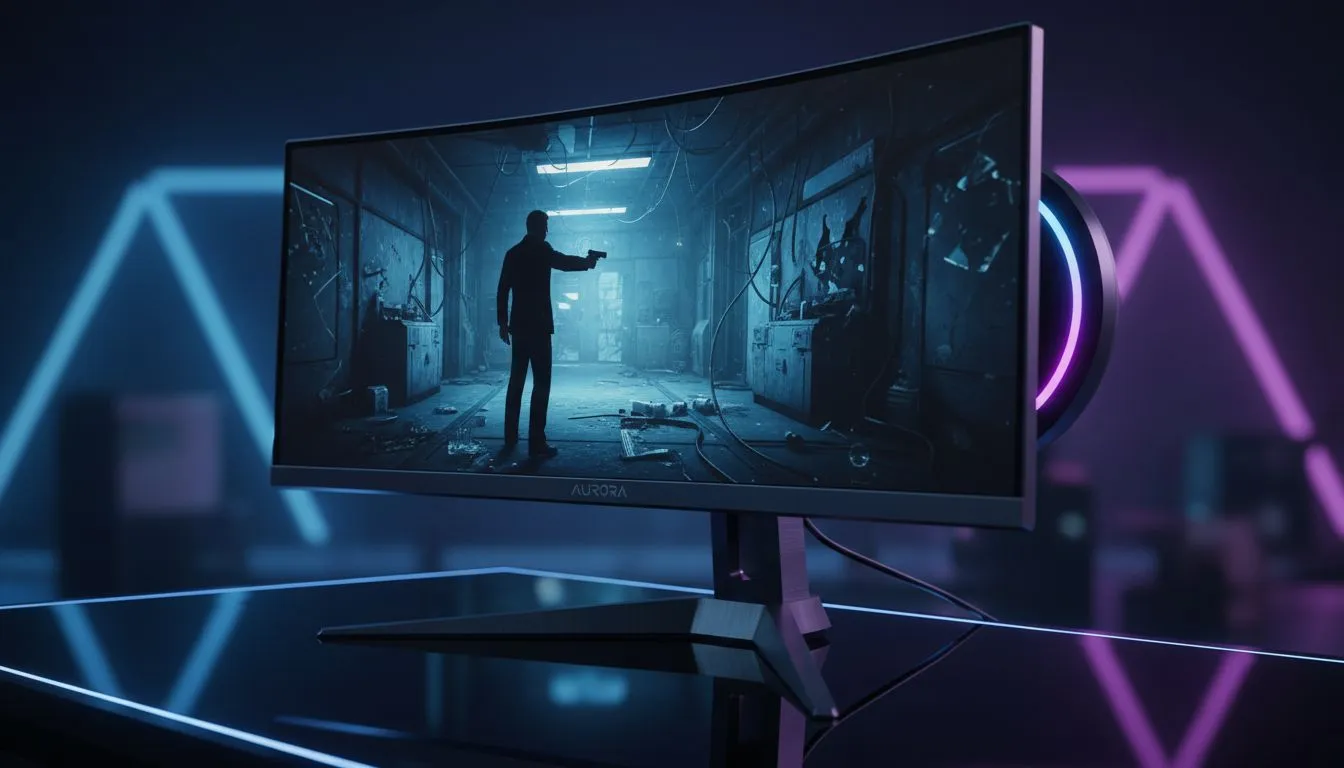
Stepping into Bond’s world requires more than just a sharp suit. It demands a field of view that captures every lurking shadow. With 007 First Light ultrawide support, the cinematic experience shifts from a standard window to a panoramic masterpiece. Mastering the 21:9 gameplay guide ensures you aren't just playing... you are living the mission. Here is how to optimise your setup for MI6 standards. ⚡
Maximising the 007 First Light Ultrawide Support
The developers have clearly prioritised immersion for this outing. Native support for 21:9 aspect ratios means you get a wider peripheral view without annoying black bars. This extra screen real estate is vital for spotting guards or finding hidden intel in the corners of the room. If you want to see the difference for yourself, browsing all gaming monitors reveals how many modern displays are built specifically for this level of detail.
The game engine scales beautifully... keeping the UI elements tucked neatly at the edges. This keeps the centre of your screen clear for the action. Whether you are navigating the neon streets of Tokyo or the snowy peaks of the Alps, the horizontal expansion feels natural. You might need to adjust your FOV (Field of View) slider slightly to avoid any slight fish-eye effect at the very edges of the frame. 🚀
Your Essential 21:9 Gameplay Guide
To get the most out of your tactical missions, resolution matters. Many South African gamers are moving toward higher pixel densities to keep the image crisp. Exploring the latest PC monitors will show that 3440 x 1440 has become the sweet spot for performance and clarity.
When you first launch the game, head straight to the graphics menu. Ensure the aspect ratio is set to "Auto" or manually select "21:9". If the image looks stretched, check your Windows display settings first. Sometimes, a simple refresh rate mismatch can cause scaling issues. For those who want the ultimate cinematic curve, you can buy curved monitors that wrap the action around your vision... making every stealth takedown feel personal.
Agent FOV Pro Tip ⚡
the best 21:9 experience in 007 First Light, set your FOV between 95 and 105. This range provides a wider perspective without distorting the character model during close-quarters combat. It is the perfect balance for maintaining situational awareness in high-stakes stealth sections.
Ultra-High Definition and Stealth Precision
If you are a purist looking for the highest fidelity, you might consider stepping up your resolution. You can buy 5K 4K monitors that offer incredible detail for Bond’s gadgets and environments. The textures on the Walther PPK have never looked so sharp.
Of course, high-end performance usually comes with a premium price tag. Keeping an eye on the best PC monitor deals is the smartest way to upgrade without blowing your budget. We often see prices starting from R4,999 for entry-level ultrawides... reaching up to R25,000 for top-tier OLED panels. ✨
Tactical Flexibility and Final Touches
Not every agent works from a fixed desk. Some need to take their mission on the road. You can buy portable monitors to expand your laptop screen while travelling. It is a niche but effective way to maintain that 007 First Light ultrawide support even when you are away from your main rig.
Finally, do not forget the small details that hold your setup together. To ensure your desk remains as clean as Bond’s tuxedo, you should buy monitor accessories like gas-spring arms or cable management kits. A clean workspace leads to a focused mind... and a focused mind never misses a shot. 🔧
Ready to Find Your Perfect Match? The 007 First Light experience is only as good as the screen you view it on. For maximum immersion, choice, and value in South Africa, our curated selection is hard to beat. Explore our massive range of gaming monitors and find the perfect display to conquer your next mission.











