

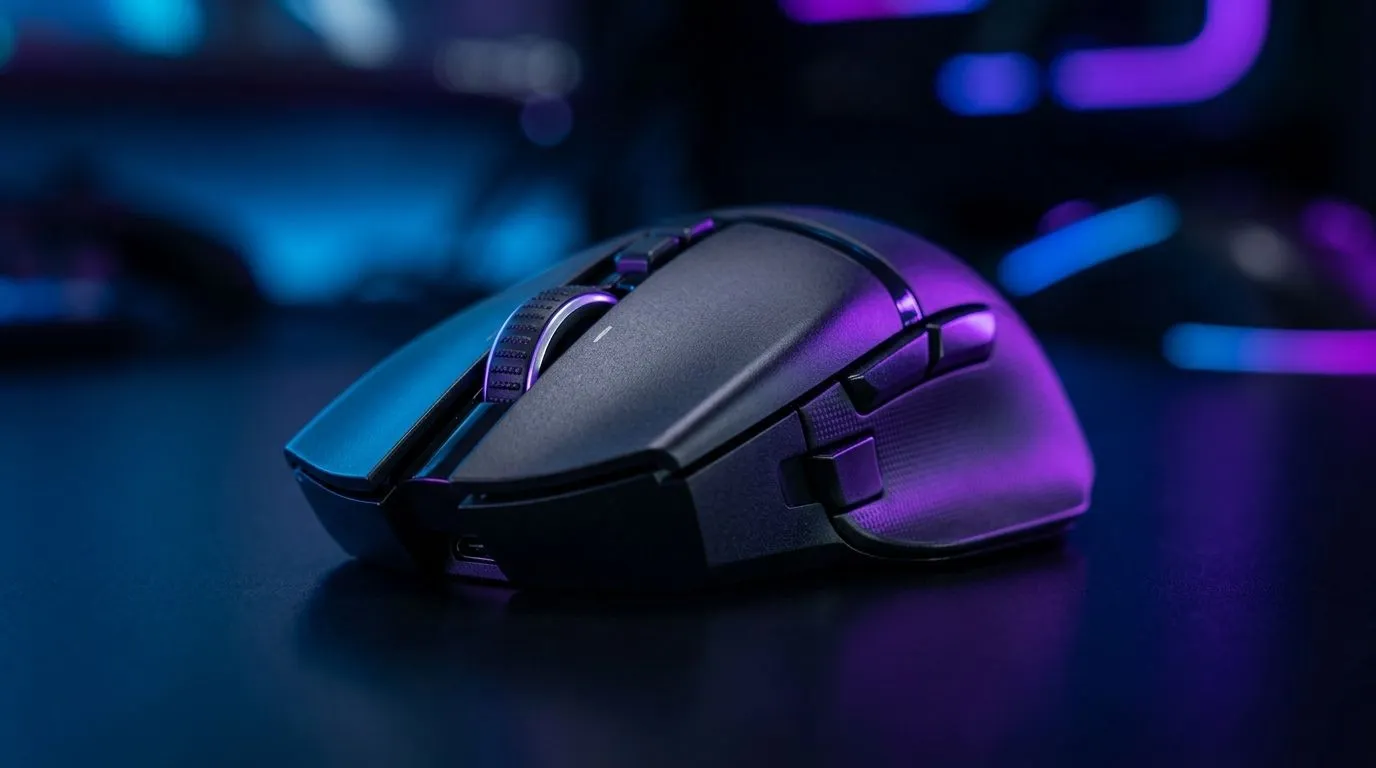
H2: 1000 Hz vs 4000 Hz Polling Rate in Gaming Mice… What South African Gamers Actually Feel ⚡
If you’ve ever upgraded your mouse and wondered why the aim still feels “about the same”, you’re not alone. The jump from 1000 Hz to 4000 Hz sounds massive on paper. In practice, the difference depends on your game, your display, and how sensitive you are to input feel. For South African gamers shopping smart, the real question is simple: does a higher polling rate matter enough to justify the spend?
At a basic level, polling rate is how often your mouse reports its position to your PC. 1000 Hz means 1000 updates per second. 4000 Hz means 4000 updates per second. That part is widely documented by mouse makers and peripheral reviewers, including Logitech and Razer product support pages. The catch? More reports only help if the rest of your setup can keep up.
H2: What Polling Rate Changes in Real Play 🎯
In a fast FPS, 4000 Hz can make cursor movement feel a little smoother, especially when flicking between targets. That can be useful in games where small aim corrections matter. But most players won’t suddenly become better because the mouse sends more data. Skill, DPI, sensor quality, and frame rate still do most of the heavy lifting.
Here’s the practical bit. If you’re using a 144 Hz or 165 Hz monitor, the visible difference may be subtle. If you’re on a high-refresh setup and playing competitively, the improvement can be more noticeable. That’s why many enthusiasts pair high polling mice with fast panels and stable frame times. If your PC already struggles to hold performance, chasing 4000 Hz first may not be the wisest upgrade.
H2: When 1000 Hz Is Still the Smarter Buy
For most South African gamers, 1000 Hz remains the sweet spot. It’s stable, widely supported, and already more than fast enough for casual and competitive play. It also tends to be easier on battery life for wireless models. That matters if you don’t want to charge every few days.
If you’re browsing mouse accessories at Evetech, it’s worth thinking about the full setup, not just the spec sheet. A good mouse pad, grip style, and button layout often make a bigger difference than jumping between polling rates.
H2: Wired vs Wireless… and Why It Matters More Than the Number
A 4000 Hz mouse can be wired or wireless, but implementation matters. Wireless tech has improved a lot, and many premium options now feel extremely close to wired in practice. Still, some players prefer the consistency of a wired mouse for zero battery anxiety and a predictable connection.
Others want desk freedom, clean cable management, and a lighter feel. In that case, a wireless mouse may be the better fit, especially if you play long sessions or work from the same machine during the day. The best choice is the one that disappears in your hand.
Latency Tip 🔧
Always match your mouse choice to your monitor and game type. A high polling rate helps most when your PC delivers consistent frames and your display refreshes quickly. If your system is uneven, fix frame stability first.
H2: Who Should Actually Care About 4000 Hz?
A 4000 Hz polling rate makes the most sense for:
- Competitive FPS players who notice tiny input differences
- Users on high-refresh monitors
- Players already using strong hardware across the board
- Enthusiasts who enjoy fine-tuning every part of their setup
It matters less if you:
- Mostly play strategy, RPGs, or indie titles
- Use a basic office-style setup
- Want the best value rather than the newest spec
- Prefer a mouse that simply works, every time
So yes, 4000 Hz is real. No, it is not magic. The best mouse is still the one that fits your grip, your budget, and your games.
H2: What to Look For Before You Spend More
If you’re hunting for value, focus on the stuff you’ll feel daily:
- Sensor quality
- Shape and comfort
- Weight
- Button placement
- Build quality
- Battery life for wireless models
If you want to compare current options, Evetech’s best gaming mouse deals page is a solid starting point. You can also browse the broader gaming mouse range to compare models across different budgets. That’s usually where the best decision becomes obvious… and where a few extra rand can either be justified or saved.
H2: Final Verdict on 1000 Hz vs 4000 Hz
For most gamers, 1000 Hz is already excellent. For competitive players chasing every possible edge, 4000 Hz can offer a cleaner, more responsive feel. But the upgrade only makes sense when the rest of the setup supports it.
In other words… don’t buy the number. Buy the experience. If a mouse feels better in hand, suits your playstyle, and fits your budget in ZAR, that’s the one worth taking home. 🚀
Ready to Find Your Perfect Match? The Mac vs Windows debate is complex, but for maximum power, choice, and value in South Africa, Windows is hard to beat. Explore our massive range of laptop specials and find the perfect machine to conquer your world.











