

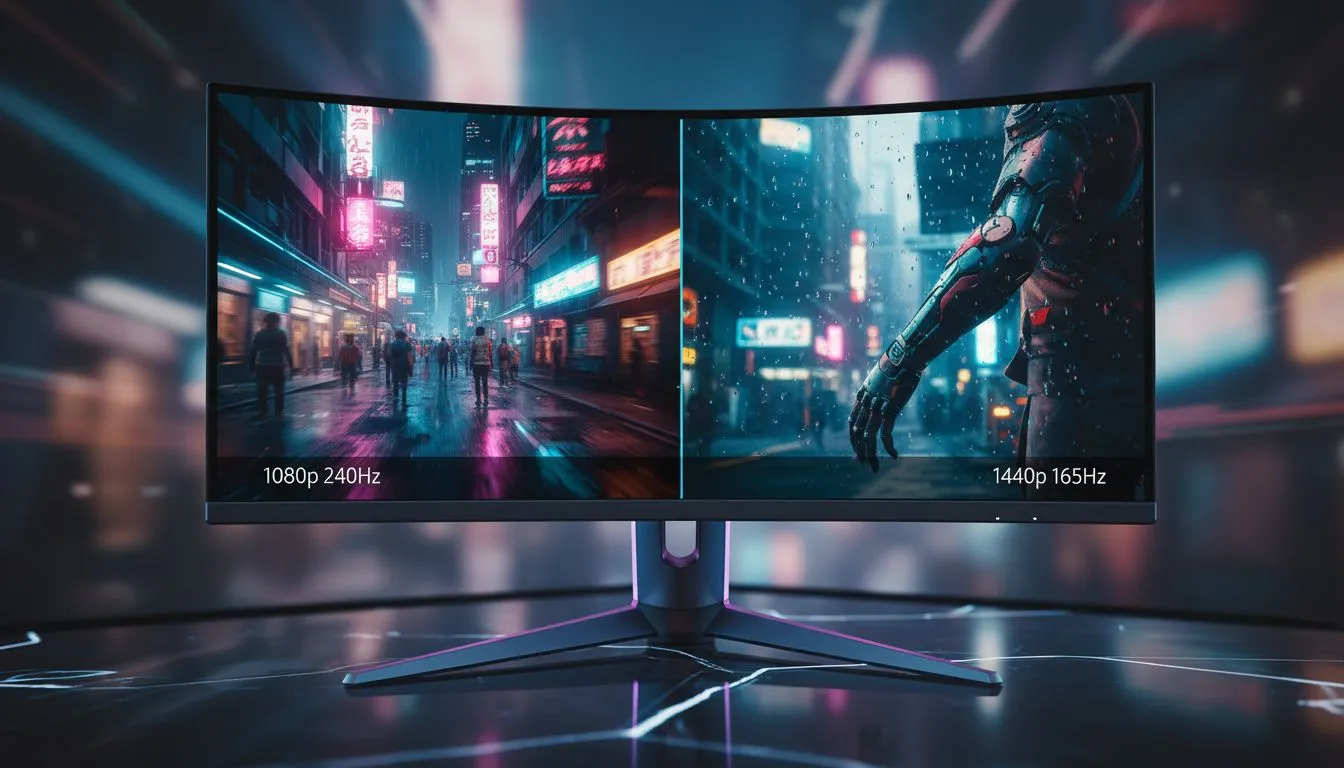
Staring down the neon-soaked streets of Night City, every South African gamer faces a choice. Do you prioritise the blistering fluidity of high-speed motion, or the crisp detail of a dystopian sprawl? Choosing between 1080p 240Hz vs 1440p 165Hz is more than just a spec comparison. It is about how you experience your favourite worlds... and whether your hardware can actually keep up with the demand. ⚡
The Speed Demon: Why 1080p 240Hz Still Rules
For those who live in the fast lane, the 1080p 240Hz choice is all about responsiveness. If you spend your time in competitive shooters but want Cyberpunk 2077 to feel like butter, this is your lane. At 1080p, your GPU does not have to work nearly as hard to push those frames. This allows you to hit that 240Hz ceiling more consistently.
When you browse the full range of all gaming monitors, you will notice that 1080p panels are often the most budget-friendly way to get elite-tier refresh rates. In South Africa, where every Rand counts, getting 240Hz performance without needing a flagship GPU is a massive win for your wallet.
The Visual Sweet Spot: 1440p 165Hz for Immersion
If you prefer to stop and admire the ray-traced puddles in Night City, the 1440p 165Hz configuration is a revelation. Moving from 1080p to 1440p (QHD) increases the pixel count by roughly 77%. This extra density makes text sharper and textures pop with a clarity that 1080p simply cannot match.
Many local enthusiasts find that PC monitors at this resolution offer the perfect balance for a modern setup. You still get a very fluid 165Hz experience, which is significantly smoother than the standard 60Hz or 144Hz, but with the added "oomph" of high-definition visuals. To truly lose yourself in the atmosphere, many gamers choose to buy curved monitors that wrap the 1440p action around their field of view.
Optimisation Pro Tip ⚡
When playing Cyberpunk 2077 on a 1440p screen, always enable DLSS or FSR. Setting DLSS to 'Quality' or 'Balanced' mode can give you that crucial frame rate boost to hit 165Hz without noticeably degrading the image quality. It is the best way to get the most out of your high-refresh-rate hardware.
Performance Trade-offs in South Africa
Hardware prices in ZAR mean we have to be strategic. Pushing 1440p at high refresh rates requires a beefy graphics card. If you are rocking a mid-range GPU, you might find that 1080p 240Hz provides a more consistent experience across different titles. However, if you are looking to future-proof your desk, moving up the resolution ladder is usually the smarter play. 🚀
While some professionals buy portable monitors for secondary tasks, your primary display should be the best your budget allows. If you find that 1440p still is not enough detail for your creative work, you might even look to buy 5K and 4K monitors for that ultimate pixel density... though you will need a monster PC to game on them.
Finding the Right Deal
Whether you value the raw speed of a 240Hz panel or the immersive depth of a 1440p screen, the right hardware makes all the difference. We recommend scouring the latest best PC monitor deals to see which technology fits your current budget. Do not forget to pick up the correct monitor accessories like high-bandwidth DisplayPort cables to ensure you are actually getting those high refresh rates. ✨
Ready to Find Your Perfect Match? The 1080p vs 1440p debate is personal, but for the best visual experience in South Africa, our curated selection has you covered. Explore our massive range of gaming monitors and find the perfect display to conquer Night City today.











