

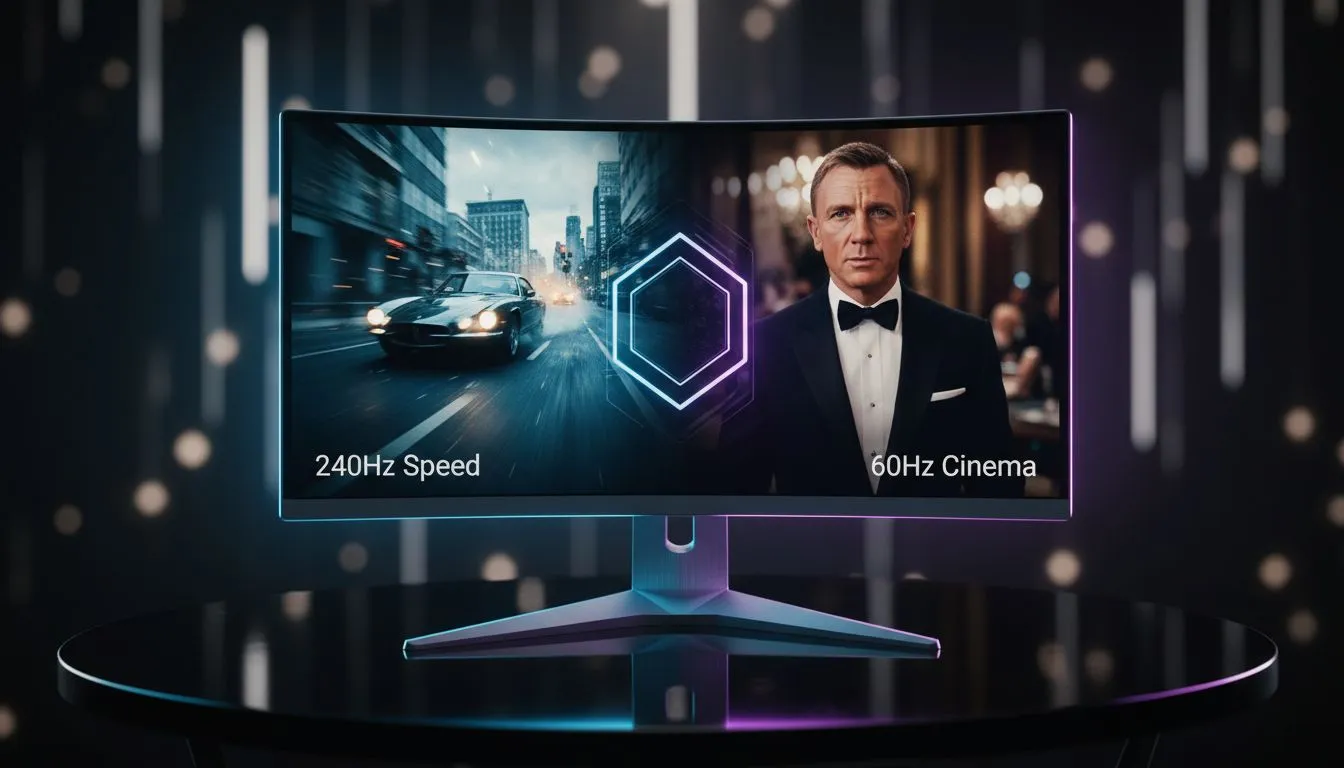
Choosing between 1080p 240Hz and 1440p 60Hz is like choosing between a rally car and a luxury sedan. One is built for raw speed... the other for pure comfort. In South Africa, where every Rand counts, making the right choice determines whether you win the clutch or just enjoy the view. It is the classic battle of frames versus fidelity. ⚡
The Speed Demon: Why 1080p 240Hz Wins in Esports
If you spend your nights in the trenches of Counter-Strike 2 or Valorant, frames are your lifeblood. A 1080p resolution keeps the pixel count lower... which allows your GPU to push higher frame rates. When you compare all gaming monitors on the market, the 240Hz refresh rate stands out for its fluidity.
At 240Hz, the image updates every 4.17 milliseconds. This reduces motion blur significantly compared to standard screens. In a high-stakes shootout, those extra milliseconds help you react to a peeking enemy before they even see you. It is about the physical connection between your hand and the cursor. Everything feels more instantaneous... more responsive.
Smoothness Check ⚡
Always check your Windows Display settings after plugging in a high refresh rate screen. Many users buy a 240Hz panel but leave it running at 60Hz for months. Right-click your desktop... go to Display Settings... Advanced Display... and ensure your refresh rate is set to the maximum available.
The Cinematic Experience: The 1440p 60Hz Advantage
Not everyone needs to be a pro gamer. If you prefer the sprawling vistas of Elden Ring or the dense jungles of Cyberpunk 2077, resolution is king. Stepping up to 1440p offers 78% more pixels than standard 1080p. This clarity makes textures look sharper and distant objects more defined. While some professionals look for 5K and 4K monitors for creative work, 1440p remains the "sweet spot" for many South African enthusiasts.
The visual density makes a massive difference in immersion. Many players find that curved monitors at 1440p provide a wrap-around effect that 1080p simply cannot match. You lose the blistering speed of 240Hz... but you gain a world that looks tangible and alive. It is a trade-off that rewards the patient, tactical player over the twitch-reflex shooter.
Balancing Your Hardware and Budget
Your choice should also depend on your current PC build. Driving 240 frames per second requires a powerful CPU and a capable GPU. Conversely, 1440p puts more strain on your graphics card's VRAM. When browsing for new PC monitors, consider what your rig can actually handle. There is no point in a 240Hz screen if your PC only hits 90 FPS. 🚀
Budget is the final hurdle. We often see the best PC monitor deals fluctuate based on panel technology like IPS or VA. If you travel often to LAN events, you might even consider portable monitors as a secondary display for Discord or stream chats.
Do not forget the ergonomics of your setup. Investing in the right monitor accessories like gas-spring arms can improve your posture during long sessions. Whether you choose the speed of 1080p or the beauty of 1440p... ensure your desk setup supports your health. ✨
Ready to Find Your Perfect Match? The 1080p 240Hz vs 1440p 60Hz debate comes down to your playstyle. Whether you want the competitive edge or cinematic beauty, Evetech has the right screen for you. Explore our massive range of gaming monitors and find the perfect panel to upgrade your experience.











