

Tired of slow file transfers while editing 4K footage in Jozi? If your NAS feels sluggish, it is time to talk speed. Moving to 10Gbps is the ultimate upgrade for South African power users. But hardware is only half the battle. To truly master 10GBASE-T NAS performance tuning, you need to look at MTU settings, driver optimisations, and cable quality. Let us unlock that bandwidth ⚡.
Hardware Foundations for 10Gbps Networking
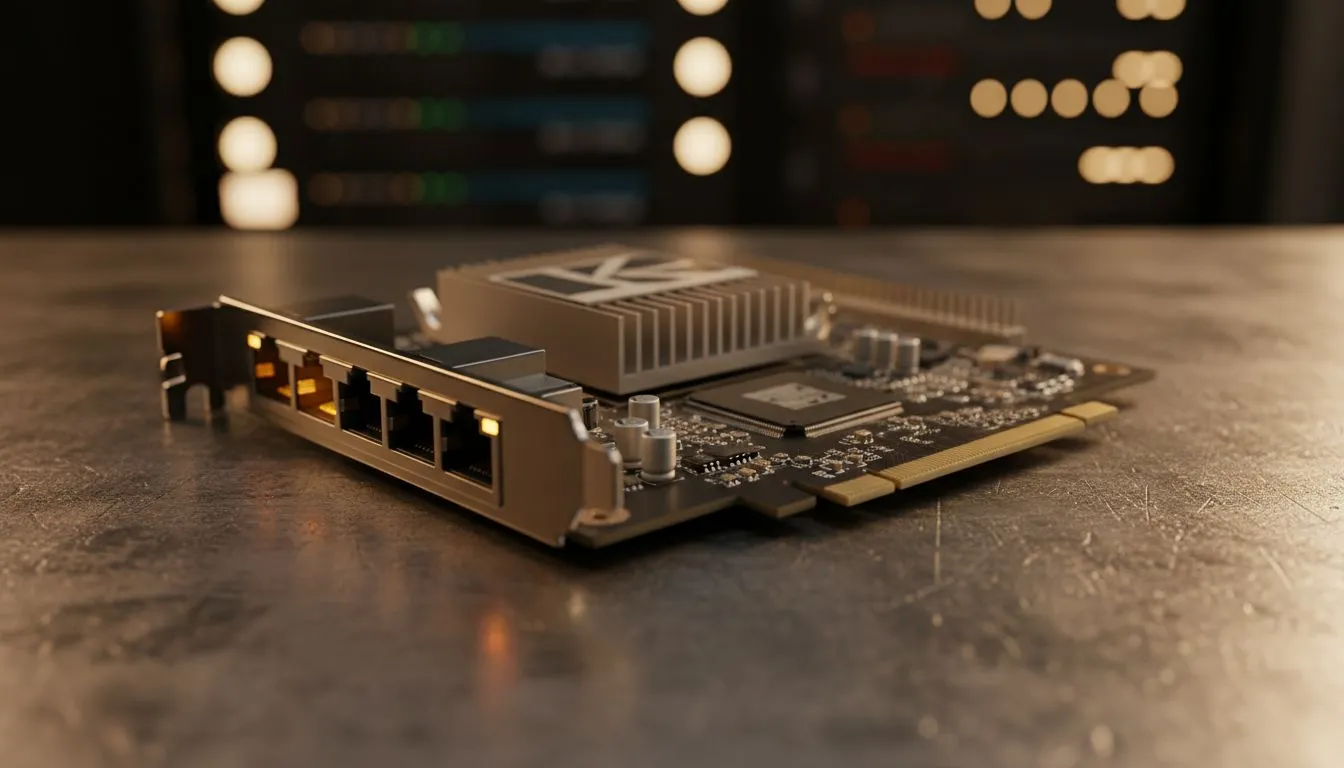
You have the 10Gbps switch. You have the NAS. Why are you still seeing transfer speeds under 400MB/s? Often, the bottleneck is your PC interface. Investing in quality high-speed network adapters is the first step toward a fluid workflow. Without a dedicated card, your CPU handles too much overhead... this leads to dropped packets and stuttering.
In the South African climate, heat can also impact performance. Ensure your network cards have adequate heatsinks. A thermal throttle on your NIC will kill your 10Gbps dreams faster than a stage 6 power cut.
Optimising MTU for 10GBASE-T NAS Performance Tuning
Standard Ethernet frames are 1,500 bytes. For 10Gbps, this is quite inefficient. Enabling Jumbo Frames (9,000 MTU) reduces CPU load significantly. Check your TP-LINK networking gear settings to ensure every device on the chain supports this.
If one single device stays at 1,500, the whole network drops back. This causes fragmentation. It is like trying to fit a square peg in a round hole... it just slows everything down. Always test your throughput after changing MTU settings to ensure stability.
Cable Quality Matters 🔧
Do not settle for old Cat5e cables found in the spare drawer. For reliable 10GBASE-T performance over longer distances, Cat6a is the gold standard. It features better shielding against electromagnetic interference. This is vital if your cables run near power lines or heavy machinery in a home office.
Driver Settings and SMB Multichannel
Windows defaults are rarely perfect for high-end storage tasks. You should disable "Interrupt Moderation" in your driver properties to lower latency. Brands like Cudy interface cards offer robust drivers that handle these tweaks well.
Also, ensure SMB Multichannel is active if you have multiple ports. This allows your system to aggregate bandwidth for massive file transfers. It is the best way to ensure your ZAR investment in high-speed storage actually pays off. Keep your drivers updated to the latest version to avoid compatibility bugs with newer NAS firmware 🚀.
Ready to Find Your Perfect Match? High-speed networking is complex, but for maximum performance, choice, and value in South Africa, Evetech has you covered. Explore our massive range of network adapters and find the perfect hardware to supercharge your NAS setup.











