

RTX 5050 Avowed FPS: Performance Benchmark & Best Settings
RTX 5050 Avowed FPS: Performance Benchmark. Real-world benchmark data, FPS numbers & performance analysis. What SA gamers can actually expect.
Read more120Hz monitor for productivity improves cursor smoothness, reduces eye strain, and speeds task switching for office workflows. Learn settings and top picks. 🚀👩💻
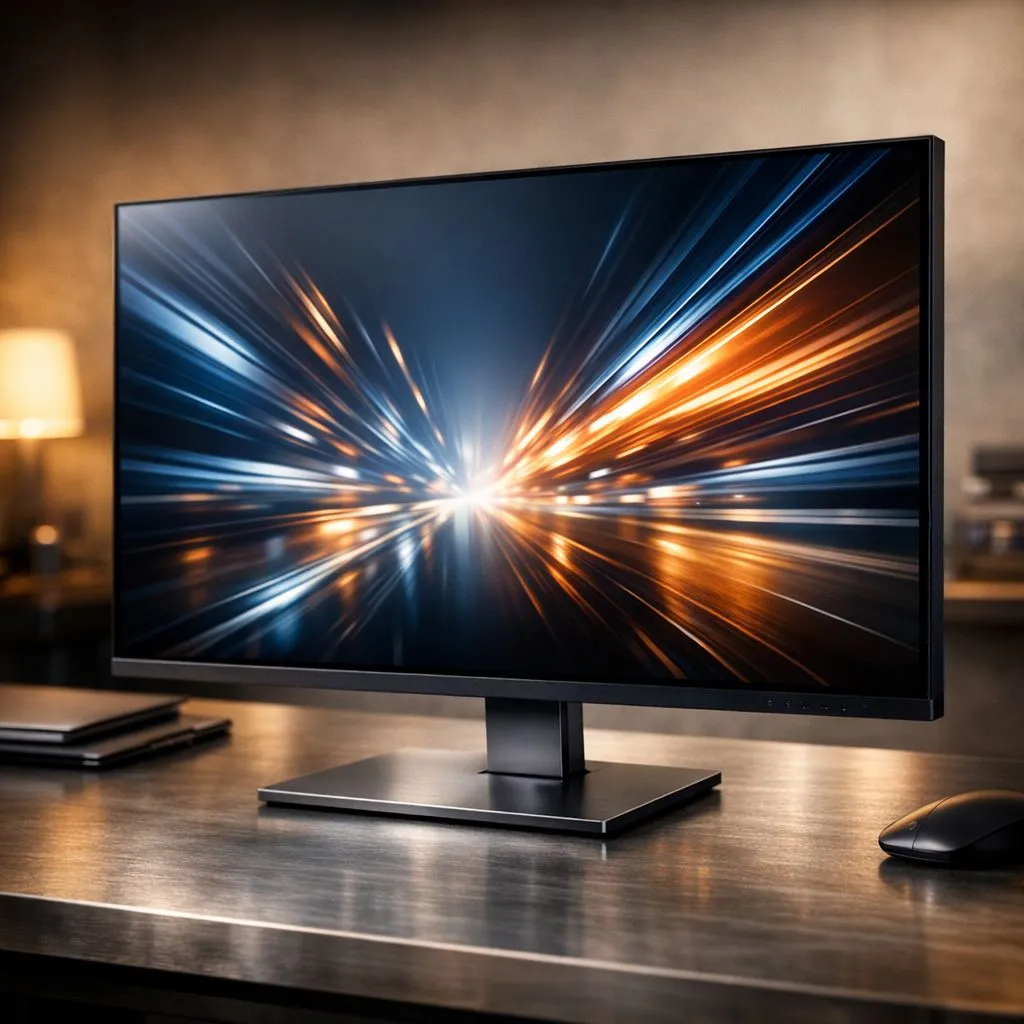
You know that buttery-smooth feeling from your 120Hz gaming monitor? What if you could bring that same responsive magic to your workday? It's not just for gaming anymore. A 120Hz monitor for productivity can seriously upgrade your 9-to-5 grind, making everything from scrolling spreadsheets to dragging windows feel incredibly fluid. Here in South Africa, we're all about working smarter, not harder. Let’s explore how this simple hardware upgrade can transform your office workflow. 🚀
At its core, a higher refresh rate means the image on your screen updates more frequently. A standard 60Hz monitor refreshes 60 times per second, while a 120Hz monitor doubles that to 120 times. For gaming, this means less motion blur and faster reaction times. For work, it translates into a dramatically smoother and more comfortable desktop experience.
Think about it… every time you move your mouse, scroll a webpage, or drag a window, you're seeing twice as many frames. This subtle difference makes a huge impact over an eight-hour day, leading to a feeling of directness and responsiveness that a standard screen just can't match.
Switching to a 120Hz monitor for your productivity setup isn't just about feeling fancy; it delivers real, practical advantages that can help you get more done with less frustration.
Are you a developer scrolling through endless lines of code, a writer proofing a long document, or just someone who spends their day on the web? With a 120Hz display, text remains crisp and legible even during fast scrolls. No more jarring stutters or motion blur that makes you lose your place. This fluid motion makes navigating complex software and long pages a breeze. For creative professionals, the powerful GPUs found in our best gaming laptop deals can drive multiple high-refresh-rate displays without breaking a sweat.
Staring at a screen all day is taxing on the eyes. The constant, subtle flicker and motion judder of a 60Hz monitor can contribute to digital eye strain. By doubling the refresh rate, a 120Hz monitor presents a more stable and fluid image, which many users report is significantly easier on the eyes. A more comfortable viewing experience means you can stay focused for longer without feeling that late-afternoon burnout.
Remember to enable the 120Hz refresh rate in your operating system's display settings! Windows often defaults to 60Hz, even on a capable monitor. Right-click your desktop, go to 'Display settings' > 'Advanced display settings', and select the 120Hz option from the dropdown menu.
The good news is that you don't need a beastly gaming rig to benefit from a 120Hz monitor for productivity. Modern integrated graphics, like those found in the latest laptops, can easily handle high refresh rates for desktop applications.
This upgrade is a fantastic choice for nearly any professional, but especially for:
A responsive monitor is only half the equation; it needs a capable machine to feed it. Whether you favour the latest Intel laptops on special or prefer the multi-core power of our Ryzen laptop deals, ensuring your PC can keep up is key. You don't need to break the bank either; many gaming laptops under R20k offer more than enough power for a fluid desktop experience. And for those who want zero compromises, our range of GeForce RTX gaming laptops on special will handle any productivity task you throw at them.
Ready to Upgrade Your Workflow? That laggy, stuttering workday is a thing of the past. A 120Hz monitor is a surprisingly effective upgrade for your productivity and comfort. Explore our massive range of high-refresh-rate monitors and find the perfect screen to conquer your to-do list.
Yes. A 120Hz monitor for productivity smooths cursor motion and animations, reducing micro-lag and helping faster task switching in everyday office apps.
Yes. Higher refresh reduces perceived delay when moving between cells, scrolling long documents, and tracking the cursor for precision tasks.
120Hz offers smoother motion and lower input lag than 60Hz, which can speed multitasking and reduce eye strain during prolonged office use.
Enable 120Hz refresh in display settings, use the native resolution, enable any frame smoothing, and adjust brightness and blue light filters.
Yes. 120Hz laptop screens for productivity deliver smoother UI and scrolling; ensure GPU and power settings support 120Hz on battery.
It can. Smoother motion and reduced judder lower visual fatigue for many users, especially when paired with proper brightness and regular breaks.
Look for 120Hz monitors with IPS panels, low blue light modes, ergonomic stands, and accurate color for long productive sessions.
RTX 5050 Avowed FPS: Performance Benchmark. Real-world benchmark data, FPS numbers & performance analysis. What SA gamers can actually expect.
Read more
RTX 5050 Fable at 1440p: FPS Benchmark & Optimal. Real-world benchmark data, FPS numbers & performance analysis. What SA gamers can actually expect.
Read more
RX 7600 Black Myth Wukong 2 at 1080p: FPS. Real-world benchmark data, FPS numbers & performance analysis. What SA gamers can actually expect.
Read more
Head-to-head comparison of RTX 5060 vs RX 9070: Ray Tracing Performance for SA gamers. Performance benchmarks, Rand pricing & which delivers better value.
Read more
Head-to-head comparison of RX 7800 XT Mining vs Gaming: Does It Affect for SA gamers. Performance benchmarks, Rand pricing & which delivers better value.
Read more
RTX 4060 Ti Hogwarts Legacy FPS: Performance. Real-world benchmark data, FPS numbers & performance analysis. What SA gamers can actually expect.
Read more
Top Valorant Settings for RTX 5070: FPS Optimisation picks evaluated on performance, value & SA availability with current Rand pricing from Evetech.

RDNA 3.5 Graphics in Ryzen AI 400? Can You Game. Plain-English explanation of what it means, why it matters & how it affects your buying decisions in SA.

GPU Price Index : December Report. Current stock data & price tracking for SA buyers. See what is available and where prices are heading.

RX 9070 XT Elden Ring Nightreign at 4K: FPS. Real-world benchmark data, FPS numbers & performance analysis. What SA gamers can actually expect.

Core i5-14600K + B760 + RTX 5060 Build Under. Full parts list, Rand pricing & expected performance. Build confidently with SA-available components.

RX 7600 Apex Legends at 4K: FPS Benchmark. Real-world benchmark data, FPS numbers & performance analysis. What SA gamers can actually expect.

RX 7900 XTX GTA 6 at 4K: FPS Benchmark & Optimal. Real-world benchmark data, FPS numbers & performance analysis. What SA gamers can actually expect.

Head-to-head comparison of RTX 5070 vs RX 9070 XT: Gaming Performance for SA gamers. Performance benchmarks, Rand pricing & which delivers better value.

Top Laptop with Ryzen 5 + RTX 4090 Laptop: Picks picks evaluated on performance, value & SA availability with current Rand pricing from Evetech.

Top Budget GPU for Marvel Rivals picks evaluated on performance, value & SA availability with current Rand pricing from Evetech.

Valorant Settings on RTX 5070: Performance. Real-world benchmark data, FPS numbers & performance analysis. What SA gamers can actually expect.

Top Budget GPU for Assassins Creed Shadows picks evaluated on performance, value & SA availability with current Rand pricing from Evetech.