

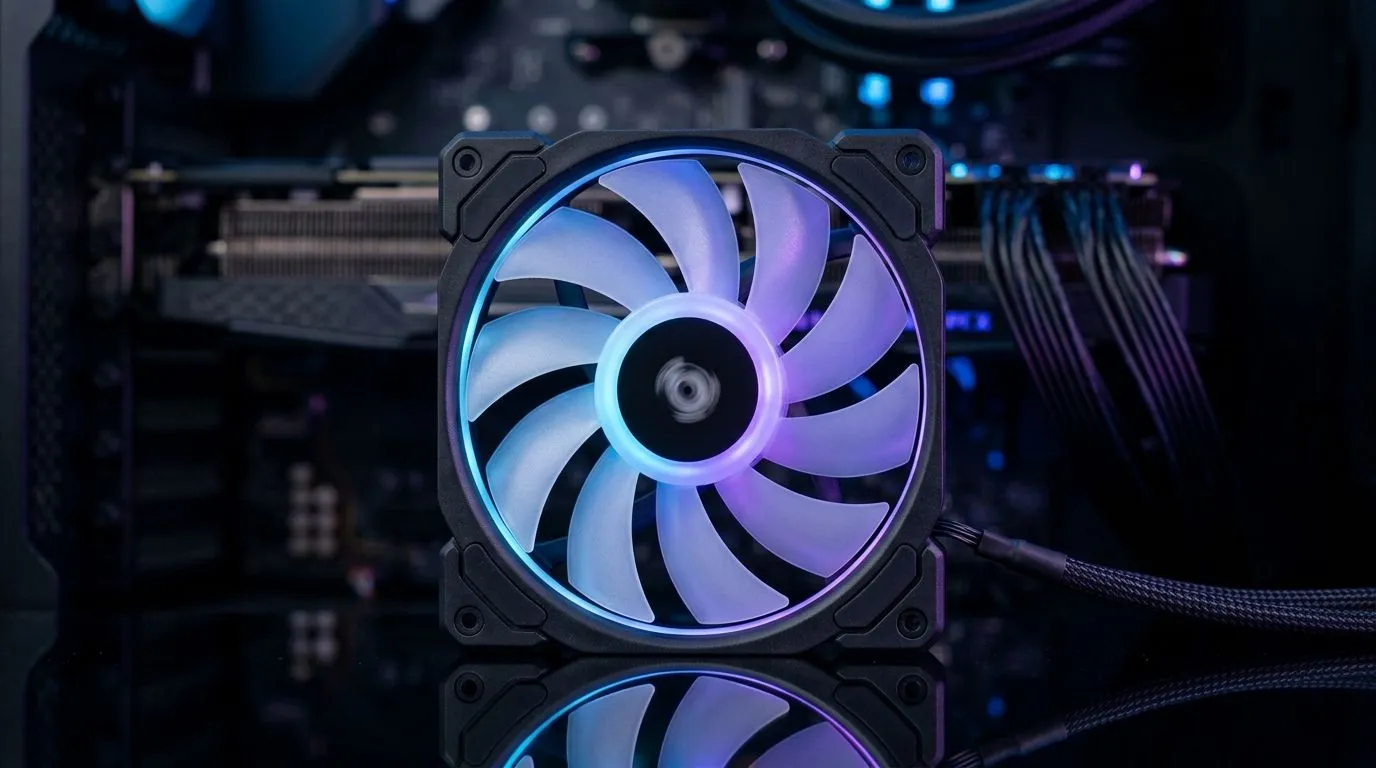
120mm Case Fan RPM Range for Cooling vs Noise Balance: The RPM Sweet Spot for SA Gamers
If your PC sounds like it’s auditioning for a jet engine, it’s probably your fans. If it’s running hot during a match, it’s probably the opposite problem. Either way, getting the right airflow without cranking noise is where the real upgrades happen. 🔧
For South African gamers and tech buyers, a smart 120mm case fan RPM range for cooling vs noise balance helps you game longer, keep temps down, and avoid that “why is my tower so loud?” regret.
What “RPM Range” Actually Means (and Why 120mm Fans Matter)
RPM is rotations per minute. Higher RPM usually moves more air, which helps cooling. Lower RPM reduces noise, especially at night when your living room becomes a testing lab. ✨
120mm fans are popular because they’re a good compromise: they move solid airflow while staying quieter than many smaller fans. But not all “120mm” fans are the same.
If you’re shopping, filter by the fan type that fits your setup:
- Performance first (predictable airflow)
- A balance build (reasonable RPM with manageable noise)
- A show build (RGB, while still caring about cooling)
Start your search with Evetech’s case fan collection here: Browse 120mm and other case fans on Evetech
And if aesthetics matter, you can narrow down from there:
- RGB options: Find RGB case fans
- Non-RGB options: Choose non-RGB case fans
Cooling vs Noise Balance: A Practical RPM Target Approach
Instead of chasing the highest RPM number on the box, think like this: your case needs consistent airflow at sensible noise levels.
A good method for balancing cooling and sound is to:
- Set intake fans to a moderate RPM so they feed your GPU and CPU cool air.
- Let exhaust fans match or slightly exceed intake RPM, so hot air clears reliably.
- Tune fan curves based on your temps, not on your impatience. ⚡
Even if two fans share the same 120mm size, their performance depends on blade design, bearing type, and control behaviour. That’s why shopping by “120mm” is only step one.
Evetech makes it easier to stay aligned with your build goals:
- 120mm size filter: Shop 120mm case fans
- Or compare with 140mm for lower noise: Check 140mm case fans
A quick micro-story from a typical SA setup
You finish installing new RAM, boot up, and launch Apex Legends. The first match is fine… then the second one. After 20 minutes, your CPU climbs and your fans ramp up. That ramp is usually a fan curve issue. Fix the curve, and the noise stops feeling random.
Productivity Pro Tip 🔧
When setting fan curves, adjust in small steps. Raise the fan “start” point slightly first, then change the slope. You’ll avoid overreacting and getting annoying on-off cycling under light loads.
Picking Fans by Brand and Use Case (Still Based on RPM Behaviour)
Brands can differ in how smoothly they ramp and how steady airflow feels under control. If you already trust a brand, start there.
For example:
Use case idea:
- Competitive multiplayer (long sessions): aim for stable temps with restrained noise.
- Single-player marathons: slightly higher sustained airflow is okay if it keeps your GPU happy.
And remember… airflow only works if your case has sensible intake/exhaust direction. That’s free performance.
Your Next Step: Get the Right 120mm Fans for Your Build
Now you’ve got the mindset: don’t chase RPM for bragging rights. Aim for a smooth curve, solid intake, confident exhaust, and fans that won’t drive you mad mid-raid. 🚀
Ready to Find Your Perfect Match? The Mac vs Windows debate is complex, but for maximum power, choice, and value in South Africa, Windows is hard to beat. Explore our massive range of laptop specials and find the perfect machine to conquer your world.











